/t5/illustrator-discussions/how-to-turn-just-the-background-white/td-p/12850409Mar 31, 2022
Mar 31, 2022
Copy link to clipboard
Copied
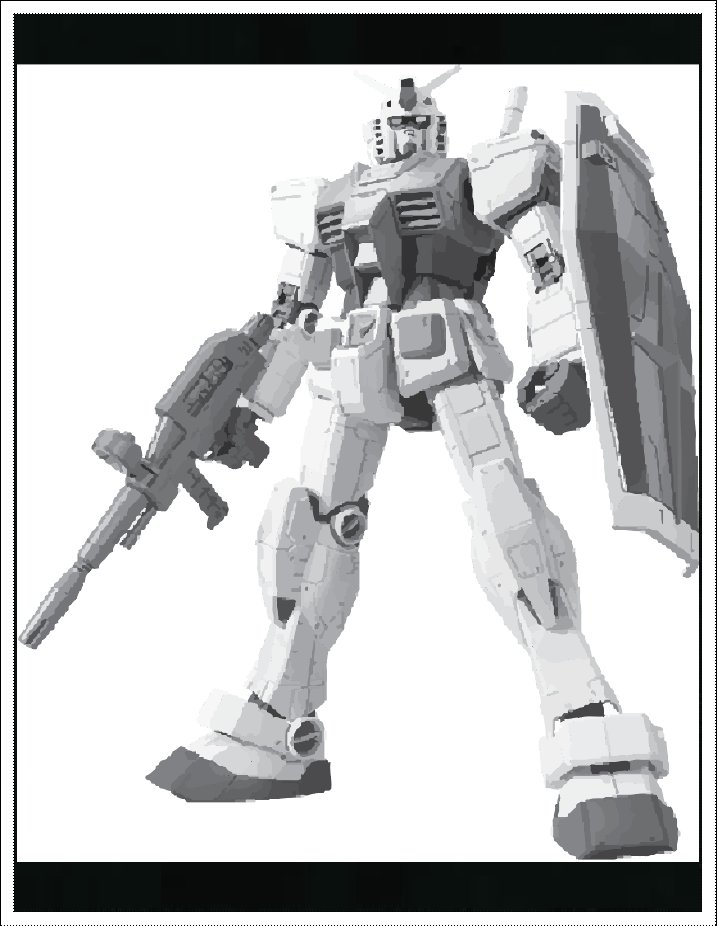
I got an image that I'm trying to grayscale/black and white, and I want to give it more contrast so I have a black background, but the image trace made the original transparent background white. I also can't do ignore white because the image I want to keep has a lot of white in it. Do I have to go into photoshop and manually snip out the image?
/t5/illustrator-discussions/how-to-turn-just-the-background-white/m-p/12850487#M316520Mar 31, 2022
Mar 31, 2022
Copy link to clipboard
Copied
Have you tried using Object>Expand Appearance (or Expand) and then use the Direct Select tool to select the white background and change the color to black?





 2
Replies
2
Replies


 AdChoices