danilglen
Participant
March 15, 2023
Answered

How to Use Blend Tool (shortcut "W") in Illustrator Without Getting Blend in 1 Side?
  • March 15, 2023
  • 2 replies
  • 1038 views


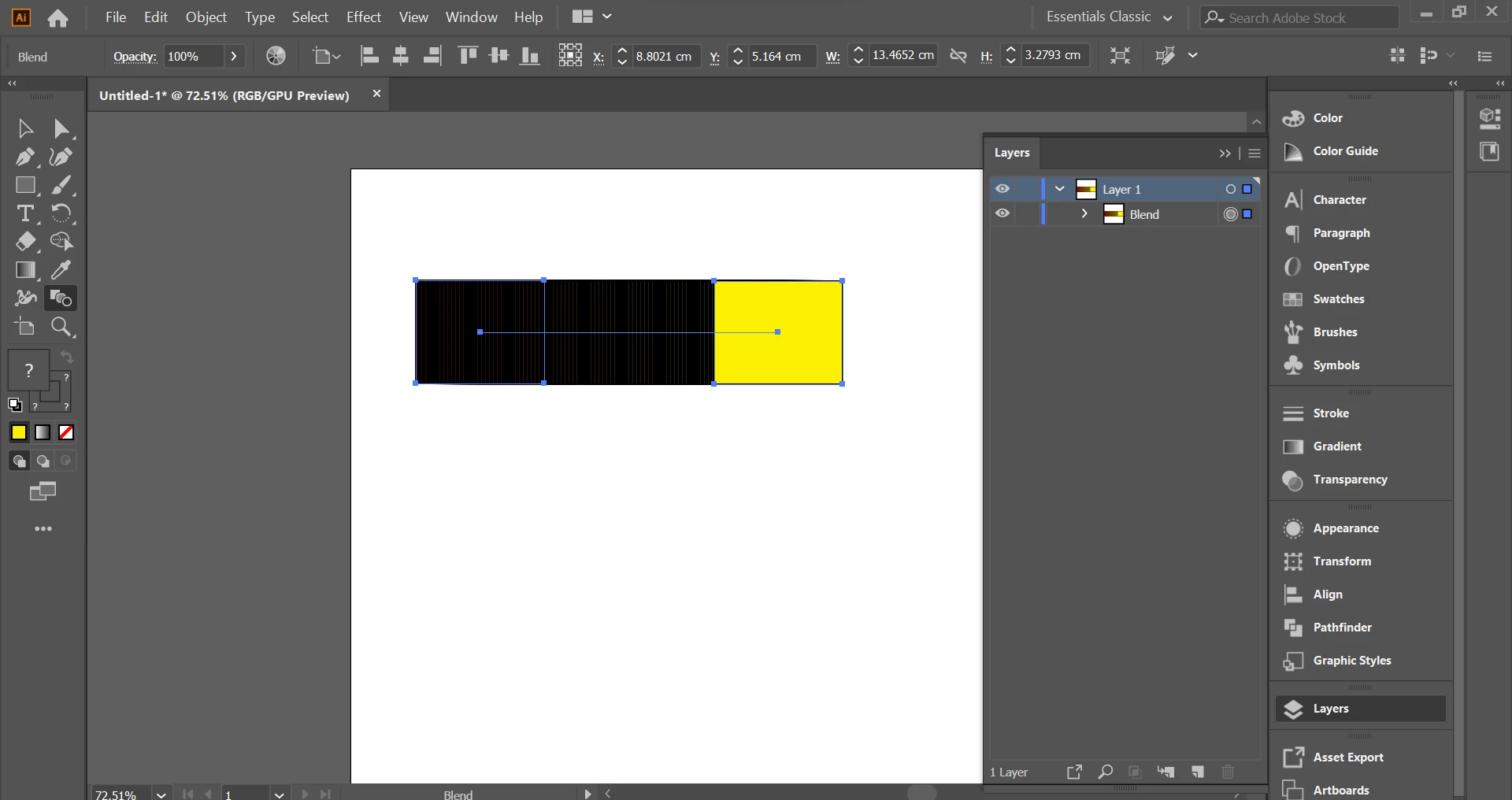
Hello I wonder how to use Blend Tool (shortcut "W") without getting black like in the picture.

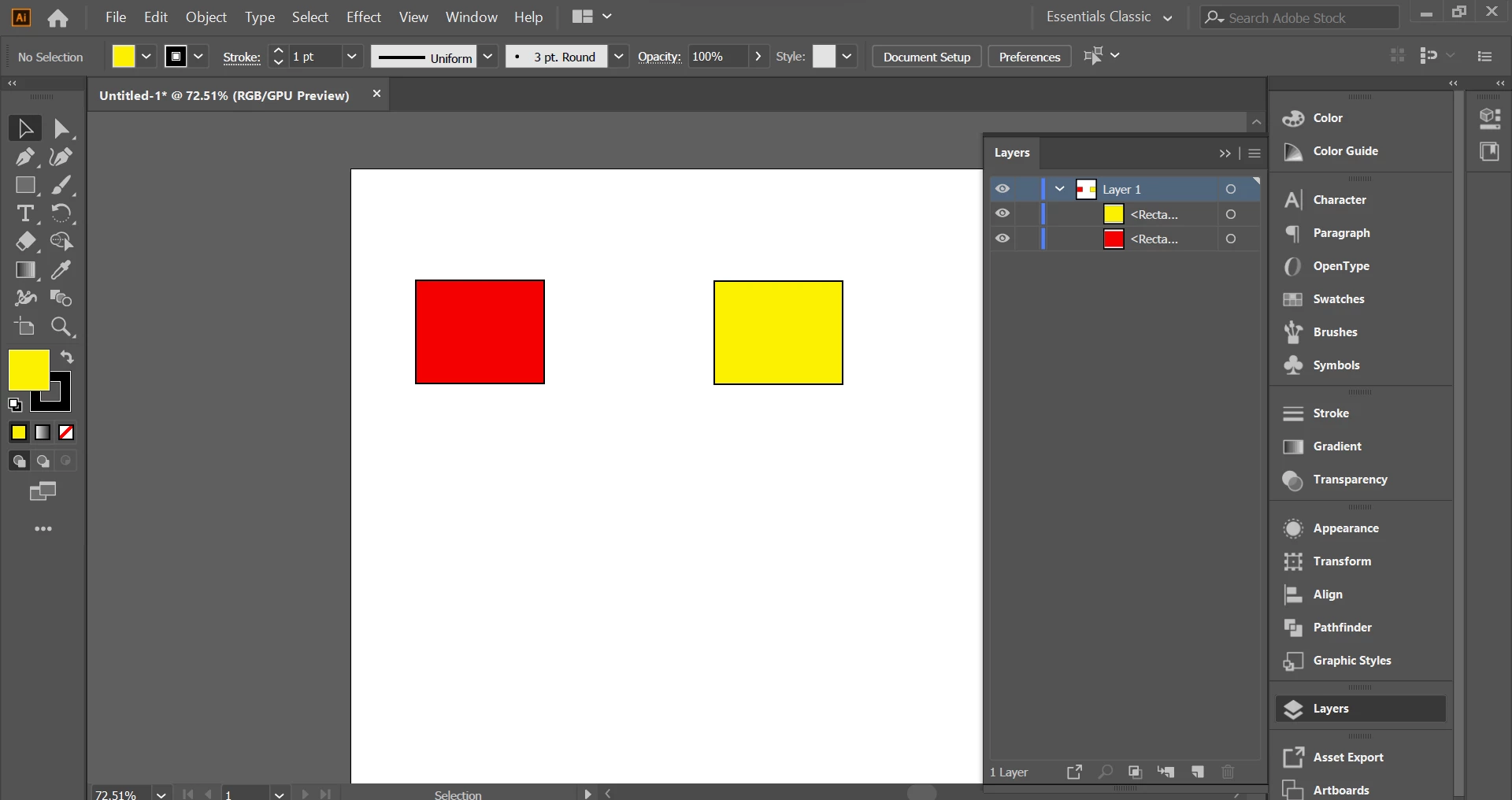
So I try to use the Blend Tool by clicking on the red first and then the yellow.

But the result is the red turn to black?

The questions are:

1. How to use Blend Tool (shortcut "W")?

2. Why did my object turn to black?


This topic has been closed for replies.
Correct answer Jacob Bugge

danilglen,


As I (mis)understand it, set the Blend Options to a lower number of Specified Steps (or a sufficiently large Distance), or get rid of the stroke(s) which hide all the fills but the last yellow one.


You perform the actual making of the blend in the right way, and Illy (job description Adobe Illustrator) kindly gives you exactly what you ask her for.


2 replies

Met1
Legend
March 15, 2023

>2. Why did my object turn to black?

Because your stroke is black (and that's all you can see).


Edit: huh? Jacob replied 4 hours before? That wasn't up there when I replied! And he said it so much nicer...

Jacob Bugge
Community Expert
Community Expert
March 15, 2023

Met,


I regularly see such rifts in the space time continuum.


Jacob Bugge
Community Expert
Jacob BuggeCommunity ExpertCorrect answer
Community Expert
March 15, 2023

danilglen,


As I (mis)understand it, set the Blend Options to a lower number of Specified Steps (or a sufficiently large Distance), or get rid of the stroke(s) which hide all the fills but the last yellow one.


You perform the actual making of the blend in the right way, and Illy (job description Adobe Illustrator) kindly gives you exactly what you ask her for.


danilglen
danilglenAuthor
Participant
March 30, 2023

Yes sir, It looks like turn black because the objects are near and I set my stroke black. Thank you

Jacob Bugge
Community Expert
Community Expert
March 30, 2023

For my part you are welcome, denilglen.


I believe both Met and I should like to enjoy the outcome as you intended it.