
Answered
How transform "Linked Layers" into ordinary "Layer"
Dear all,
Hello,
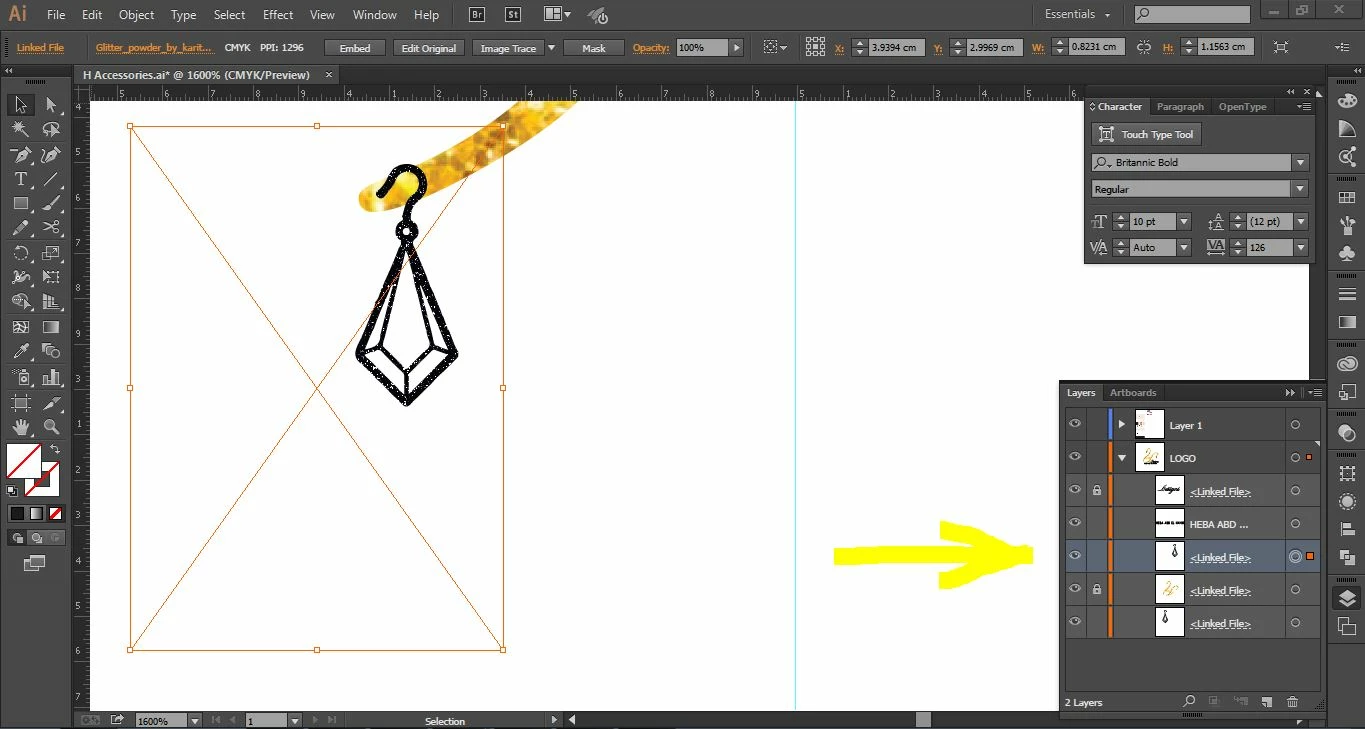
Could I ask please how can I transform a "Linked Layer" into a vectorized expanded layer ; so I can deal with its anchors.
Thank you in advance.


Dear all,
Hello,
Could I ask please how can I transform a "Linked Layer" into a vectorized expanded layer ; so I can deal with its anchors.
Thank you in advance.
You can't "make it" vector if its not vector (.png or .jpg). you would need to live trace it.
to unlink an image you can click embed in the top options you have in that screenshot.
if that however is a linked .png or linked .jpg. its not going to become a vector file.
Already have an account? Login
Enter your E-mail address. We'll send you an e-mail with instructions to reset your password.
 AdChoices