
Participant
April 15, 2025
Answered
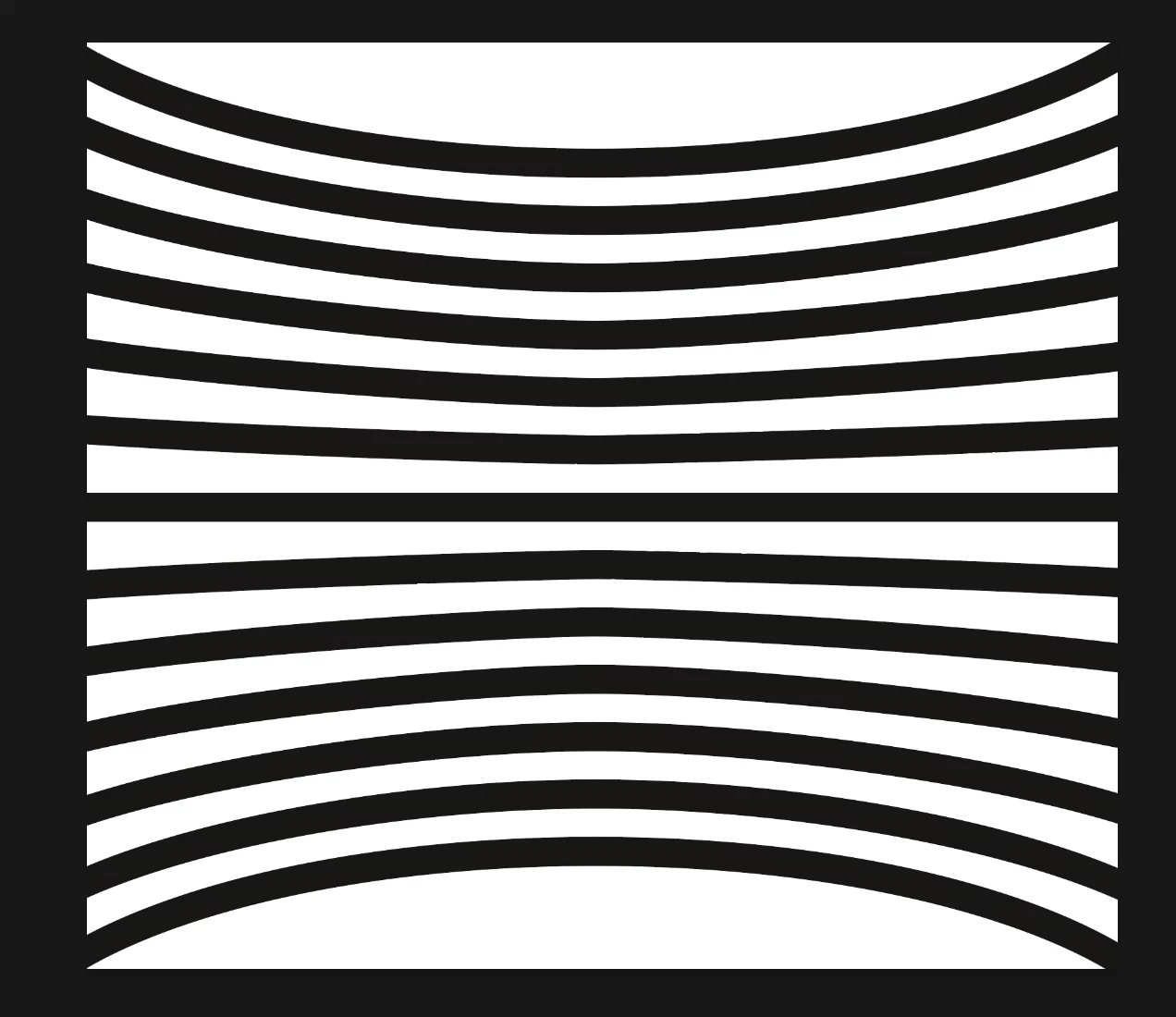
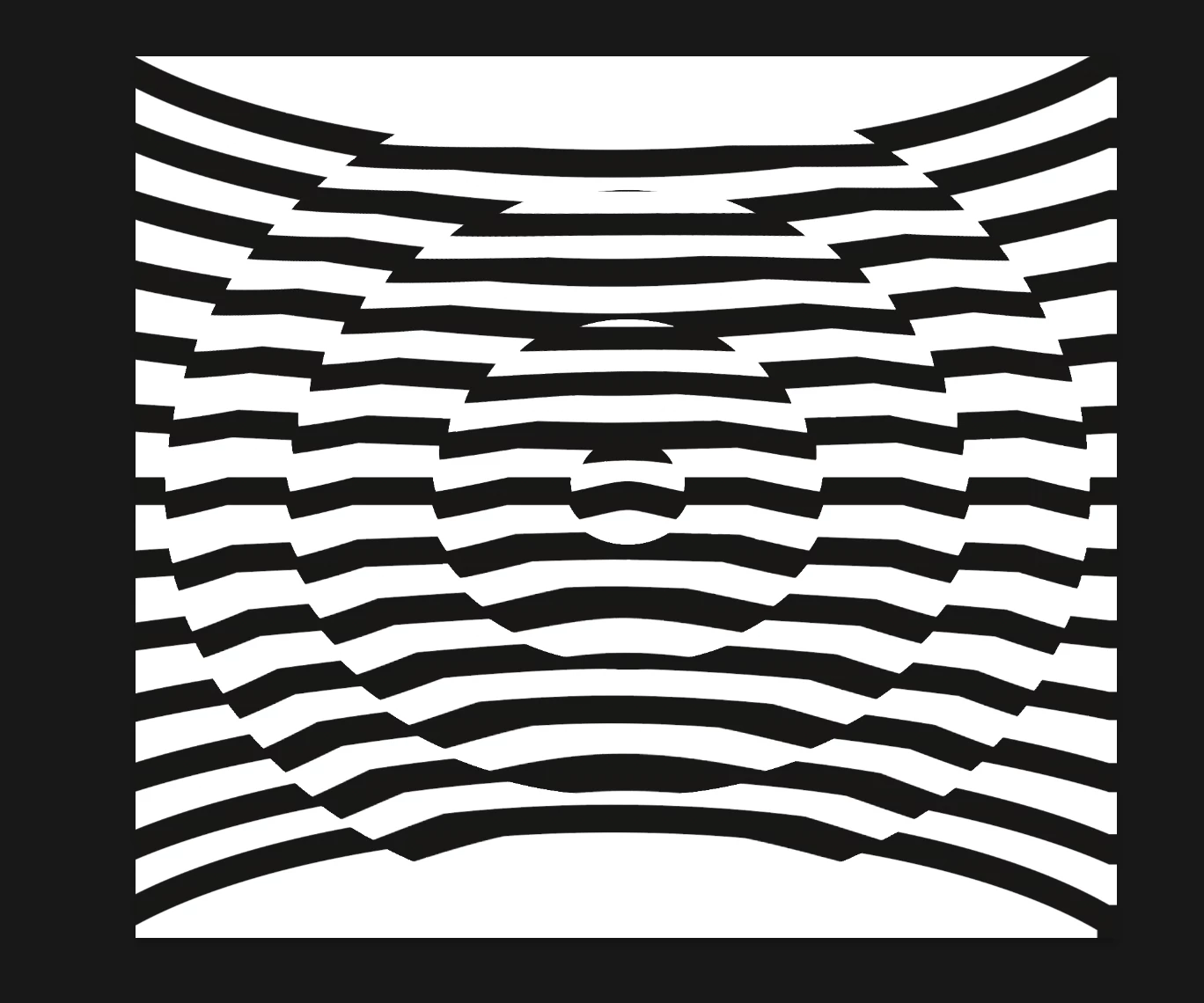
How was this optical wave illusion created? Looking for Illustrator (or Photoshop) techniques!
- April 15, 2025
- 1 reply
- 284 views
Hey all! I came across this brilliant visual and would love to recreate something in this style. The design plays with a warped, wave-like illusion using horizontal lines, but what really grabs me is the stepped/jagged edges on the sides, giving it that layered, glitchy depth.
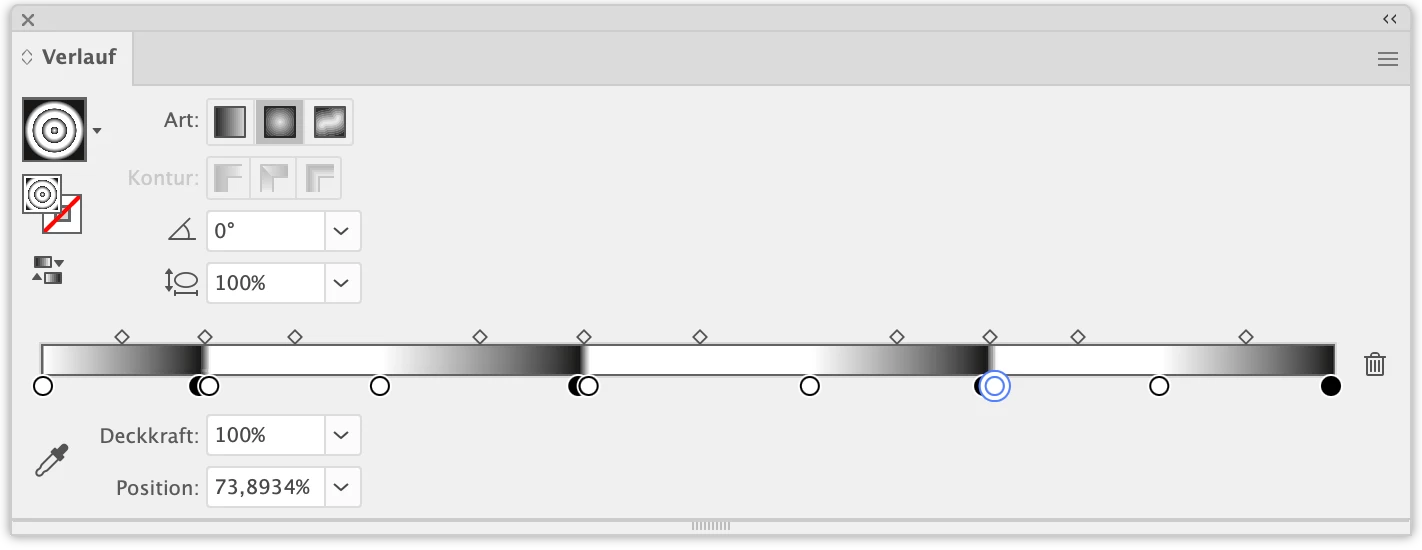
It feels like a mix of displacement, blend, or envelope distort—but I’m not sure where to begin. I'm working in Illustrator but can hop into Photoshop if that's more appropriate for this technique.
Any tips or walkthroughs on how to build this effect, especially how the central "bulge" is formed and the jagged offsets are created, would be massively appreciated.

 AdChoices