
Answered
How would I draw these lines
How would I draw multiple lines that fan out from same point?
Thank you,
Jana
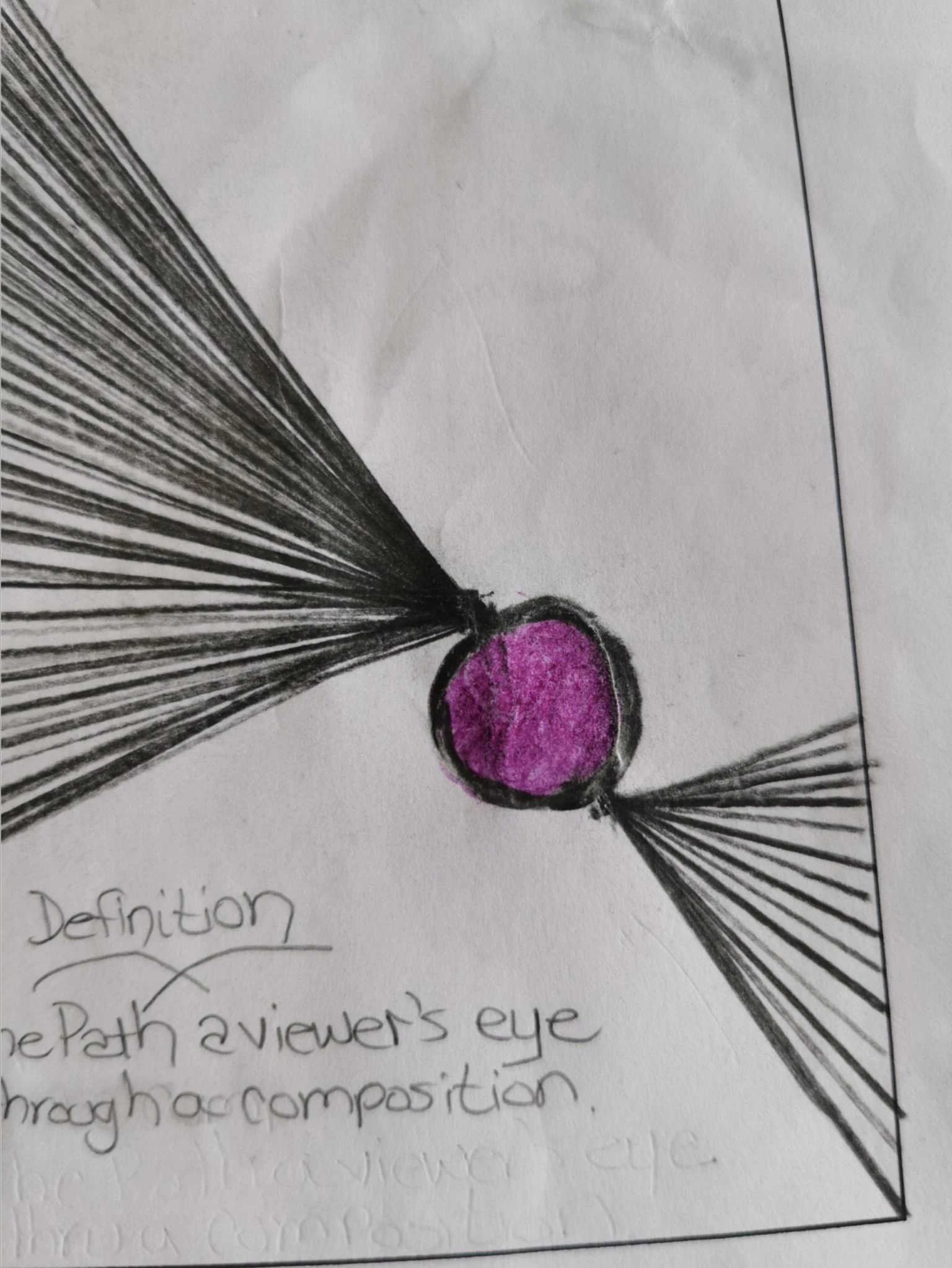

How would I draw multiple lines that fan out from same point?
Thank you,
Jana
Select the line.
Press R to get the Rotate tool.
Alt click the end point of the line.
Rotate while holding the Alt key to make a copy.
Press Cmd D or Ctrl D to repeat.
Or Alt Click with the rotat tool on the endpoint to get the rotate dialog.
Fill in the angle and click Copy.
Repeat with Cmd D or Ctrl D
Already have an account? Login
Enter your E-mail address. We'll send you an e-mail with instructions to reset your password.


 AdChoices