Participant
July 22, 2025
Question

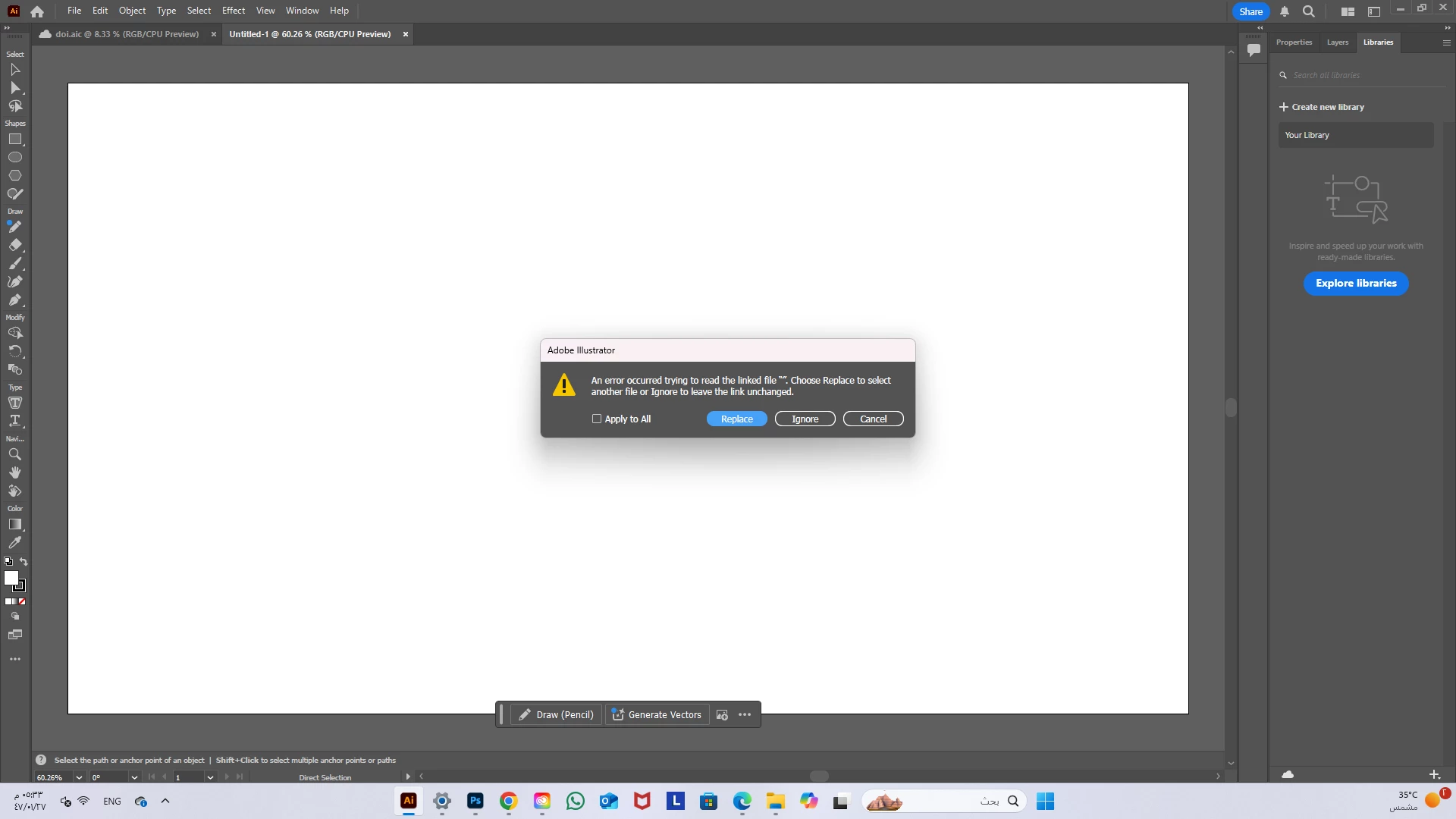
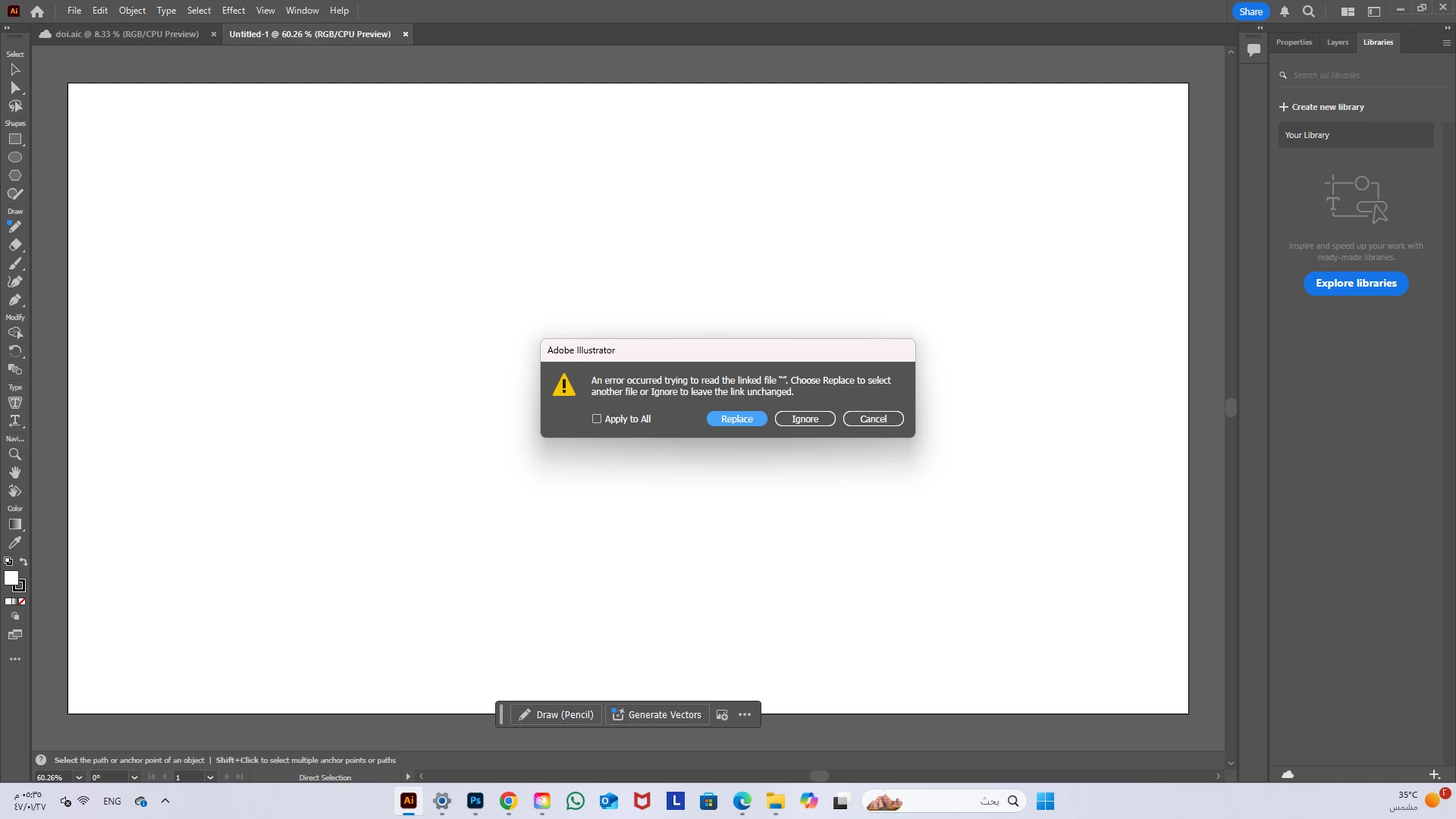
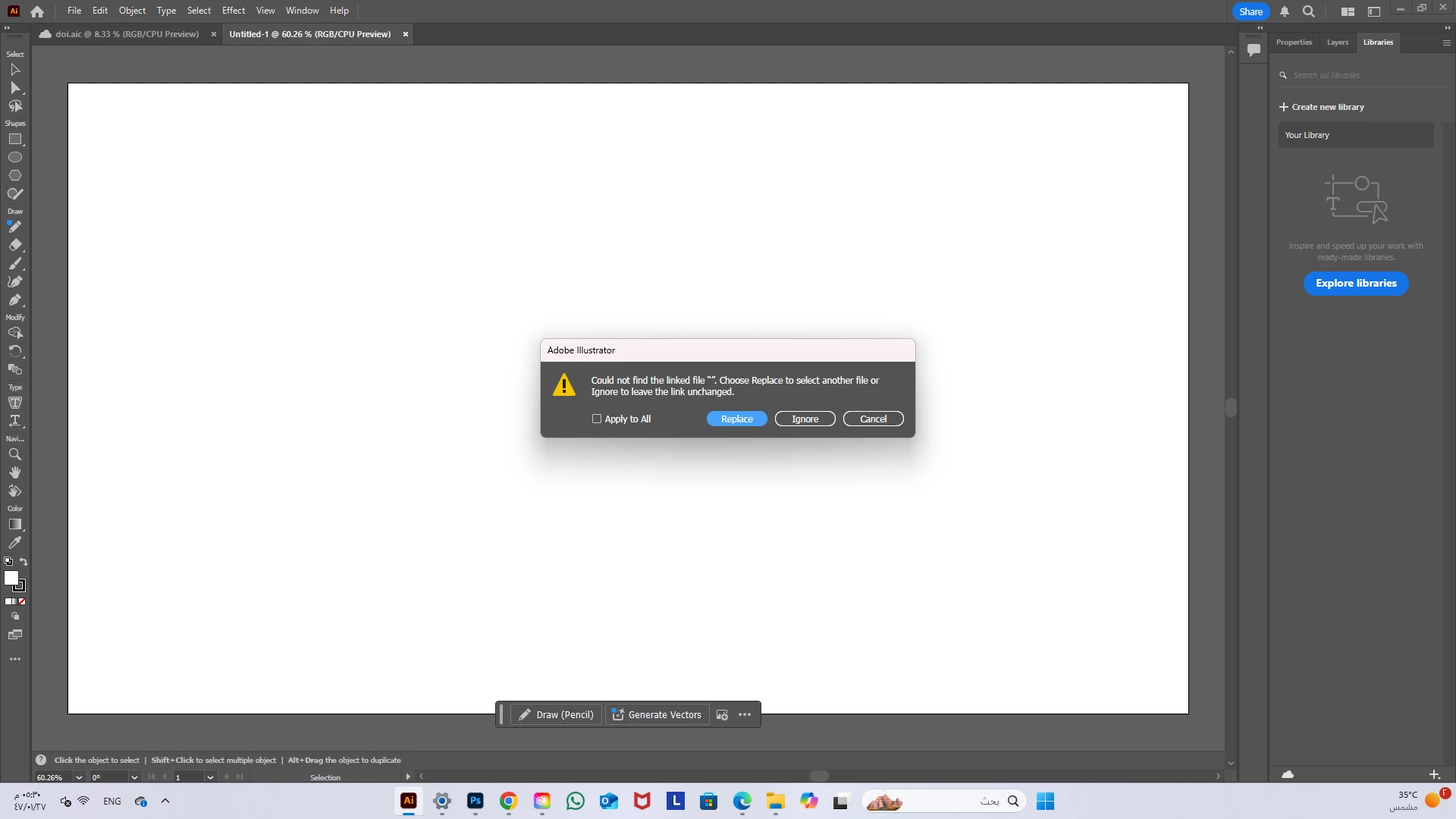
i can't copy as SVG from photoshop to illustrator, why ?
  • July 22, 2025
  • 3 replies
  • 155 views


I used to do it but now, i can't copy as SVG from photoshop to illustrator, why ? it show me link error when i paste it 

3 replies

Abhishek Rao
Community Manager
Community Manager
August 5, 2025

Hi @Doi.sa,


Thanks for sharing the screenshots. Since this worked for you before, please try the expert's suggestion and update

If the issue continues, kindly share your exact OS version and confirm if it happens with all files or only specific ones. Also, in Illustrator, go to Edit > Preferences > File Handling & Clipboard and make sure both PDF and AICB (No Transparency Support) are enabled.

A short screen recording of your workflow would also help us share it with the team for further investigation.


Looking forward to your update.

Abhishek

Monika Gause
Community Expert
Community Expert
August 2, 2025

Can you check the preferences > File handling? Is SVG checked?

Anubhav M
Community Manager
Community Manager
July 22, 2025

Hello @Doi.sa,

I'm sorry to hear about your experience. Could you share more details, like the version of the OS/Illustrator/Photoshop installed, and if this started happening after a recent hardware/software change, so I can better assist you?

Also, try running this after rebooting your computer in Safe Mode (Windows / macOS) and letting us know if it helps.

Looking forward to hearing from you.

Anubhav

Doi.saAuthor
Participant
August 2, 2025

The version of the Illustrator/Photoshop is 2025 latest version. my computer is brand new but when i add the apps in it this problem happen. the svg file that copied from photoshop didn't show in Illustrator as usual!!