
Inspiring
April 9, 2022
Question

I can't edit the text in this eps file that should be editable.

  • April 9, 2022
  • 1 reply
  • 3380 views

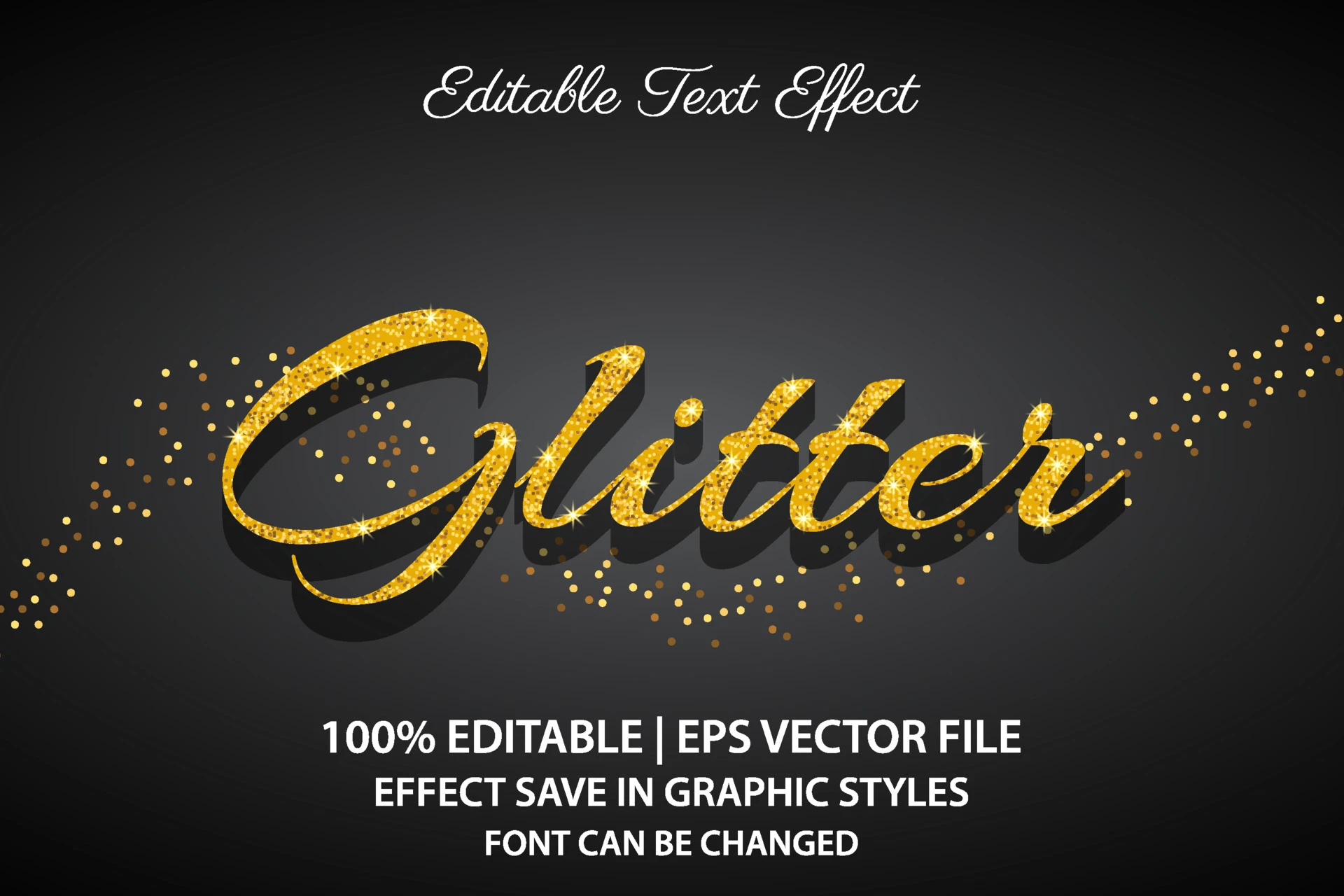
I have attempted to edit the text in the attached .eps file from vecteezy. I can't do it, as my attempts just make the text disappear.

I would like to change the words to MUSIC. Please help. Thanks in advance.
This topic has been closed for replies.

1 reply

Monika Gause
Community Expert
Community Expert
April 9, 2022

You cannot edit the text.


What you need to do: create a new text.

Apply the Graphic style from the graphic styles panel to it. The name of the style is "Graphic Style"

Inspiring
April 10, 2022

Hi, thanks for the help. When I was working with graphic styles, I saved the glittery effect there, but when I went into a second file I had open at the same time, the graphic style was not in the list. Is there a way to save a graphic style so that it is available to all projects in Illustrator?

Anna Lander
Inspiring
April 10, 2022

Swatches, Styles etc are corresponding to the certain file. So you can apply the style to any simple object and copy/paste it to another file. The style will appear in its Styles panel.