
Answered
I can't turn off special ligatures default
Hi. I'm using Illustrator CC 22.1 (the latest version my Mac OS can run, so don't tell me to update it thanks). and I can't turn off special ligatures for a typeface.
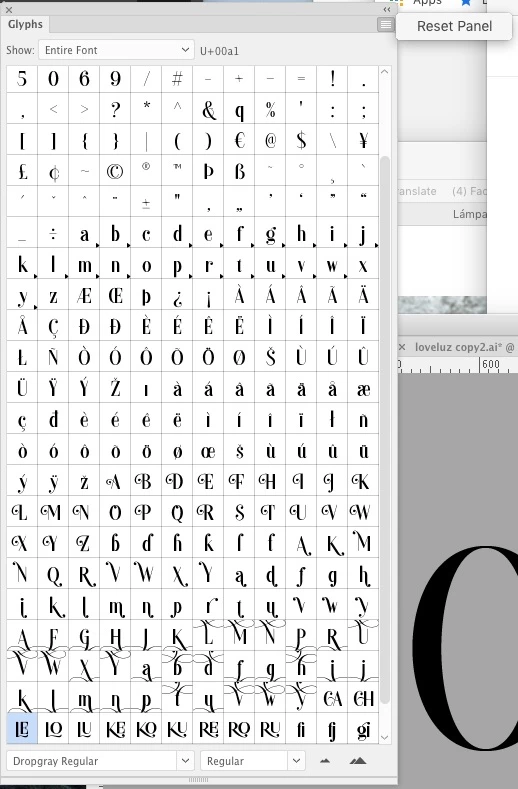
I can turn off the usual ones fi fl etc. no problem. But, the font I'm using has lots of alternatives and it's defaulting to them instead of choosing the standard letters. As you can see in the attached image LE is a problem at the moment. I now how to set the alternatives from the glyphs panel but I can't do that every time I type a word that has potential ligatures. Words with LE crop up quite a lot for a start. 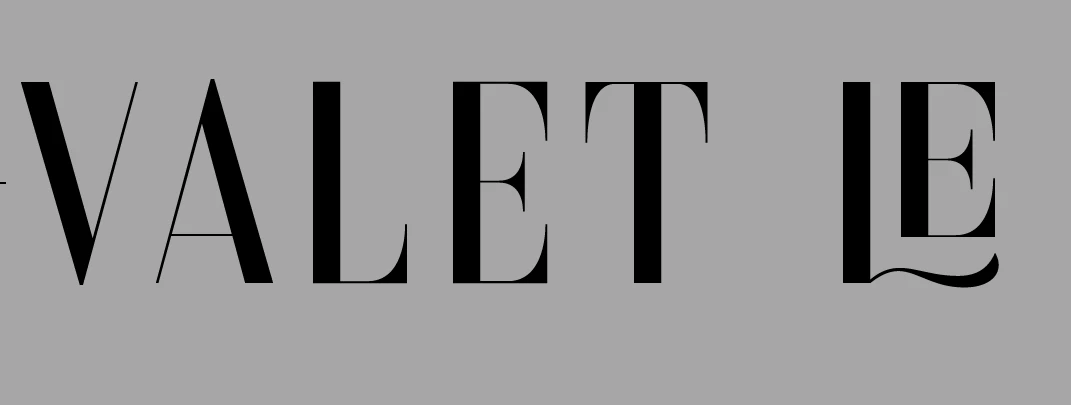
 AdChoices