
Copy link to clipboard
Copied
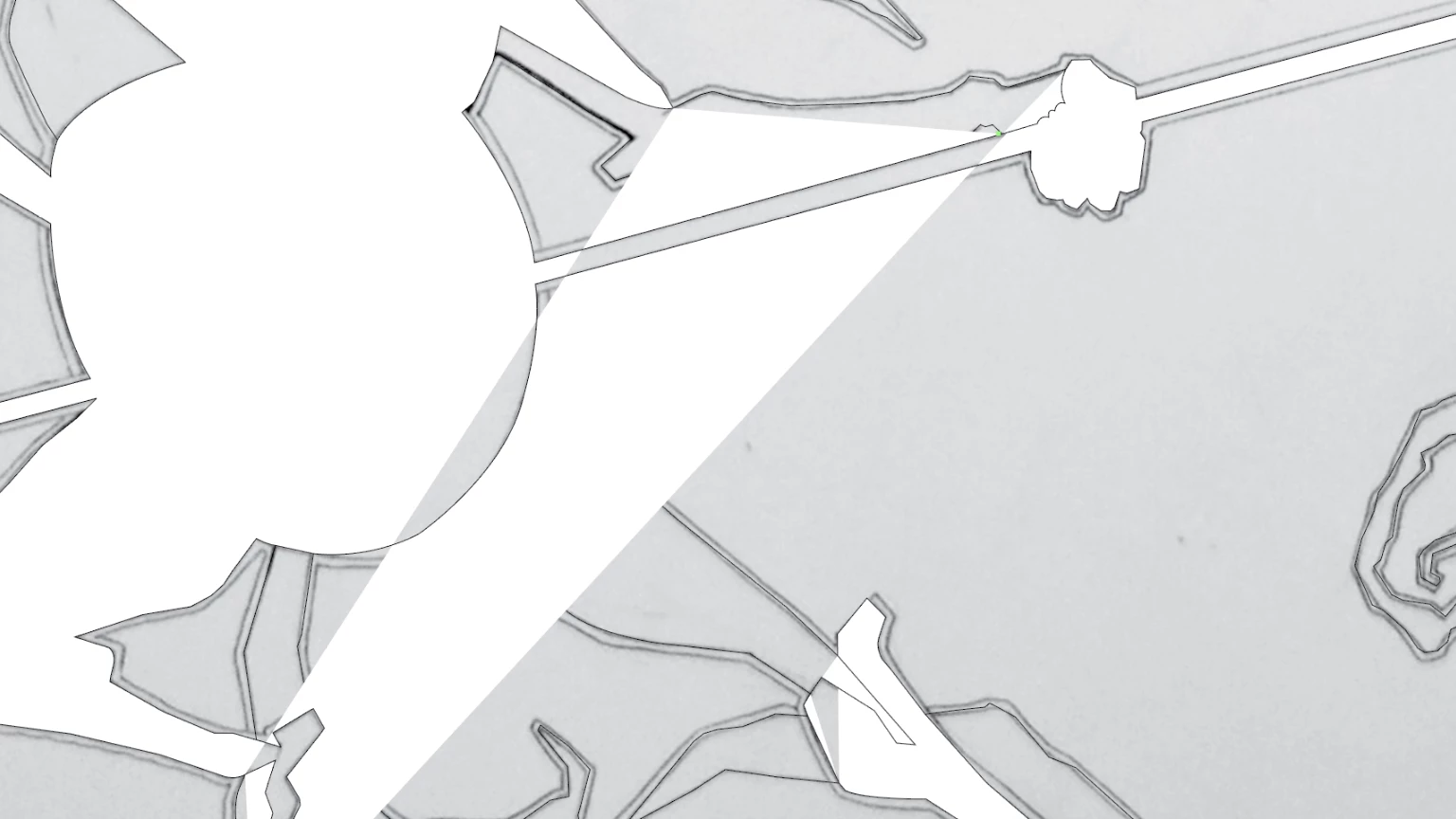
Here is the image. I'm using pen tool to overlay the drawing and this is about the sixth layer. All objects are closed and I have created a Compound Object but its not working.
Copy link to clipboard
Copied
Some of your paths have not been closed. You ned to make sure that they are before you create the compund path.
You could try the shapebuilder tool for this. Please read about it in the documentation.
Copy link to clipboard
Copied
Hi Monika, I believe the paths are indeed closed. Is there any other reason this could happen? When I remove sections of the vector I make sure to close the path on the sections I keep.
Copy link to clipboard
Copied
They certainly don't look like they are closed.
Copy link to clipboard
Copied
Upon restarting - the paths managed to correct themselves? Not sure if that is the right term.
Yes they are closed. The image above has the same exact paths as this image here. Except when I make a compound path sometimes the fill pattern in first image I posted happens. So my question is, how to stop that from occurring or is it a bug.. Sometimes if I cut other parts out of the vector first I don't get that weird fill.

Copy link to clipboard
Copied
By just looking at it you won't find out if thaey are closed. They might still be separate paths that are not closed.
Get ready! An upgraded Adobe Community experience is coming in January.
Learn more