

Problems with selecting a Path / Direct Selection - Illustrator 29.4
So I've been using Illustrator for over 22 years now, and only remember having this issue once before.
I've checked the forums, Google, and I found one person with this issue 5 years ago, but there was no solution found. I haven't been able to find someone with this exact issue yet. So either I'm searching for the wrong thing, or?
So I'm trying to select an object, and no matter what, Illustrator will select an object behind it unless I'm zoomed in very close to said object, for example:
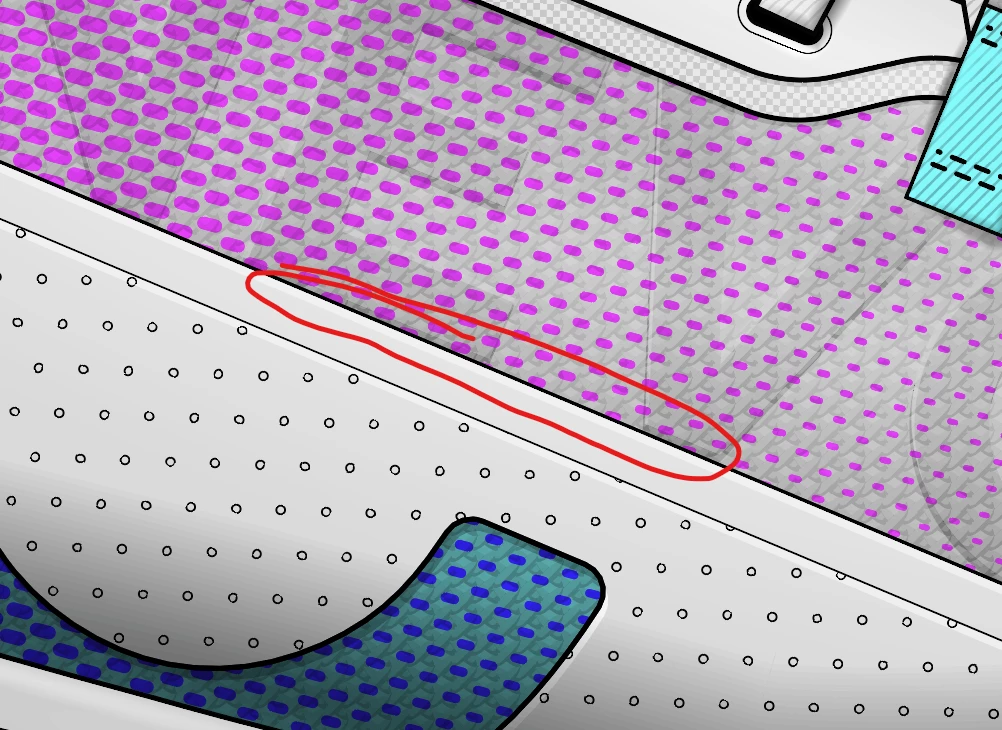
I'm trying to select that shape inside the red circle, (that grey shape with a black outline). And no matter where I click on the outline or the shape directly... it selects the complex pattern behind it (which is actually multiple shapes behind it)
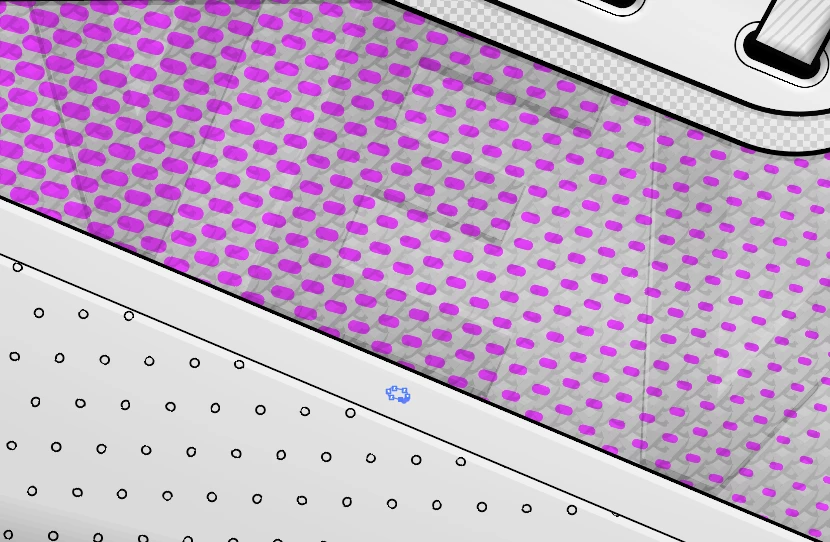
So no matter where I click on that grey shape, it tries to select the pattern below it.
All objects are unlocked, on the same layer, and in the same group.
It doesn't just do it for the pattern, it does it with a ton of other objects too. This is across multiple files saved on different versions of Illustrator.
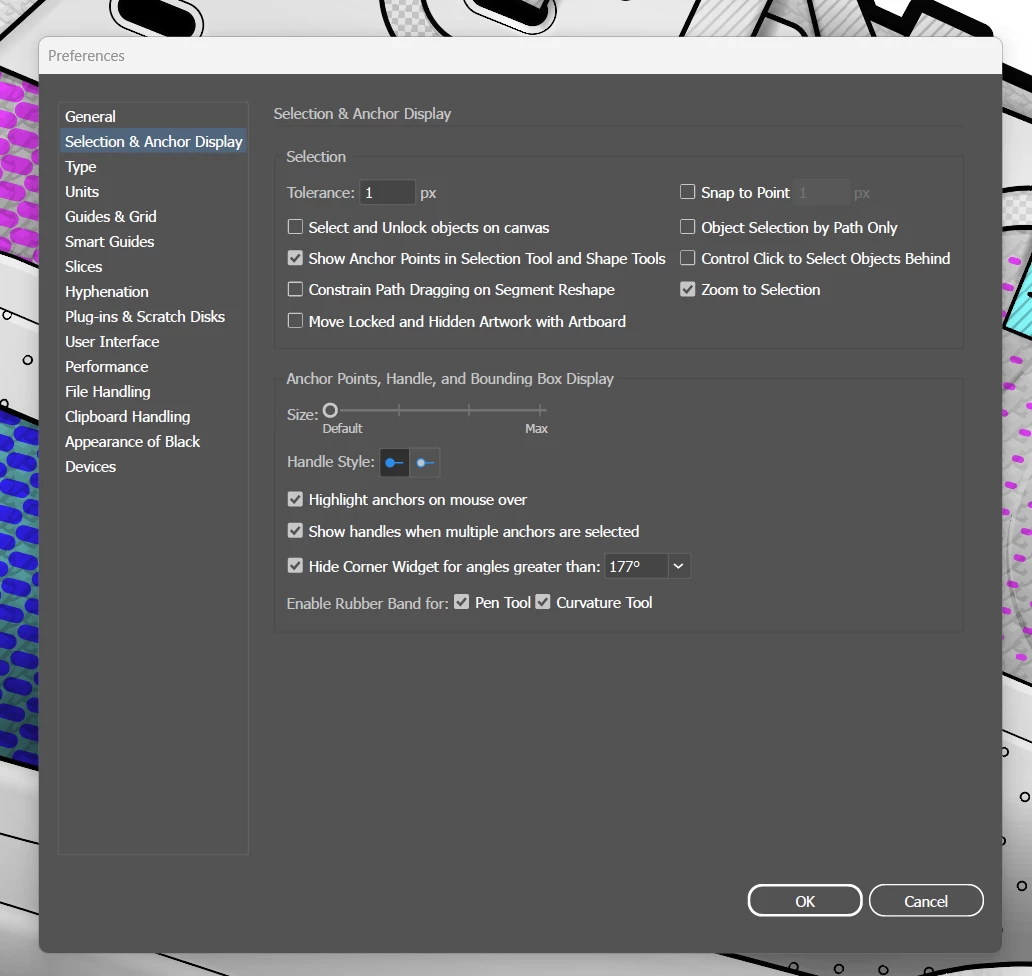
I've tried changing the selection tolerance, object highlighting, I turned "Snap to point" off (on or off didn't help)
These are my current selection and anchor point settings, but I've tried almost every one of these, and I still have the same issue. I've even had object highlighting on, click on the object it has highlighted... and it still selects the object below.
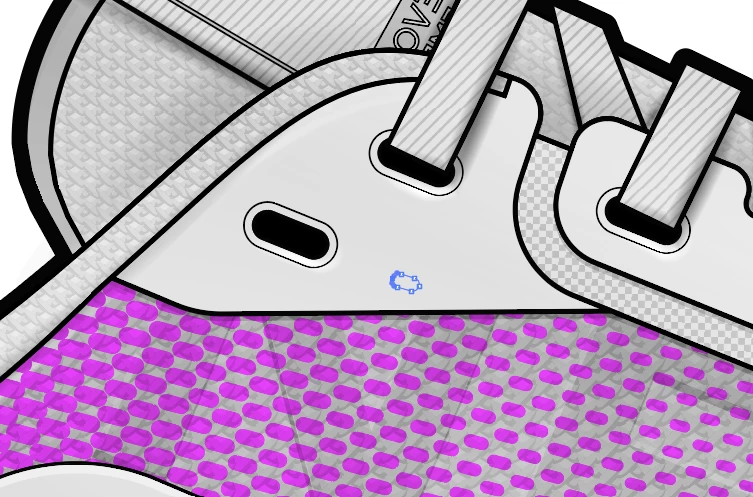
Another example below, no matter where I click on that grey shape, it always selects that patern underneath, this is changing my selection tolerance all the way up to 5px, and no difference.
It's gotten to the point where it has drastically effected my workflow and efficiency having to zoom in so close everytime I want to select a simple shape.
Please help


 AdChoices