
I'm prolly being stupid but...Pathfinder Crop and Merge Not Working
Hi,
I'm trying to do something I've done before with no issues but now I can't seem to get the Pathfinder Crop and Merge functions to work and am out of ideas about how to proceeed so any help would be greatly appreciated...
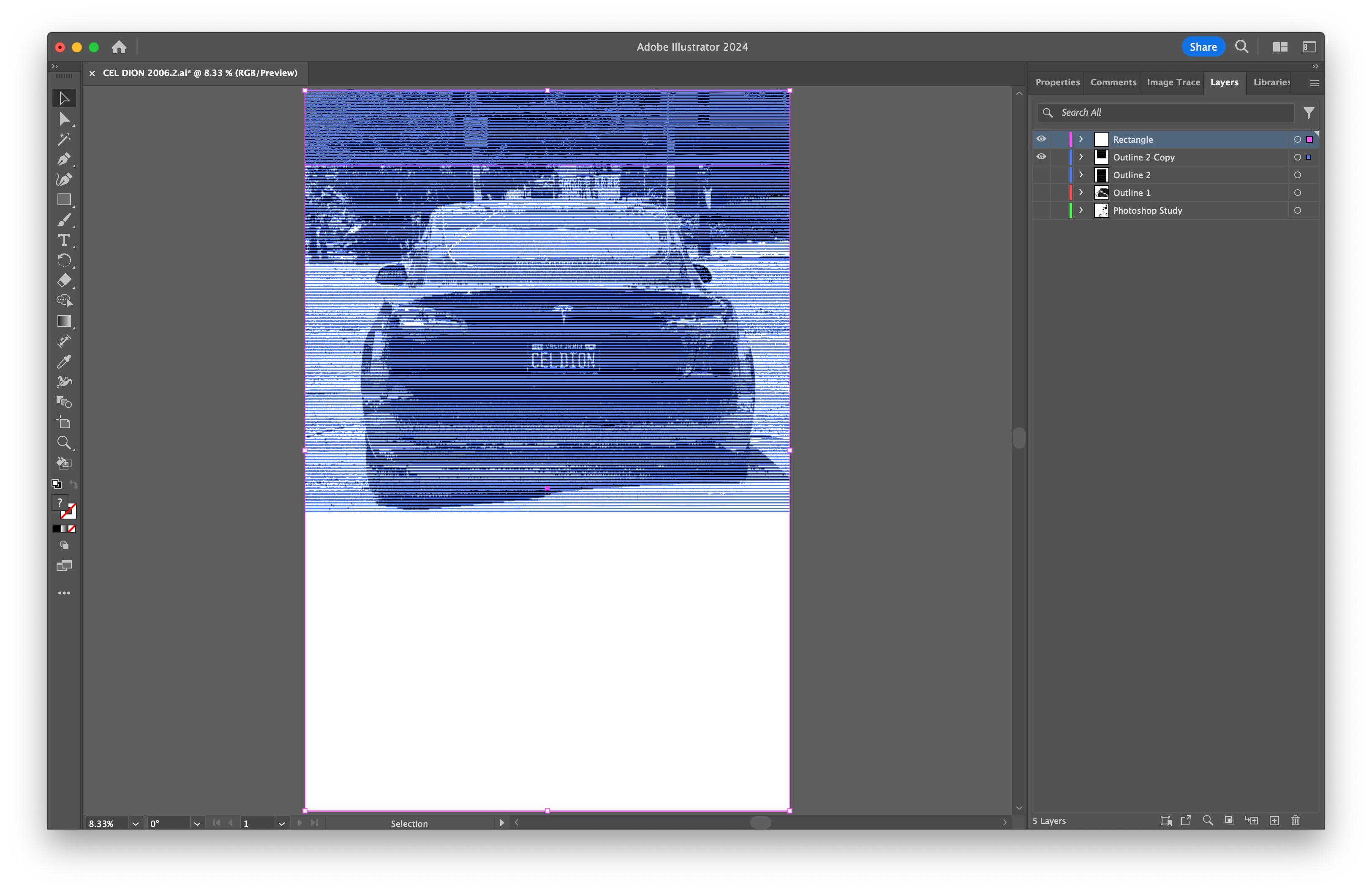
First, I have a vector that I would like to crop and I'm selecting it and a rectangle I've made and put in the layer above it to crop it. Strangely, when I use the Pathfinder Crop function to crop the vector it does nothing, but when I move the rectangle or adjust its height then try cropping it, it works. Here's a screenshot of the vector and rectangle above it selected...
Second, I'm trying to merge two vectors and usually I select both and click Merge and that's it but, again, when I select both and try to merge them nothing happens. Here's a screenshot of both vectors with the second one selected...
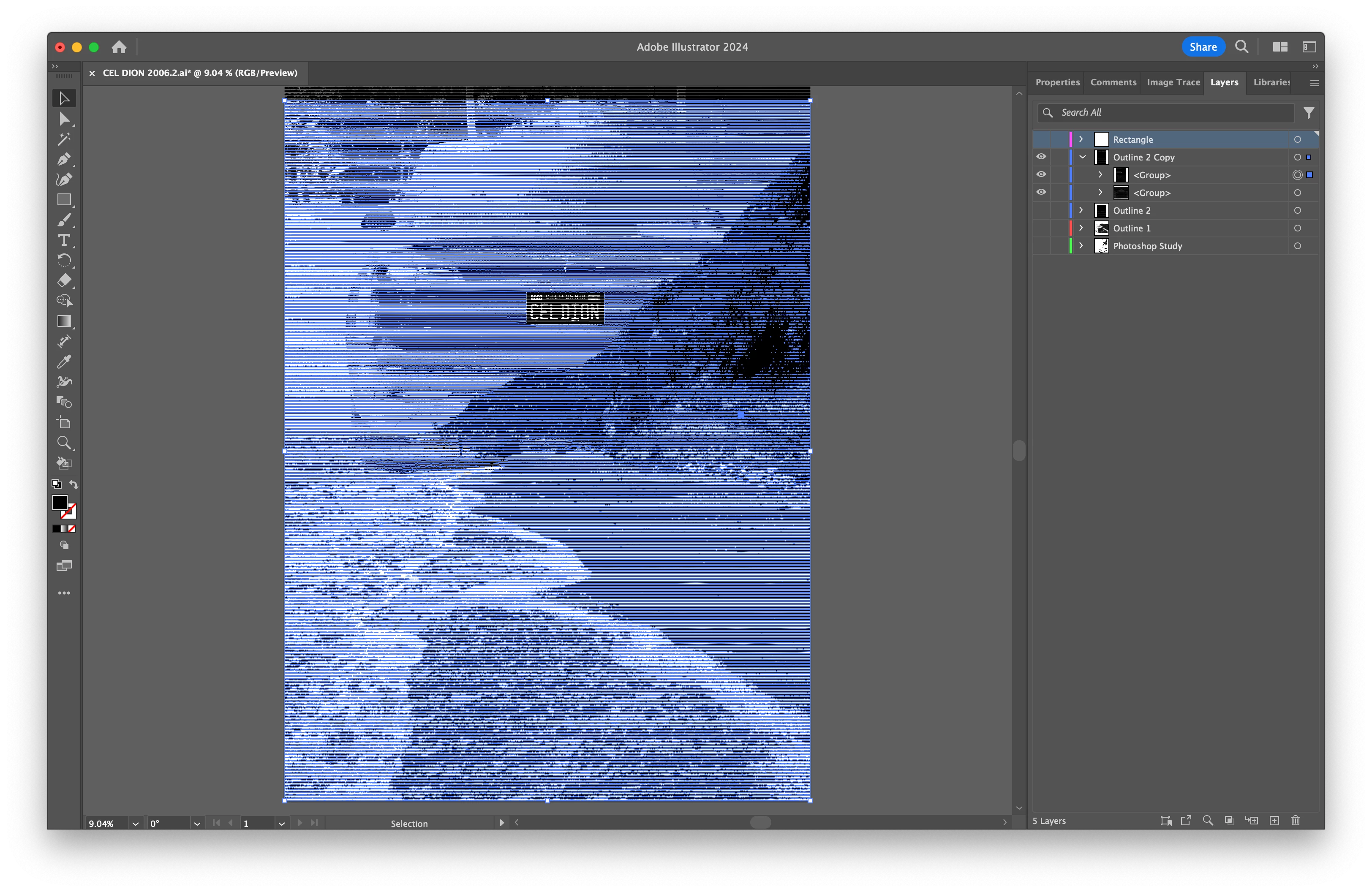
I've tried putting them on separate layers then merging them; I've tried uniting them; and I've tried copying and pasting them into a new file but nothing works. Strangely, when I click the merge function, the "Applying Merge Filter" dialog box and progress bar appear but when it's done nothing has happened, the two vector files are still separate, and the undo function has nothing to undo. I suspect it's the same issue affecting both the Crop and Merge functions. Anyone have any idea what I'm doing wrong?
Thank you!
Benjamin
 AdChoices