Hi, Would you mind uploading these pictures agian!
elfengoura,
I am afraid that James has been away from the forum for some time, but you can still see and use the screenshots, so a new upload would give nothing new.
You can also use some of the other suggestions here, including the links to pattern construction, just as they are.
It may be better to carry on here with so much to refer to than in your new thread here,
https://community.adobe.com/t5/illustrator-discussions/change-patterns-from-horizontal-to-curved/td-p/13762488
and maybe post your image here too.
Here is the part of my answer from the new thread, that still applies:
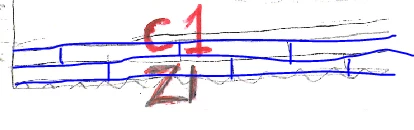
Your first image shows highly irregular stonework. If that is what you want, you can create an Art Brush and use that. The Art Brush will give one instance of the artwork, whereas other will give tiles that are repeated.
You can read (more) about the different kinds of Brushes here (and search for specific ones).
https://helpx.adobe.com/search-results.html?q=brushes+illustrator&scope=%5B%22helpx%22%5D&subscope=%...
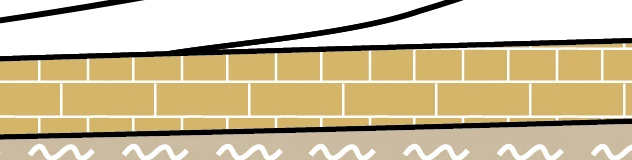
Each of the two pattern tiles in the post by James (JETalmage) shows a simple repeatable tile in a regular stonework, only made (softly) irregular by adaptation, as James showed.
You can make a more varied one with more stones, such as the courses of higher and lower stones you have (still with a bond pattern), but it must be made from a part of the stonework that will fit seemlessly if you repeat it.
I am afraid that James has been away from the forum for some time, but you can still see and use the screenshots here.
In any case, if you have a raster image you will have to start over.

 AdChoices