
Illustrator 2019 gradient panel and tool issues / Bugs
For me, the gradient panel does some weird things when I stop working on a shape with a gradient and then come back to tweak the gradient more.
The panel becomes useless at this point and I have to go and hide options for the panel and then show options again for it to function normally again. This happens without fail, every time I try to edit gradients or tweak them after selecting another shape with a gradient applied.
Also:
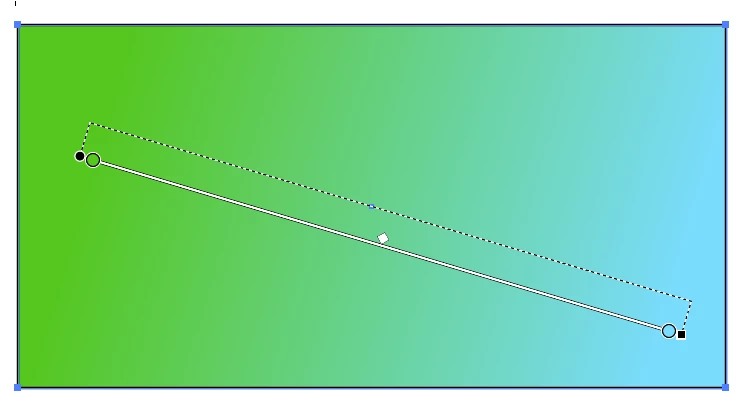
When using the gradient tool, I used to be able to constrain it horizontally or vertically using shift, but that no longer works. Why remove that feature? Also, I cannot click on an anchor point in the tool to drag the gradient gizmo around. I have to re-apply the gradient in order to change the base positions of the anchor. This is pretty bass ackwards.
 AdChoices