
Inspiring
June 24, 2020
Answered

Illustrator 2020 Can't finish preview

  • June 24, 2020
  • 5 replies
  • 6986 views

Hello all. I have a Macbook and a desktop Mac. When trying to apply a gradient, my file suddenly turned to outline mode. When I try to change it back, it says "Can't Finish Preview". I've tried opening the file on both of my computers to no avail. I've also restarted Ilustrator and my computers. This is for work so the sooner this is solved, the better.
This topic has been closed for replies.
Correct answer laraeh

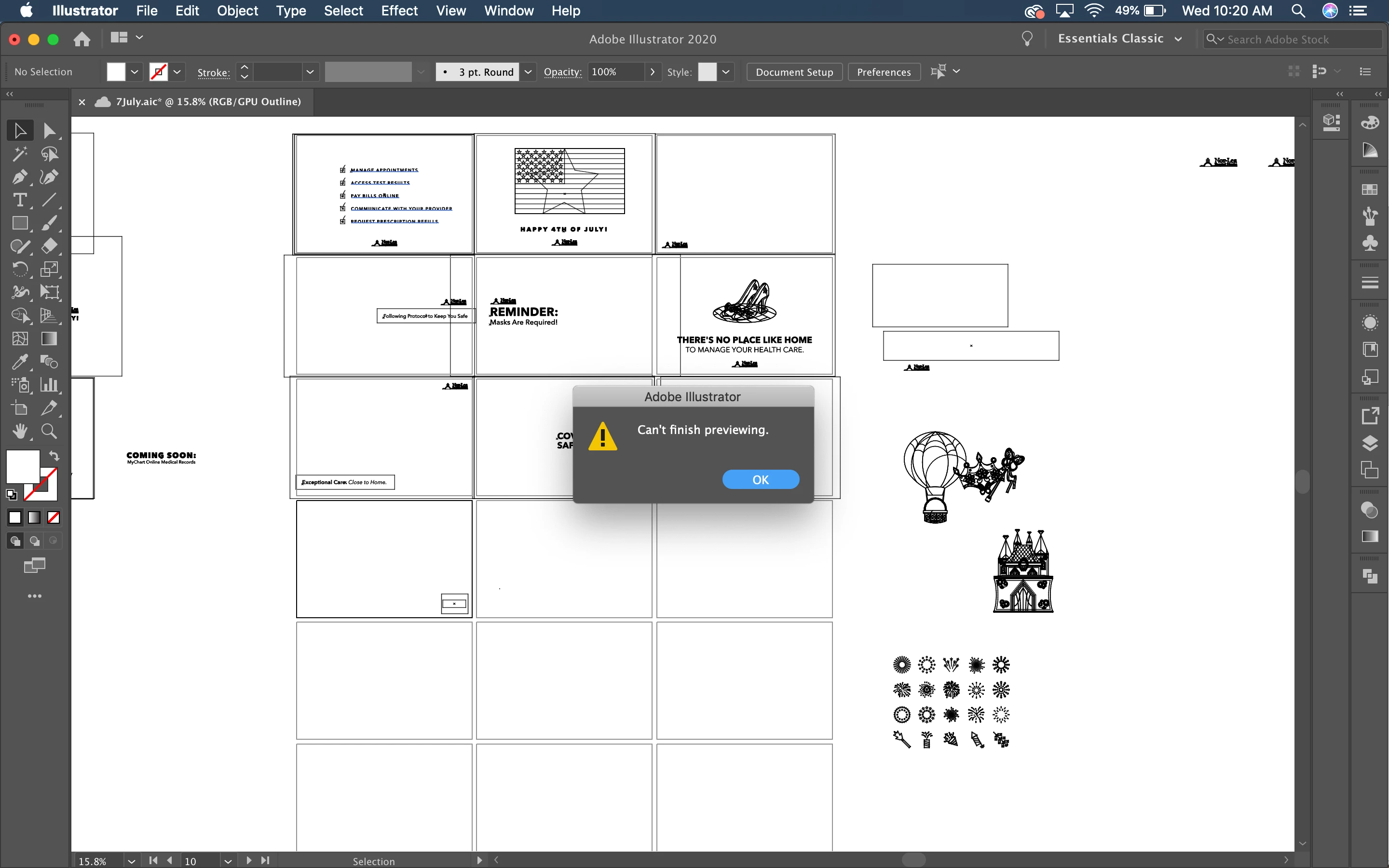
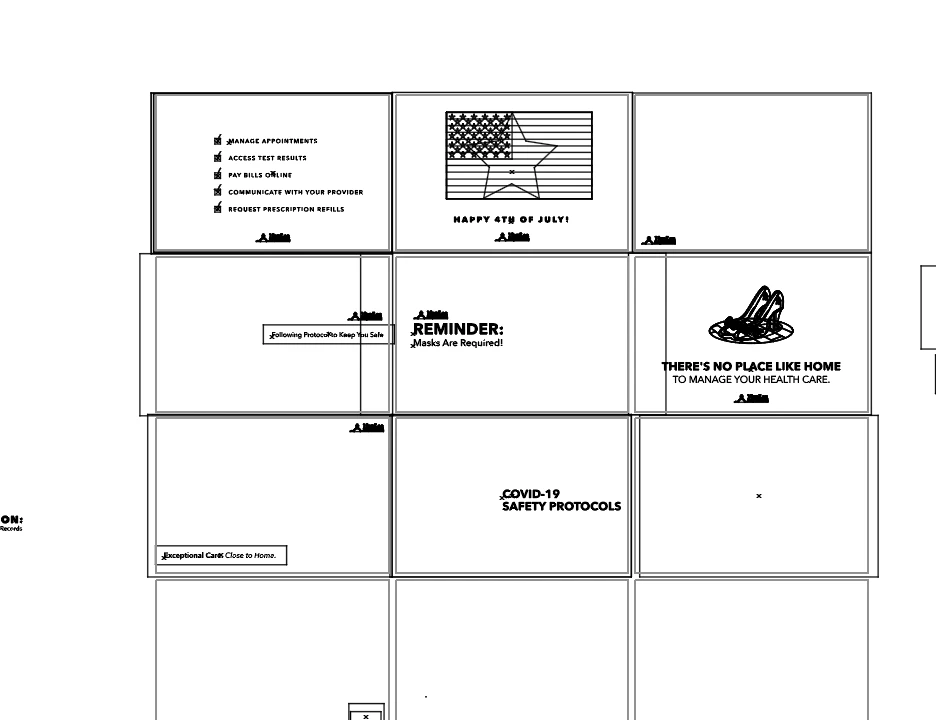
It's a social media calendar for a client. I was adding a gradient over an image to make the text more readable. I tried copying my work to a new file and am still having the same issue. I've attached a screenshot!


It seems like the issue was the gradient itself. I deleted the last few posts I was working on and now I'm able to see everything else. So the underlying issue still isn't solved but I may have found a workaround that'll do for now. I hope Adobe fixes this problem soon! I came across many others who are having this issue without any solutions. Thanks for your help, Doug_A_Roberts!

5 replies

rubaalramlawi
Participant
September 3, 2020

Hi Laraeh, Has your problem been solved? Please provide me with the method if you skip it. and Thank you.

laraehAuthor
Inspiring
September 3, 2020

I found that finding and deleting the problem shape, normally whatever I was working on when I got the error message, got rid of the problem

Glen Charles Rowell7855424
Known Participant
February 17, 2021

This memory problem needs to be fixed. Illustrator 25.1 gets a message when doing simple stuff as well. I have a computer with 32GB of memory and an NVidia 3090 graphics card. Why does Illustrator say it is running out of memory? I even set the scratch disk to an M.2 NVMe drive (512GB 3500 read speed) without anything else on it. The start up screen has rounded edges with transparency but it turns white when starting up as well. The rounded bits. Please do something Adobe.

1621631
Participant
July 2, 2020

Same problem here. I have a Macbook pro 2019 (almost exactly 1 year old) running Catalina. Got the "Can't Finish Preview" when trying to add a stroke to text outlines. I use illustrator every day and haven't had this problem before, and the operation I was trying to do is relatively simple. No other programs are open on my computer. Recently upgraded to newest illustrator 2020 version.

Monika Gause
Community Expert
Community Expert
July 2, 2020

So your issue is not with gradients?

Please create a new thread.

bartm58950308
Participant
June 25, 2020

same problem. i am running 24.1.3 on OS Mojave 10.14.6 - complex file with DCS images can not render preview. switches to outline 😞

Doug A Roberts
Community Expert
Community Expert
June 24, 2020

Is this a single specific file, or all files?

laraehAuthor
Inspiring
June 24, 2020

Just this one file!

Doug A Roberts
Community Expert
Community Expert
June 24, 2020

What kind of object is it?


Does it work if you copy the object to a new file?

laraehAuthor
Inspiring
June 24, 2020

I've also tried resetting my preferences, which also has not helped.