Participant
December 3, 2019
Question

Illustrator 2020 showing blank screen on macOS

  • December 3, 2019
  • 4 replies
  • 2909 views

How do i fix this issue when i open this adobe illustrator CC 2020 , this is regarding about adobe flash script stuff. How do i fix this issue ? 
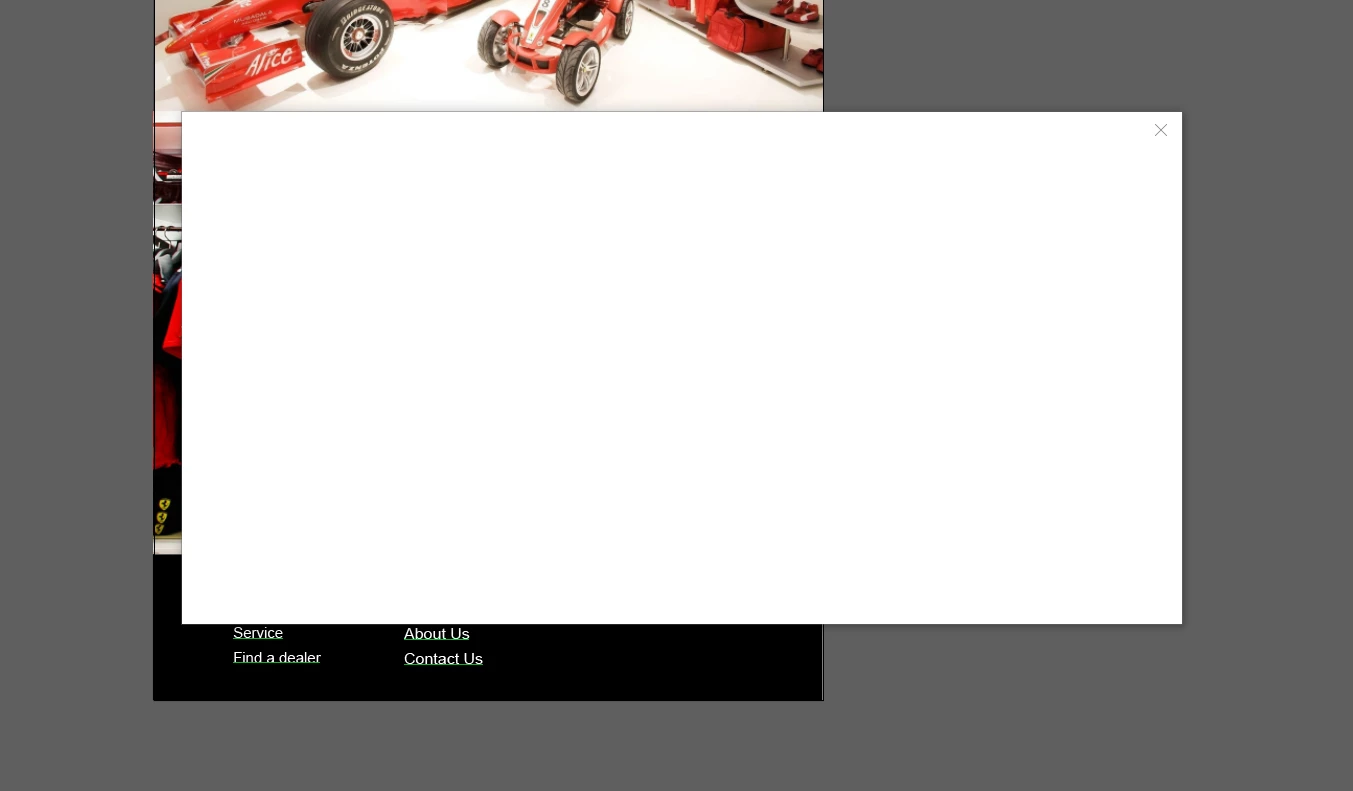


{Renamed by MOD}

This topic has been closed for replies.

4 replies

Participant
December 10, 2019

How do fix this issue regarding the java script display on adobe illustrator , kindly please help thank you 

Legend
December 10, 2019

Nicholas, we asked you a lot of questions a week ago. Please answer them so we can try to help.

Participant
December 11, 2019

It displays this for me to sign in but I could not even sign in into my account due to the javascript that not enabled.

How to enable it *Javascript** ?

Srishti Bali
Community Manager
Community Manager
December 4, 2019

Hi there,


Thanks for reaching out. That's definitely not a normal behavior on Illustrator. I would request if you can share a few more details like:

  • OS & version of Illustrator
  • Graphic card installed on your system.
  • Does turning off GPU performance (Illustrator/ Edit >  Preferences > Performance > Uncheck GPU performance ) help resolving the issue?
  • When did this start happening? Are there any recent changes made to your system? For example, any antivirus, system updates or web extensions installed recently. 
  • Is the issue related to a specific document(s)/asset(s)? If yes, could you please share the document(s)/asset(s) with us? You can upload it to the creative cloud and share the download link. 
  • Where the files are saved (Network Drive/ System HDD/ Shared Folder on System /External HDD)?


All this information will help us understand the issue better and troubleshoot accordingly.


Regards,

Srishti

pentagramwookie
Inspiring
July 30, 2020

Hi, I am having the same or similar issue in Illustrator 2020. I get a blank window like so:


The issue happens every time I open a local file from the 'Let's design something great' startup window, including files in my Creative Cloud folder. If I open a Cloud documents file the same way there is no issue. When I open local files any other way there is also no issue.


I tried turning off GPU performance but the issue persists.


I'm on a 16" MacBook Pro 2019, 32 GB Ram, AMD Radeon Pro 5500M 8 GB

MacOS Catalina 10.15.6

Illustrator 24.2.1

I usually save my files on the Creative Cloud Files folder.


Not sure when the issue started since I usually try to ignore it. I think this would have been some time in 2019 on my previous laptop a MacBook Pro 2014 using macOS Mojave. I can't confirm that 100%, definitely for a few months at least since I don't usually open files that way. 


Hope this information helps resolve the issue! thank you

svensKahuna
Participant
December 3, 2019

I'm getting the same blank window. Everything seems to work fine when you close it but it's weird. Feels like something else is supposed to happen, i.e., an error message, but it's just a blank window.... it just happened again...

Legend
December 3, 2019

Please tell us more about the issue. All I see in the picture is a large white box. Please tell USA bout your Flash scripts (these should be gone)