
Illustrator adds a lot of white space to the left and right when exporting as SVG
Hello.
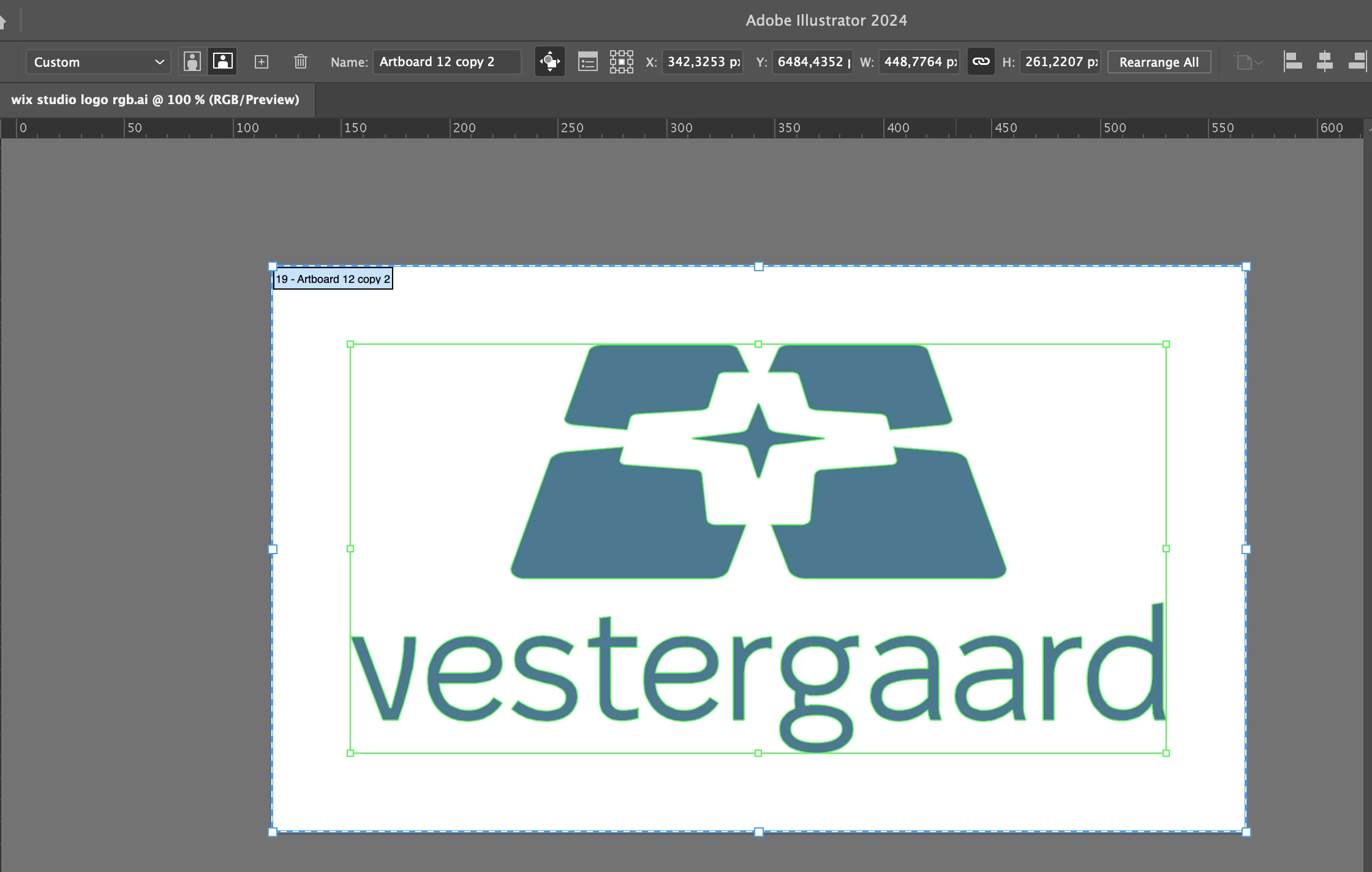
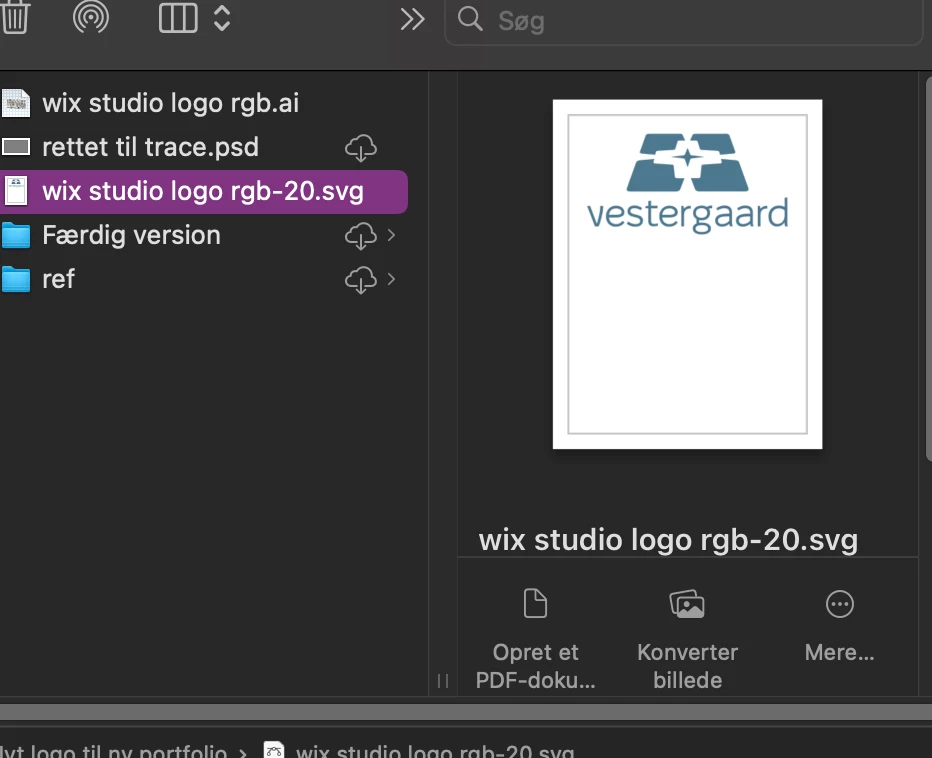
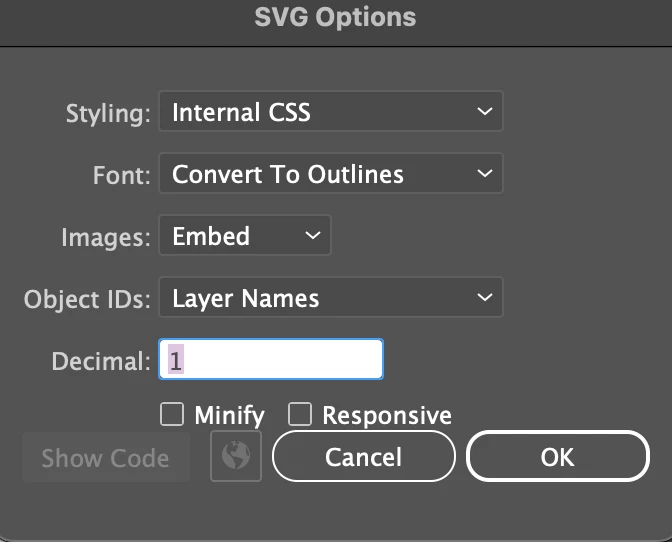
I have this weird issue on my personal computer, which doesn't occure on the device at my work place. When I try to export an artboard as an SVG, Illustrator expands the artboard at the button making a lot of white space. I export as svg through the export as setting, I have minimize and responisve dissabled and I select use artboards. I checked if there where invisible lines by hitting command + Y (I'm on mac on both devices), but there were no invisible shapes and no gradients or clipping masks. All my settings as far as I can see are the same at work and at home. I also tried reinstalling Ai and I even reset my settings. But the problem still occurs and only when exporting as svg. I have looked at other community posts, but none have solved my problem, which is only accouring on my personal computer and not my work computer, both running the newest system update (Sonoma 14.5). Does anyone have an idea, what the problem might be?
 AdChoices