Participating Frequently
May 28, 2024
Answered

Illustrator adds a lot of white space to the left and right when exporting as SVG

  • May 28, 2024
  • 2 replies
  • 3757 views

Hello.


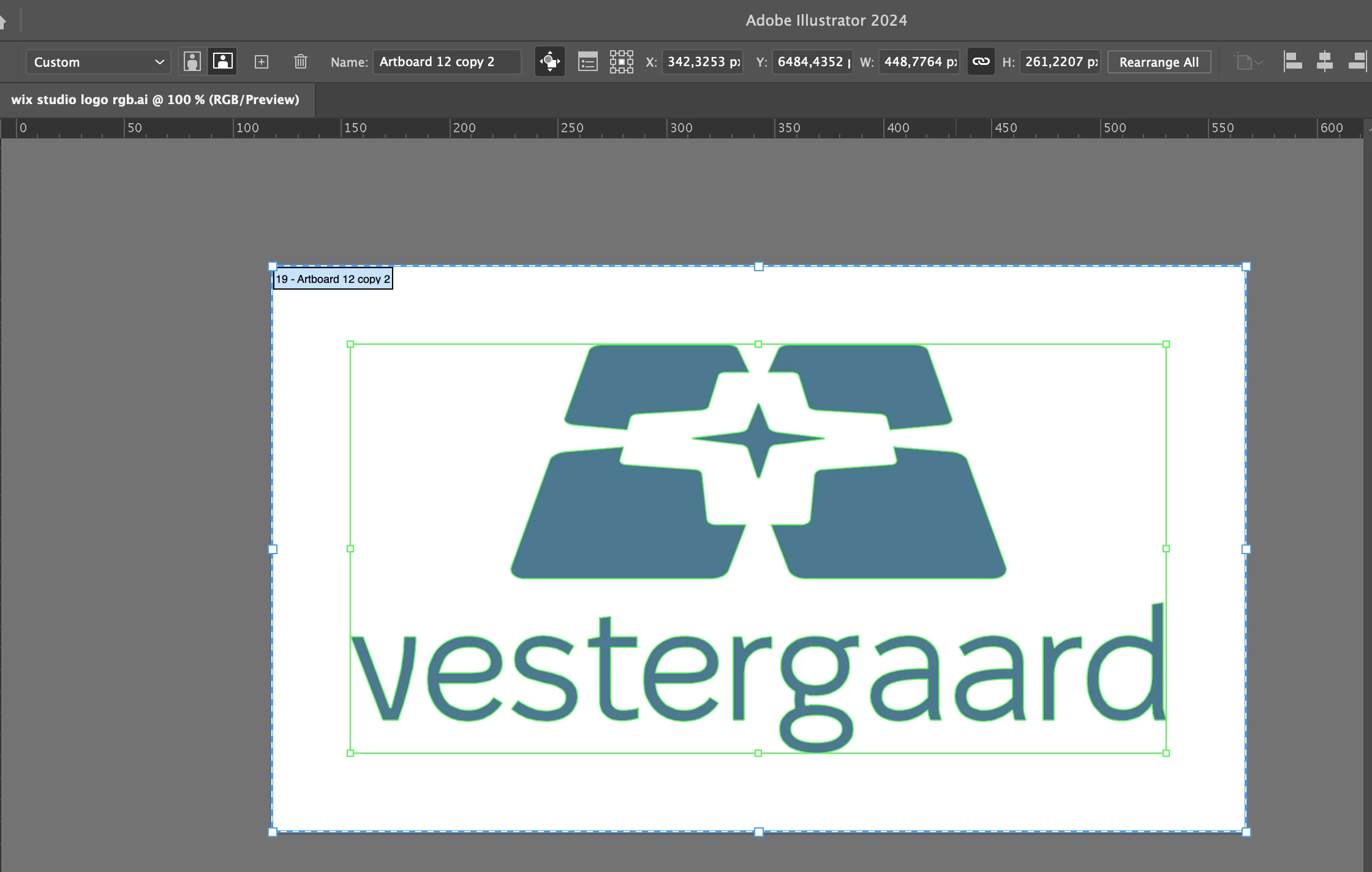
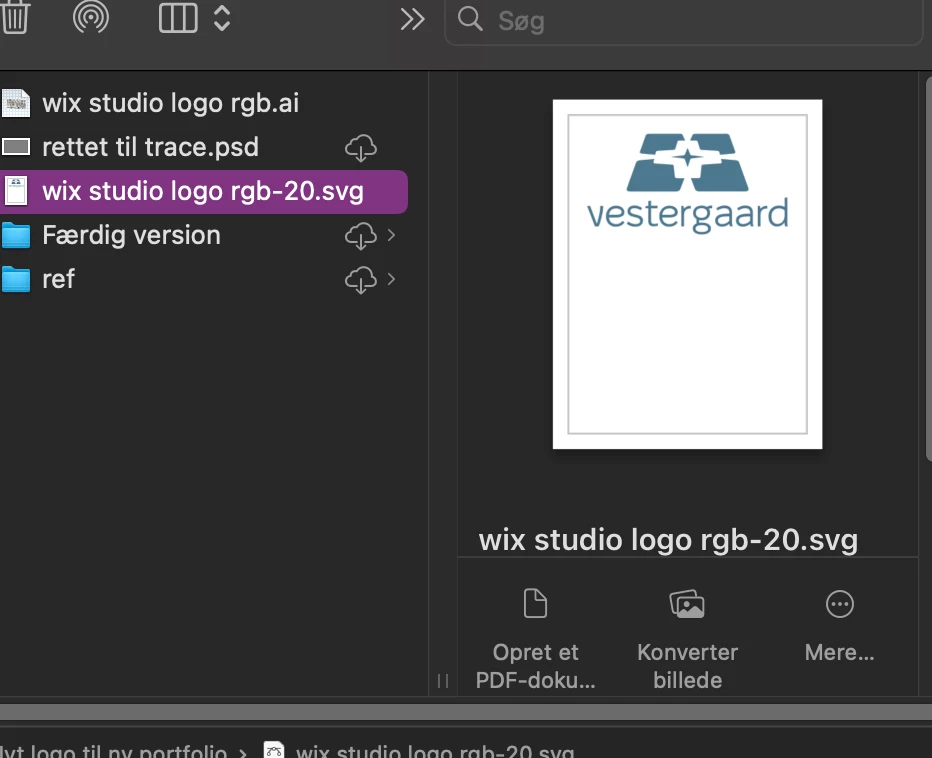
I have this weird issue on my personal computer, which doesn't occure on the device at my work place. When I try to export an artboard as an SVG, Illustrator expands the artboard at the button making a lot of white space. I export as svg through the export as setting, I have minimize and responisve dissabled and I select use artboards. I checked if there where invisible lines by hitting command + Y (I'm on mac on both devices), but there were no invisible shapes and no gradients or clipping masks. All my settings as far as I can see are the same at work and at home. I also tried reinstalling Ai and I even reset my settings. But the problem still occurs and only when exporting as svg. I have looked at other community posts, but none have solved my problem, which is only accouring on my personal computer and not my work computer, both running the newest system update (Sonoma 14.5). Does anyone have an idea, what the problem might be?
Correct answer Kenneth Kawamoto

The file you attched still looks wrong in my finder window for some reason. Which doesn't matter because you made it looks correct in both Illustrator and in my browser. You fixed the problem, thank you, much appreciated. But can you explain what you did to fix it?


Ignore the Finder preview - it just doesn't display SVG nicely.

Your original SVG was not wrong, but it had the width and height set explicitly: width="448.8" height="261.2"

Therefore the browser was displaying it correctly, as a 448.8 x 261.2 px image in the top left corner.

You can remove the display dimension from SVG using any text editor, or from Illustrator check "Responsive" when you export (not very intuitive, I must say). Without the display dimension info the browser doesn't know the size so it display as large as possible to fill the space available.

Hope this makes sense 😁

2 replies

Community Expert
May 28, 2024

Is this a macOS preview thing or the actual SVG has erroneous white area? I have seen SVGs wrongly displayed in the Finder preview before, but the actual SVGs were fine.

Participating Frequently
May 28, 2024

It's the actual SVG that has the white space, not just the preview. Sorry, I should have thought of adding the file in my post.

Community Expert
May 28, 2024

This is how your SVG file opens in my Illustrator. The logo/artboard looks fine (but there are 3 black rectangles in the pasteboard).


My Finder displays as if it's an A4 document with margins around - but it's the same for any SVG file

Doug A Roberts
Community Expert
Community Expert
May 28, 2024

Can you share the SVG?

Participating Frequently
May 28, 2024

Yes of course.