
addieb58971340
Participant
August 18, 2021
Answered

Illustrator & Indesign: Colors in library change #HEX on their own

  • August 18, 2021
  • 2 replies
  • 2600 views

I am having an issue where my colors saved in my libraries have adjusted themselves to different #HEX numbers seemingly at random and differently in both Illustrator or InDesign. Assuming this was a one-time issue caused by an update, I tried to go back and edit the individual colors back to their intended color, and the library again shifts it to a different but similar color. What is happening with my library, and how do I fix it?


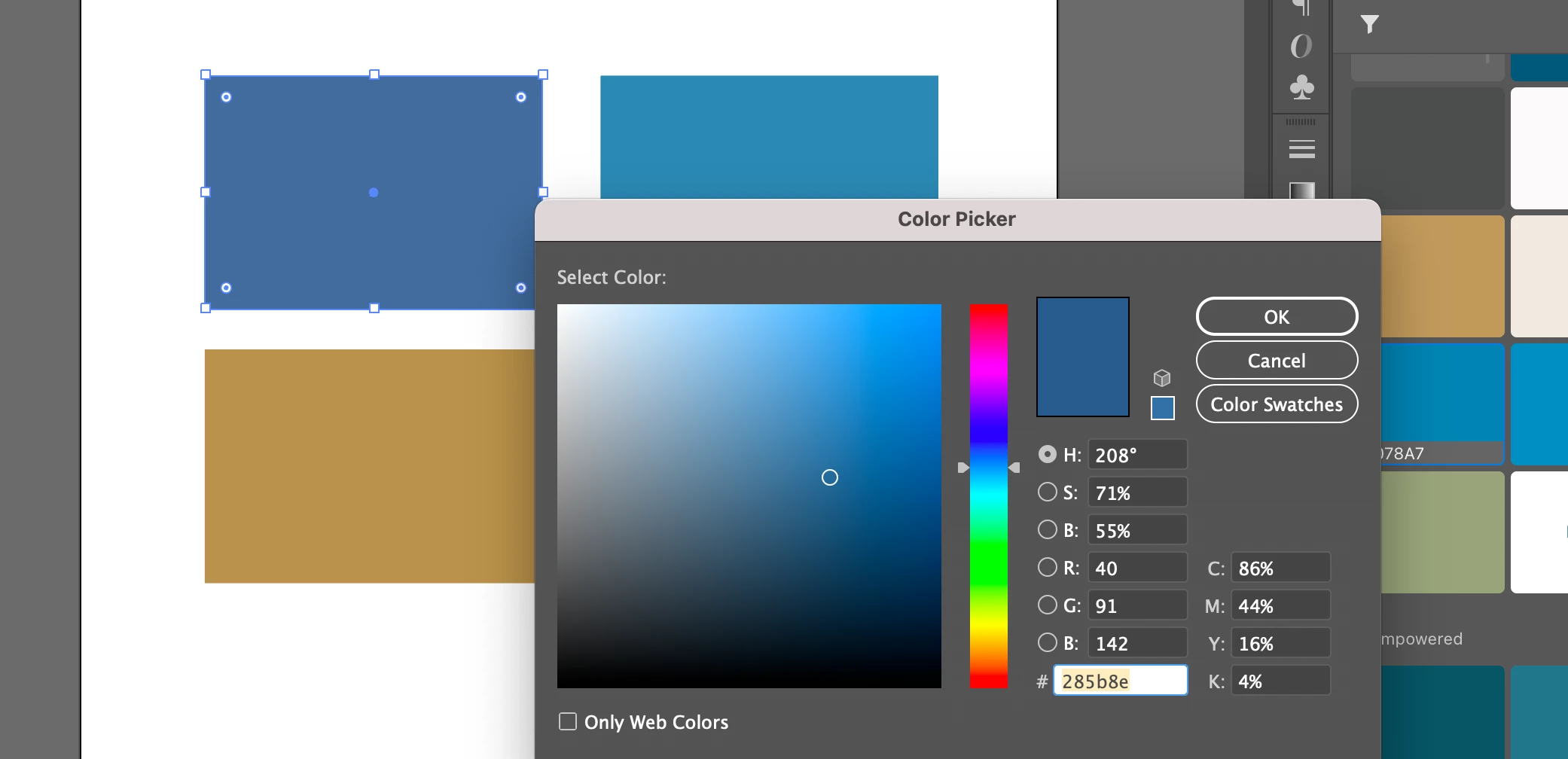
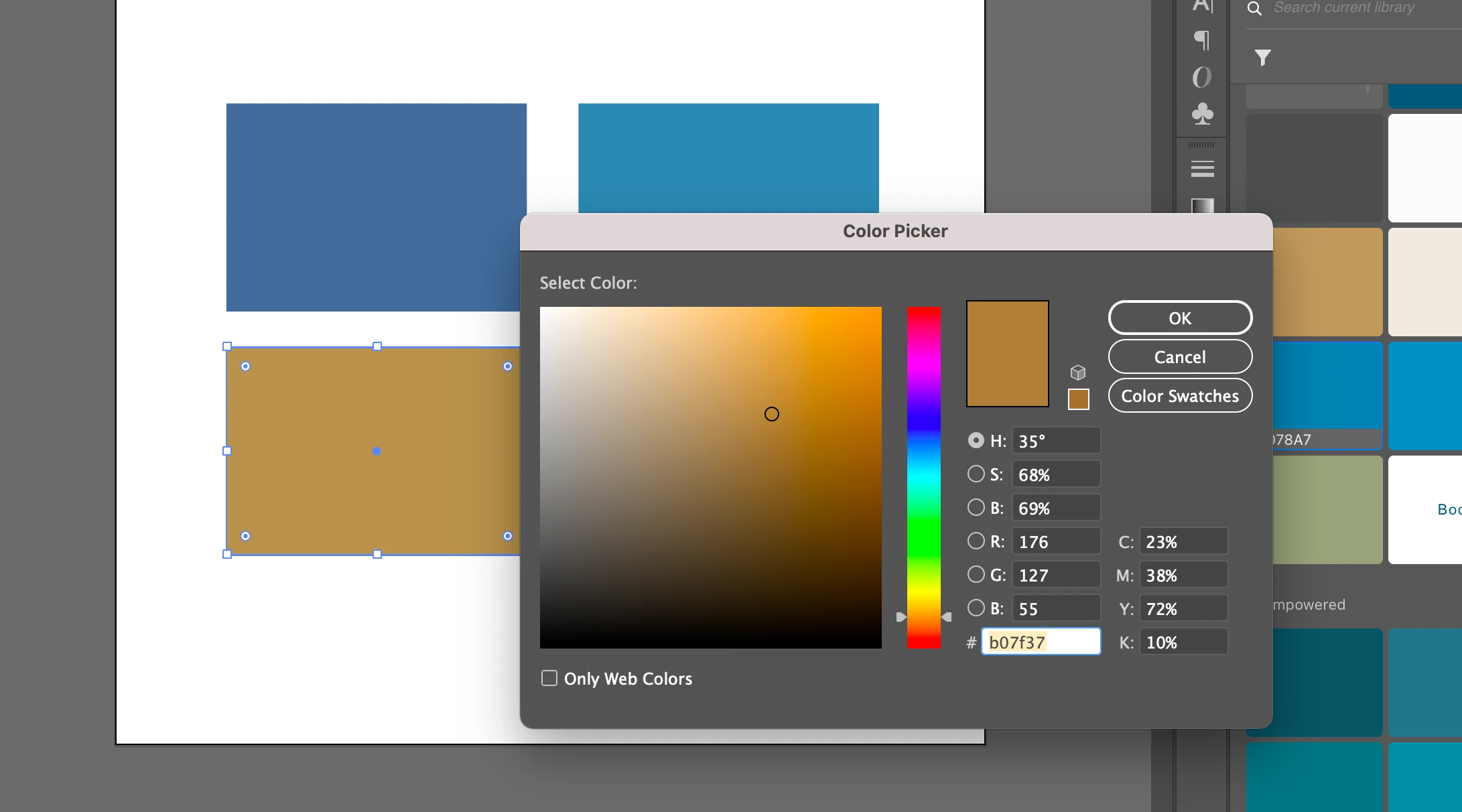
The colors on the right are correct with their colors changed directly via the color selctor menu. The colors on the left were changed via selecting the shape, then selecting the library color. 

 

This shows the color that the library thinks this is, and when selected or edited this is the color #HEX the library says it should be.
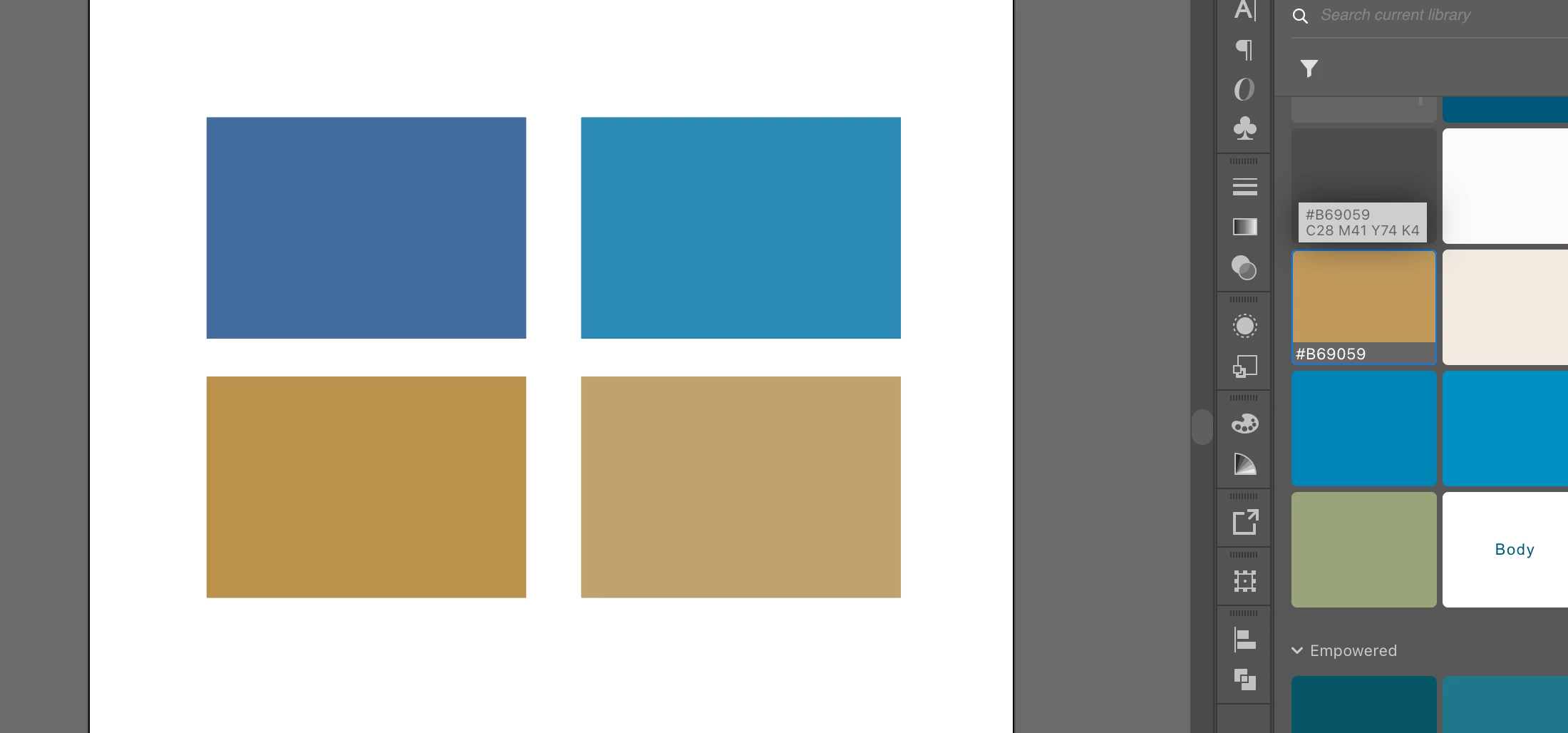
 

Here is the blue
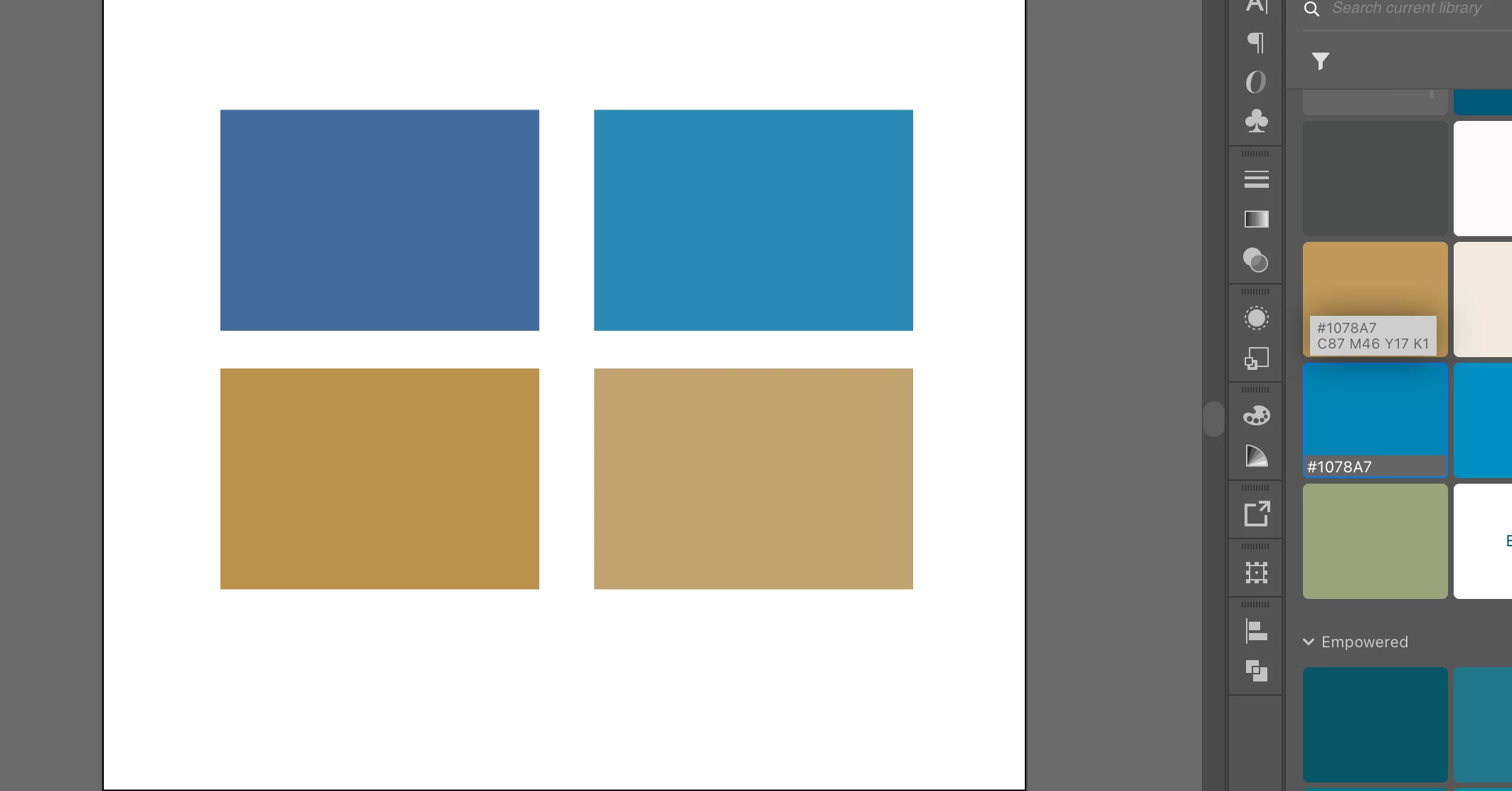
 

But when a shape is directed to pull the color from the library, it randomly selects a different color instead. Doing this same exercise in InDesign, it will give me a different color instead of the stated color code. 
 

And here is the gold doing the same thing.
 

Not sure what is the issue, but some assistance will be of help. I keep sending artwork to clients that is wrong, because my library has gained independence and decided everyone needs a brand adjustment. 

    This topic has been closed for replies.
    Correct answer Ton Frederiks

    You are using colors that were added to the library from a CMYK document.

    There must be a difference between the Color Settings that were used when creating the library colors and the documents in which they were applied later.

    Colors added to CC libraries are not color managed.

    A CMYK color added from a CMYK document will keep the CMYK numbers in whatever CMYK document it will be used.

    Same for RGB colors added from an RGB document, same RGB numbers will be used in any RGB document, sRGB, Adobe RGB...

    Your RGB/hex vales will only stay the same in CMYK documents if the color settings are the same as when the CMYK color was added to the library.

    2 replies

    Ton Frederiks
    Community Expert
    Ton FrederiksCommunity ExpertCorrect answer
    Community Expert
    August 22, 2021

    You are using colors that were added to the library from a CMYK document.

    There must be a difference between the Color Settings that were used when creating the library colors and the documents in which they were applied later.

    Colors added to CC libraries are not color managed.

    A CMYK color added from a CMYK document will keep the CMYK numbers in whatever CMYK document it will be used.

    Same for RGB colors added from an RGB document, same RGB numbers will be used in any RGB document, sRGB, Adobe RGB...

    Your RGB/hex vales will only stay the same in CMYK documents if the color settings are the same as when the CMYK color was added to the library.

    Participant
    November 15, 2022

    This does not work form me. I created a CMYK document with my logo. CMYK 100 35 0 0. When I create a new CMYK document and I copy/paste the logo to that new document, it is all fine. But when I add the logo to the library and then drag it to the same new document, the blue changes to: 84 30 3 0...

    Ton Frederiks
    Community Expert
    Community Expert
    November 15, 2022

    How do you check the color, with the eyedropper? If you drag the logo from the library, you create a linked object and the eyedropper picks the RGB preview and converts it to CMYK.

    Try to Alt Drag the logo from the library or use right click Place Copy.

    Monika Gause
    Community Expert
    Community Expert
    August 18, 2021

    Is this an RGB or a CMYK document? HEX will only stay in RGB

    addieb58971340
    Participant
    August 18, 2021

    It is set up as RGB. I had the same thought, but changing that doesn't seem to make a difference. And this applies to both new docs and to existing docs that had the colors that used to be selectable from the library with no issue before. 

    Monika Gause
    Community Expert
    Community Expert
    August 21, 2021

    So every time you pull a color from the library it gets converted differently?


    Please give us exact steps that we can try and reproduce. Such as color numbers and your color management settings.