Participant
October 11, 2024
Question

Illustrator + Apple M3 max - really slow performance - any help?

  • October 11, 2024
  • 3 replies
  • 3307 views

Just got my new MacBook Pro with the M3 Max chip and 128GB of RAM, but it's lagging like crazy—spinning beachball, slow selection, and a long delay between typing and seeing anything on screen.


I’ve closed everything else and only have Illustrator open with a simple vector file and a bit of text. GPU Performance is on, so no clue what’s going wrong.


On my old M2 with 64GB of RAM, I could have multiple files open and fly through projects no problem. Any ideas?


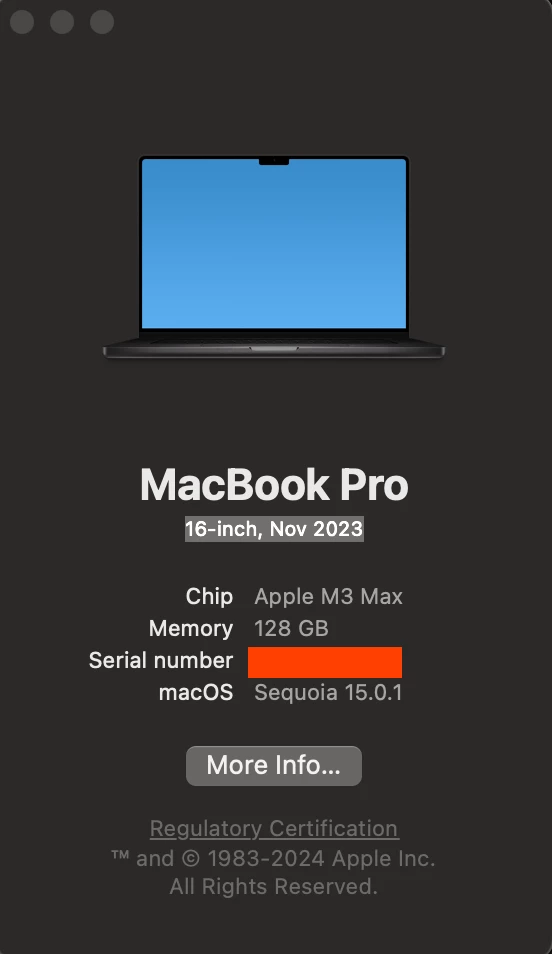
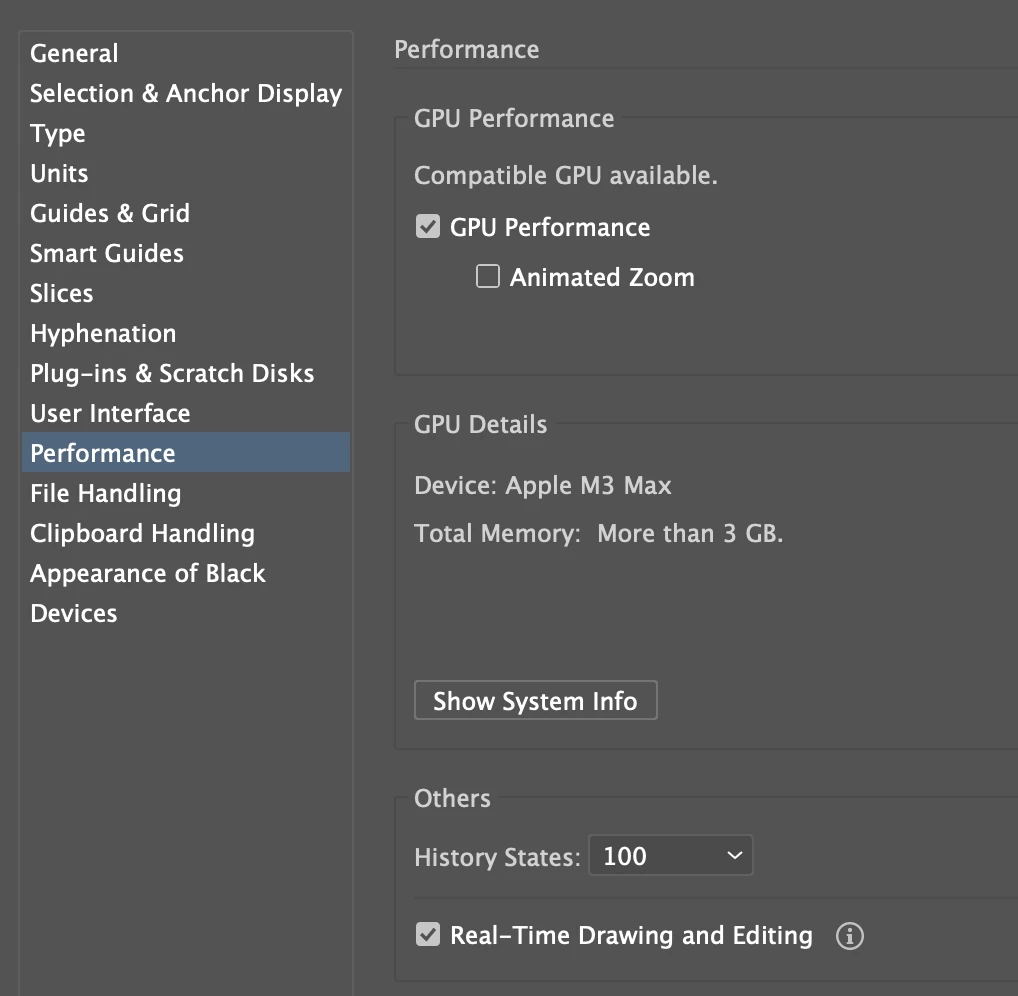
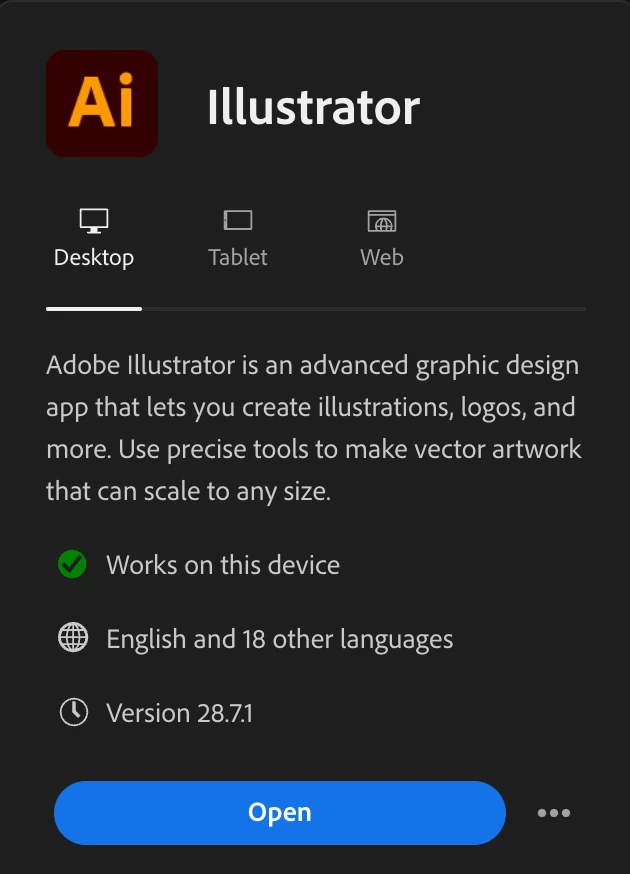
Specs attached : 
 

3 replies

Participant
January 23, 2025

I'm having the exact same issues as everyone else. I thought there was something wrong with the new very expensive Mac! But now I'm pissed as your collective experience is making me think its just Adobe Illustrator 2025. We pay Adobe way too much for this sub par performance. And if you are a design professional like me, we have been paying them for decades, every month, to have a product suck like this?! I don't use any fancy high ram graphics as a clothing designer. I'm drawing! As a working mom I don't have time to trouble shoot all the ways to free space, so that Adobe can run properly. Sorry for the rant. Now for possible solutions... has any one tried using an older version of Illustrator? Thanks for any time and attention:)

Monika Gause
Community Expert
Community Expert
January 23, 2025

I have a Mac as well and Illustrator is just running fine.

Do you perhaps have a Window manager such as Rectangle or Magnet installed? They do not work with Illustrator.

Do you have the DisplayPilot software? It also does not work with Illustrator.

Alanadeew
Participating Frequently
November 30, 2024

Hi - 

I really hope Adobe optimizes their apps and file opening systems for Illustrator. 

The Adobe Creative Suite, in my experience with the following apps: Indesign, Illustrator, are NOT optimized for apple M3 chip. And honestly not even the Apple M3 Pro Macbook itself. 

FIle opening, organizion doesn't work properly. When you save a new file, it doesn't follow the directory you want/need (which is the file you're working from). It will pop up in some random place in your host-file.
Mac's tag's system does not populate within the Indesign, Illustrator apps (when placing, or opening files)

Pink screen flashes (Within the app window) when opening illustrator or sometimes dragging it to an external monitor.

Locking and Unlocking objects in Illustrator creates a terrible lag of what seems to be a selection of every single object on the pasteboard.

My large PDF's will sometimes rainbow wheel in Acrobat, & i have to close.


Nothing else comes to mind, but it's been a nightmare, especially because i bought this laptop for efficiency in my workflow, But i'm so, SO crippled

Participating Frequently
November 30, 2024

I have similar problems too. 

I am writing as a professional user of Adobe Illustrator and Photoshop, running them on a MacBook Pro M4 Max with macOS Sequoia. Despite the unparalleled computational power of this machine—capable of rendering complex animations in Blender in mere seconds—I am experiencing unacceptable performance issues with Adobe applications.


Illustrator often lags, responds slowly to basic commands, and struggles with simple tasks like resizing or panning. Photoshop exhibits similar inefficiencies, particularly during canvas zooming, rotating, or using brushes. These issues are a stark contrast to the fluidity I experience with non-Adobe applications that leverage Apple's hardware capabilities.


It is frustrating that Adobe, a leader in creative software with a near-monopoly in professional industries like mine, has not optimized its applications to utilize modern Apple silicon to its full potential. This disregard for performance, despite the hefty cost of subscriptions, feels both outdated and unprofessional.


I urge Adobe to prioritize the optimization of Adobe products for M-series Macs. As creative professionals, we rely on your tools not just for their features, but for their reliability and efficiency in high-pressure environments.

Please provide actionable solutions or a timeline for addressing these inefficiencies.

Participant
May 28, 2025

Hello everyone,

I'm sorry to learn about the issues you're having with Illustrator. To assist you more effectively, could you please provide a few additional details:

> The specific version of the OS/Illustrator you have installed
> System Specifications (CPU/GPU/Memory) and any connected peripherals/displays
> Whether Illustrator exhibits this behavior with a specific file/tool/feature
> If you have attempted to update the OS and Illustrator to their latest versions and run Illustrator in Safe Mode (Windows / macOS) or under a different administrator account (Windows / macOS)

> If you have validated your fonts and disabled any plugins/antivirus/window managers

> A brief screen recording of the issue


Thank you for your time and patience as we work to resolve this issue. I look forward to your response.


Anubhav


I am having the same issue, I have just bought a brand new macbook pro M4 chip24Gb running MacOs sequoia 15.5 (24F74)  and adobe illustratro 2025. I couldn't really afford the upgrade from my old mac but Adobe was running soooo slowly on it I had not choice and was excited to be able to get on with my work quickly and efficiently. However that is not happening and I have wasted so much time trying to troubleshoot , I don't have the time either to be doing that. This is super frustrating. So many of us are using this programme for our jobs and can't do them. Are there any answers ? 

Monika Gause
Community Expert
Community Expert
October 12, 2024

What kind of monitor is connected?

Or are there multiple monitors?

Do they have different spaces?

Do you have a Window Manager installed?

Do you still have Chrome open?

Do you have plugins installed in Illustrator?

How many fonts are installed?

Participant
October 14, 2024

What kind of monitor is connected?

Two LGS 4k  Monitors w/ 8K HD USB C cables

( which works great with my old M2 with 64GB of RAM )


Or are there multiple monitors?

Do they have different spaces?


Different spaces? 


Do you have a Window Manager installed?


YES


Do you still have Chrome open?


Chrome is open, unsure why that would slow things down

Do you have plugins installed in Illustrator?


No plugin installed


How many fonts are installed?


Only 20 fonts installed


Monika Gause
Community Expert
Community Expert
October 14, 2024

Do you have those monitors set up differently than on the old Mac? Like Use separate spaces?

Window managers do not go well with Illustrator. In fact they suck badly.

Chrome eats memory for breakfast, lunch and dinner. Also its plugins can basically interfere with about anything and everything, because nobody really cares.