
Illustrator Artwork doesn't look as intended after export
I'm currently working on a portfolio.
As you can see in the images attached, the desired result is not achieved when exporting from Illustrator to .tif or other formats.
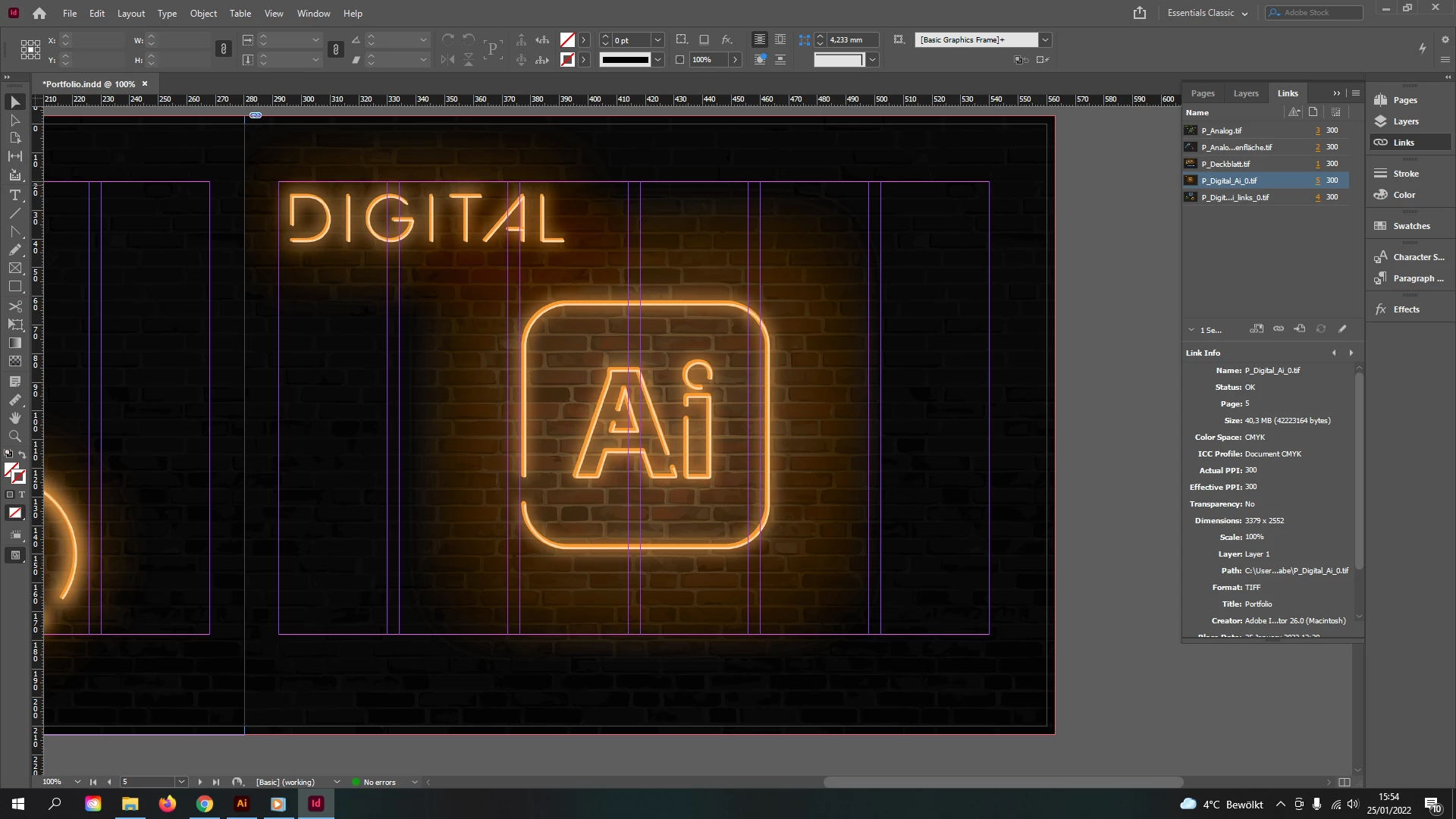
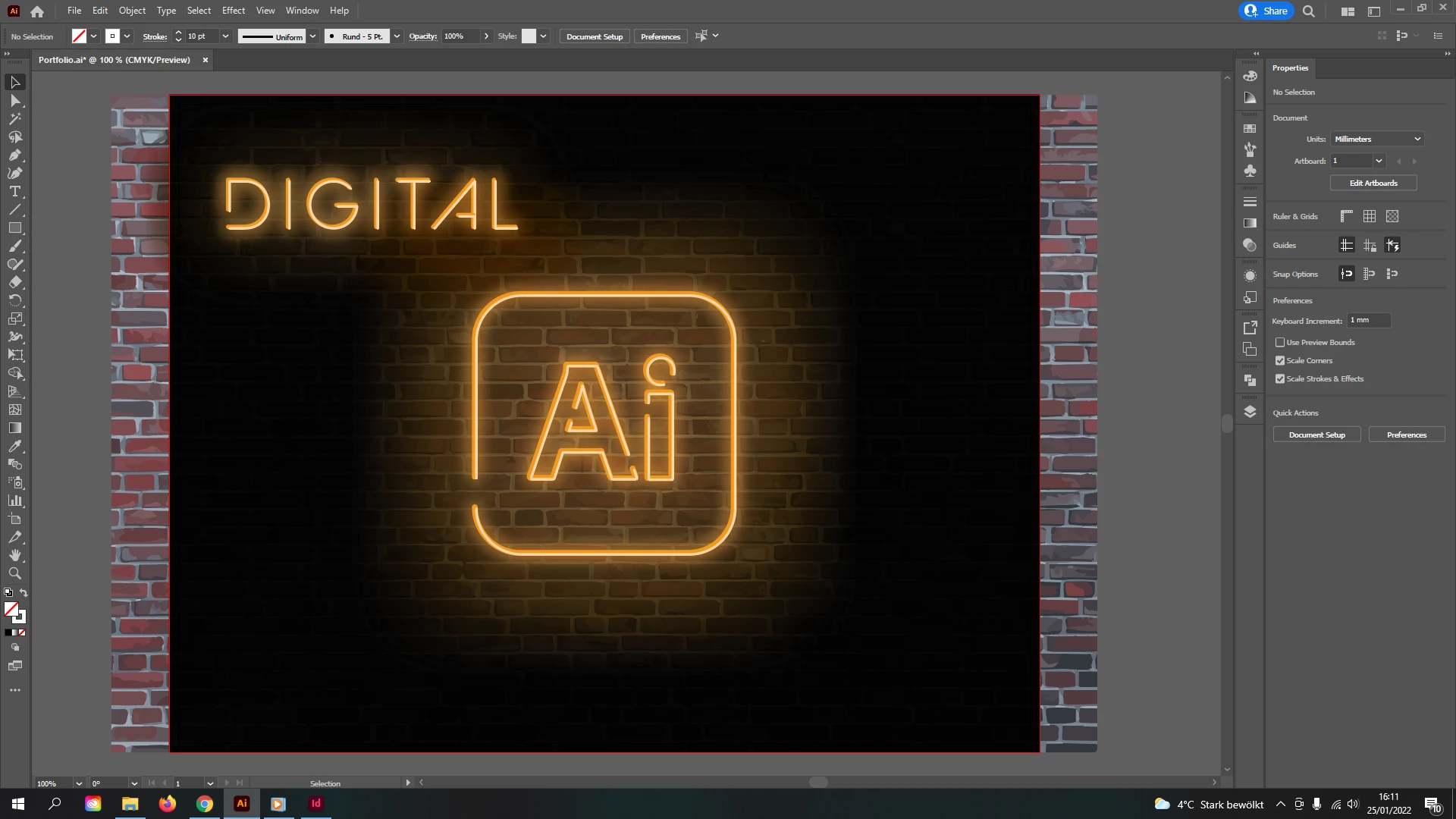
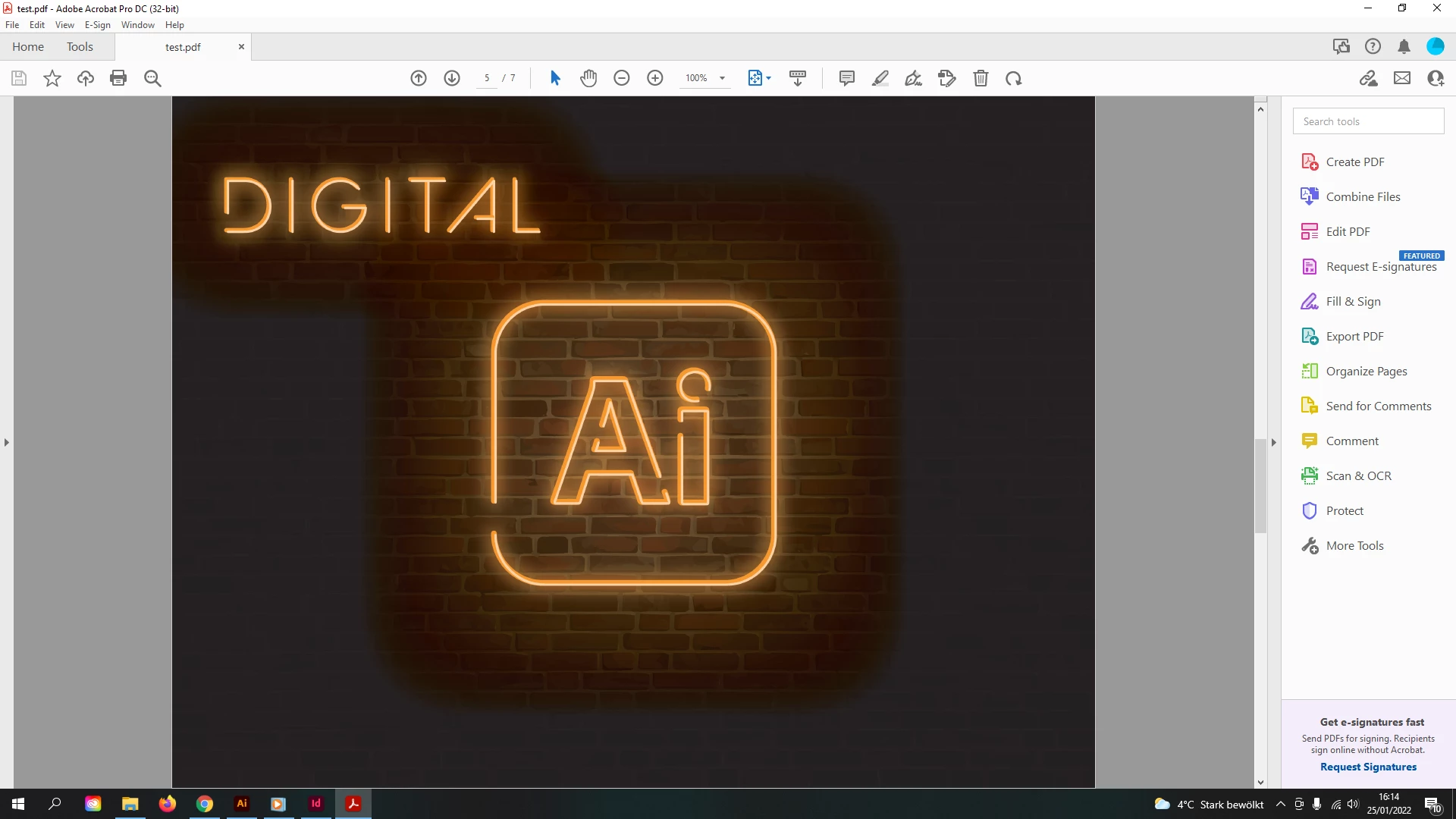
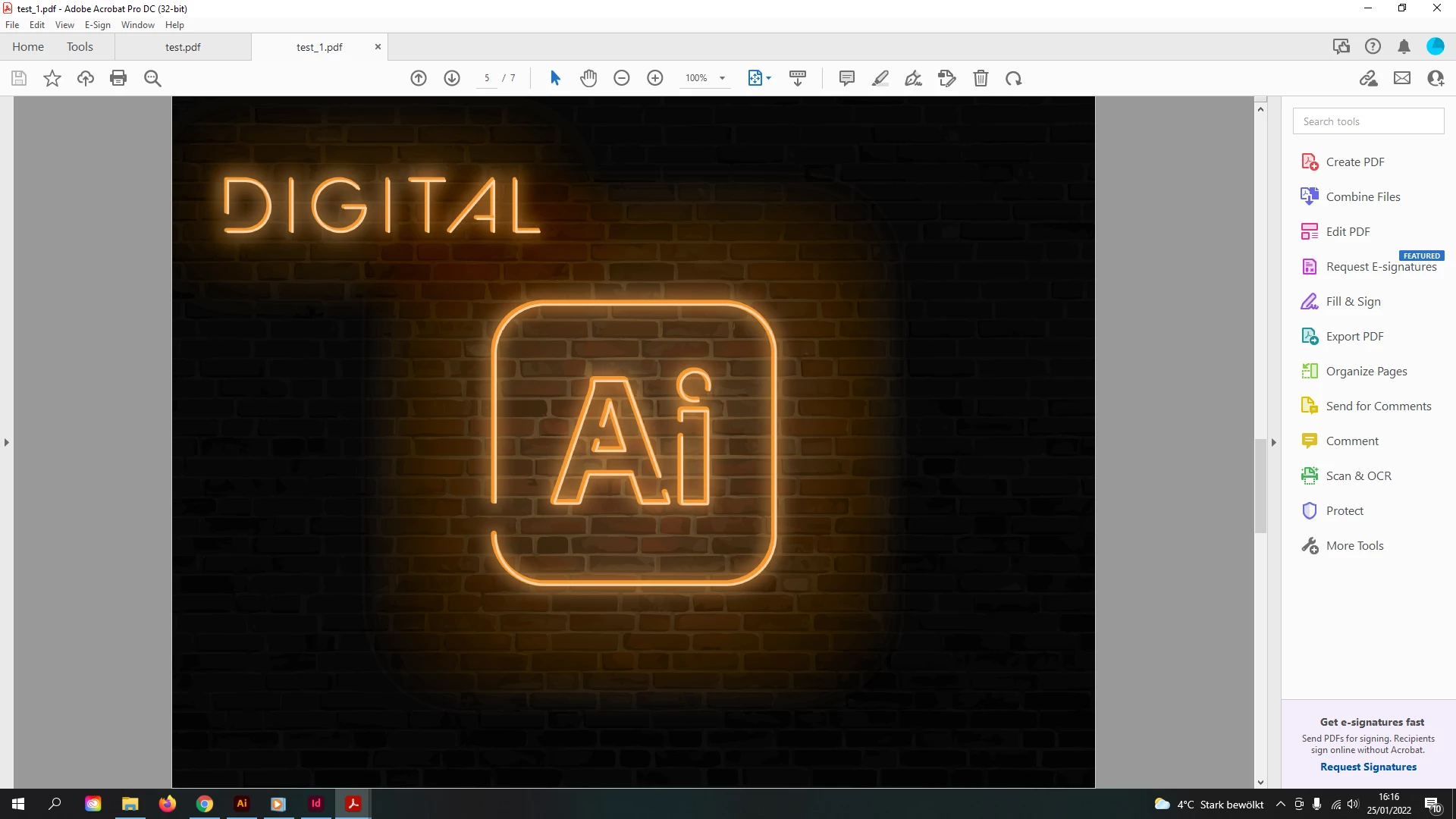
I'd like to use .tif format and keep the CMYK profile as I need to potentially print this out. Now once I've exported the image it looks far from the desired look when I preview it, however if I take that same file and place it into InDesign it looks just like it does in Illustrator. If I then export a PDF from InDesign it looks weird again as it does in the preview.
A student in school helped me fix the problem by converting the file into Adobe RGB colour space upon export, however as I have mentioned before I'd like to keep the document in CMYK format in case I need to print it out.
Is there any fix to this porblem or will I have to convert it to RGB and let the printer do it's work in converting it for me?
 AdChoices