
Participant
December 11, 2017
Answered

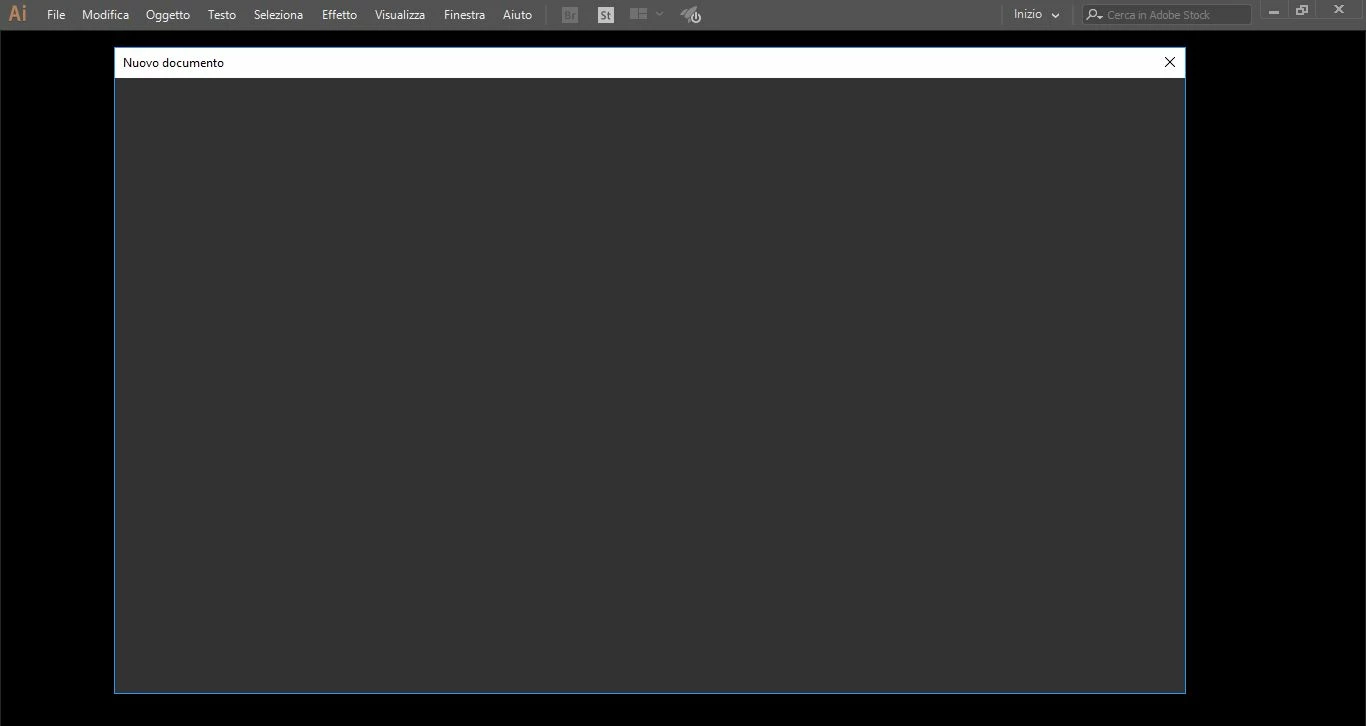
Illustrator blank New Document dialog

  • December 11, 2017
  • 1 reply
  • 7226 views

After the new Windows 10 Fall Creators update, Illustrator & Indesign doesn't show the "New Document dialog" at startup. Selecting File>New Document it shows a blank screen. I tried to change preferences, to reset and delete preferences file, to uninstall and install again... same problem. I guess it's the Windows update fault but not sure 100%. Photoshop new document dialog works properly.
    This topic has been closed for replies.
    Correct answer strong_Elixir5D2D

    It seems that issue was caused by my poor graphic card (NVidia Geforce GT 540M). I set preferred graphics processor for Illustrator to  "Intergrated graphics" and problem disappeared.

    1 reply

    Monika Gause
    Community Expert
    Community Expert
    December 11, 2017

    In order to be able to create a new document at all: Open Preferences > General and turn on the "Legacy New document dialog box"

    This might have to do with an aggressive firewall, some issues in connecting to the internet or a misbehaving Creative Cloud connection/app.

    strong_Elixir5D2DAuthorCorrect answer
    Participant
    December 11, 2017

    It seems that issue was caused by my poor graphic card (NVidia Geforce GT 540M). I set preferred graphics processor for Illustrator to  "Intergrated graphics" and problem disappeared.

    Participant
    September 16, 2021

    How do i do that please I really need to correct it