
Inspiring
March 30, 2022
Question

Illustrator cannot find plug-in to read the linked file "Links"

  • March 30, 2022
  • 2 replies
  • 676 views

I am attempting to open a packaged file but keep getting this error message...
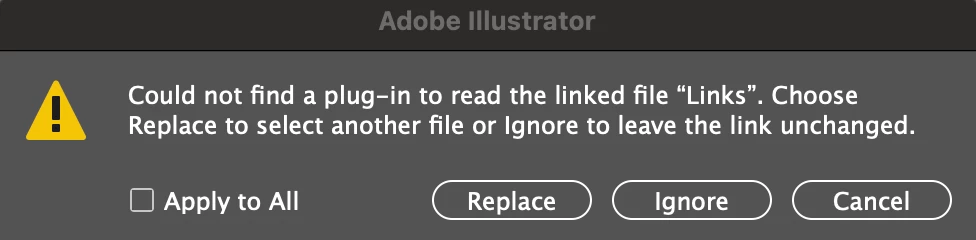
The "file" (Links) it refers to is a folder, not a file, so when I click replace I cannot select the entire folder. 
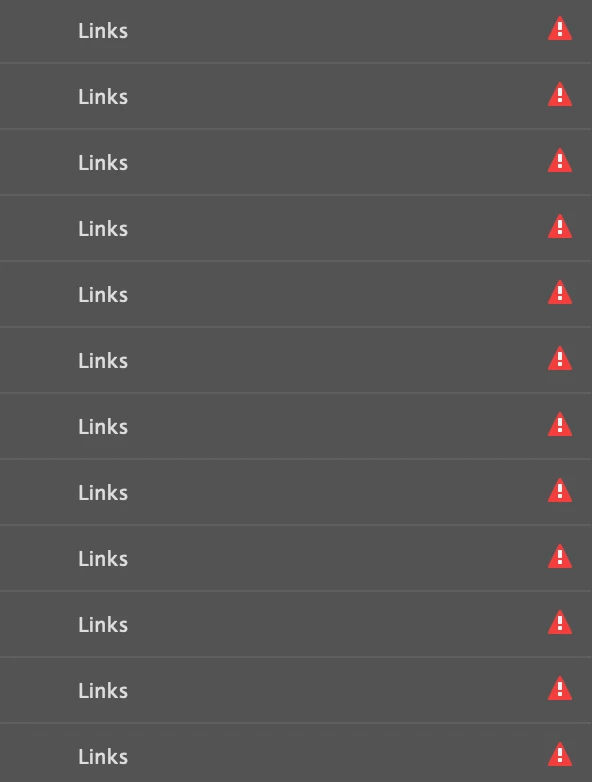
 

When I ignore and open the file, the links are not visible at all as in it doesn't give me a name where I can easily link one and have it search the links folder for more. 


If anyone has any advice I'd greatly appreciate it!


This topic has been closed for replies.

2 replies

Met1
Legend
April 1, 2022

Move the images into the same folder as your Illy doc, then reopen.

RachilliAuthor
Inspiring
April 1, 2022

I just moved the images out of the links folder (shown left) to the enclosing folder (March 22' WF) so it looks like:


Reopened the file and still get the same error... it's because for some reason it renamed every single image "links" (see above) and can't find a file named "links" because it is in fact a folder...I don't know how to undo/ remedy that.. 

Met1
Legend
April 1, 2022

So replace doesn't work?

Monika Gause
Community Expert
Community Expert
March 31, 2022

Did you create the file? Or did someone else create it?

Are you on the same version of Illustrator?

Is the file on your internal harddisk?

What kind of files are the linked files?


Did you already try and reboot the system?

Reset the preferences (this will erase all your settings)? Rename the preferences folder, because that can be undone.

RachilliAuthor
Inspiring
April 1, 2022

I created the file.

It is located on my computer (internal hard drive) and has never been moved to an external or uploaded to Adobe Cloud. 

The files are all images- They are still accessible in the folder named "Links" but it says the plug-in cannot be found to read it(?) and the link names don't show so I can't just relink them considering I'm not sure where they truly belong.

I have restarted my computer multiple times since the issue occurred and nothing has remedied it. 

Not looking to reset my preferences/ settings at the moment, but am interested on learning how to rename the preferences folder.

Monika Gause
Community Expert
Community Expert
April 4, 2022

The preferences folder is in your user folder (list of locations: https://www.vektorgarten.de/illustrator-settings.html )


Quit Illustrator, then rename the folder. When launching Illustrator the next time, it will create  a new preferences file.


If that doesn't help, you might want to contact Customer Care: https://helpx.adobe.com/contact.html

They can login to your system and take a look at the issue