
Participant
November 6, 2017
Question

Illustrator CC2015 tools panels collapsed/disapeared on opening [Windows 10]

  • November 6, 2017
  • 1 reply
  • 576 views

Hello all,

I am working with Illustrator CC2015 [19.2.0 64bit] on a windows PC [windows 10].

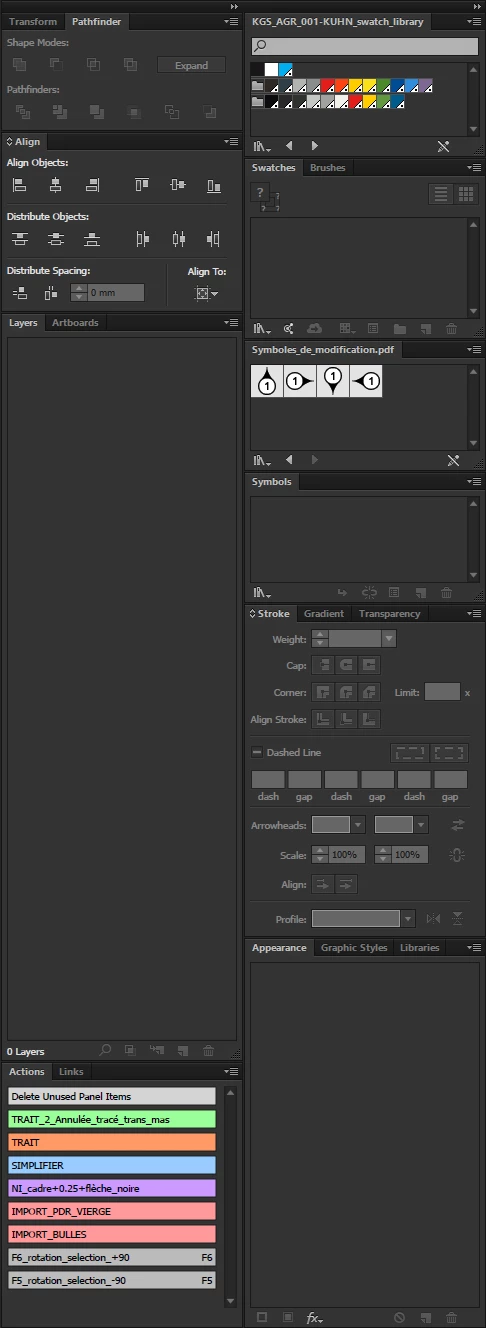
Before when starting up Illustrator my workspace is as it was when closing my last session [pic.1].

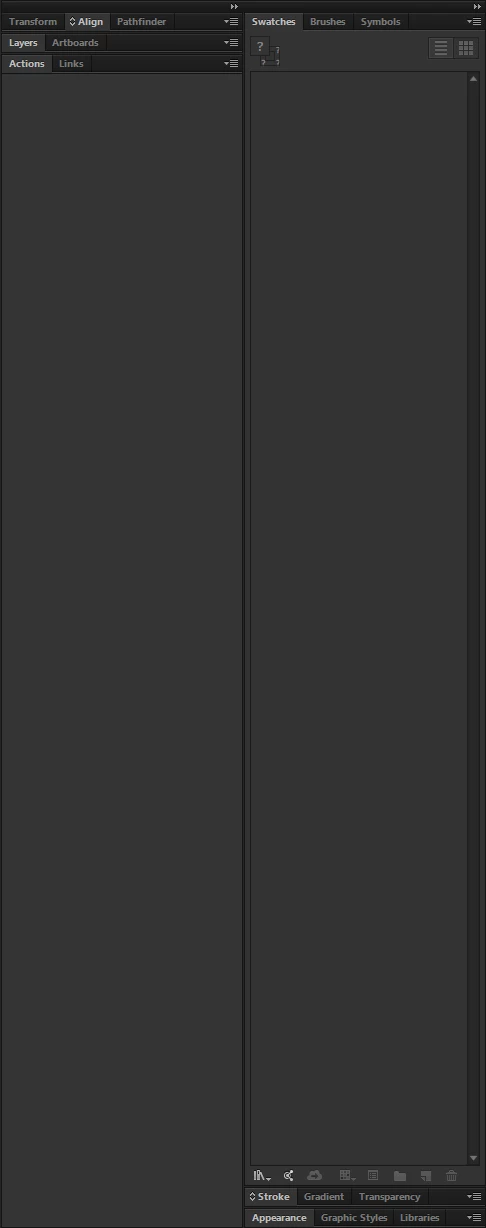
Now all panels are collapsed and some even dissapeared [pic.2]!

I have tried to go back to factory settings using CTRL+ALT+SHIFT - start illustrator.

That didn't make any difference, the problem still occured.

[pic.1]
[pic.2]
This topic has been closed for replies.

1 reply

Monika Gause
Community Expert
Community Expert
November 6, 2017

What happens when you open a file?

knlalkAuthor
Participant
November 6, 2017

Hi Monika,

The same result.

The tool pallete on the left side of the screen also flips from one column back to two column palette

Monika Gause
Community Expert
Community Expert
November 6, 2017

You could try and rebuild the preferences.

There's a reversible way to do that: rename the folder.

How to set preferences in Illustrator