Participant
February 24, 2022
Answered

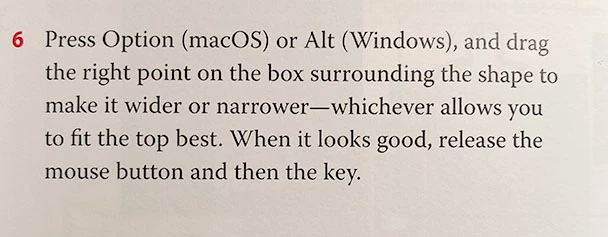
Illustrator CIAB 2020 p21 step 6 isn't working.

  • February 24, 2022
  • 1 reply
  • 229 views

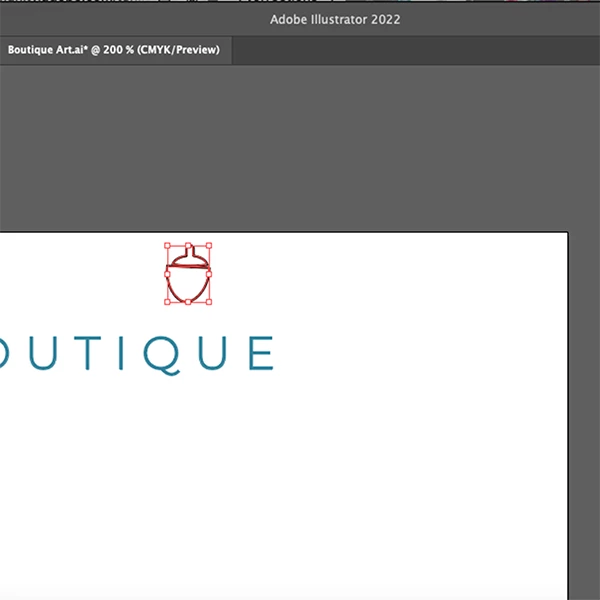
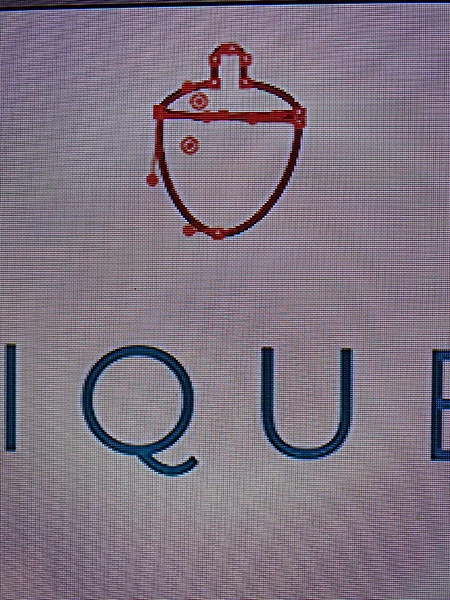
It says to press Option and drag the right point on the box surrounding the shape to make it wider/narrower. But there is no box. If I drag across the shape, it only selects the shape path/points, no box, so I can't resize as instructed. My version of Illustrator is 2022, so has something changed in that regard or am I just being dense and missing something? I have the selection tool selected, which was the tool used in the previous step with no change mentioned.
This topic has been closed for replies.
Correct answer stardustgirl

You might want to tell  us what you are trying to do and which tool you are using for it.  Also: screenshots help understand. Please show us your screen, not what's in the book.


I'm glad you asked for a screenshot!  That resulted in me hitting Shift+Command, which showed me that the text in the book is incorrect. The instructions say to use the Option key (which results in just selecting the object paths). If I just hit the Command key, I get the bounding box. I've uploaded pics of all 3 relevant bits of info in case anyone else is going through the lessons and has the same problem.


1 reply

Larry G. Schneider
Community Expert
Community Expert
February 24, 2022

Does toggling View>Show/Hide Bounding Box make a difference?

Participant
February 24, 2022

Thanks for the suggestion! I was so hopeful that was it, but no, that doesn't fix it.

Monika Gause
Community Expert
Community Expert
February 24, 2022

You might want to tell  us what you are trying to do and which tool you are using for it.  Also: screenshots help understand. Please show us your screen, not what's in the book.