Hi there,
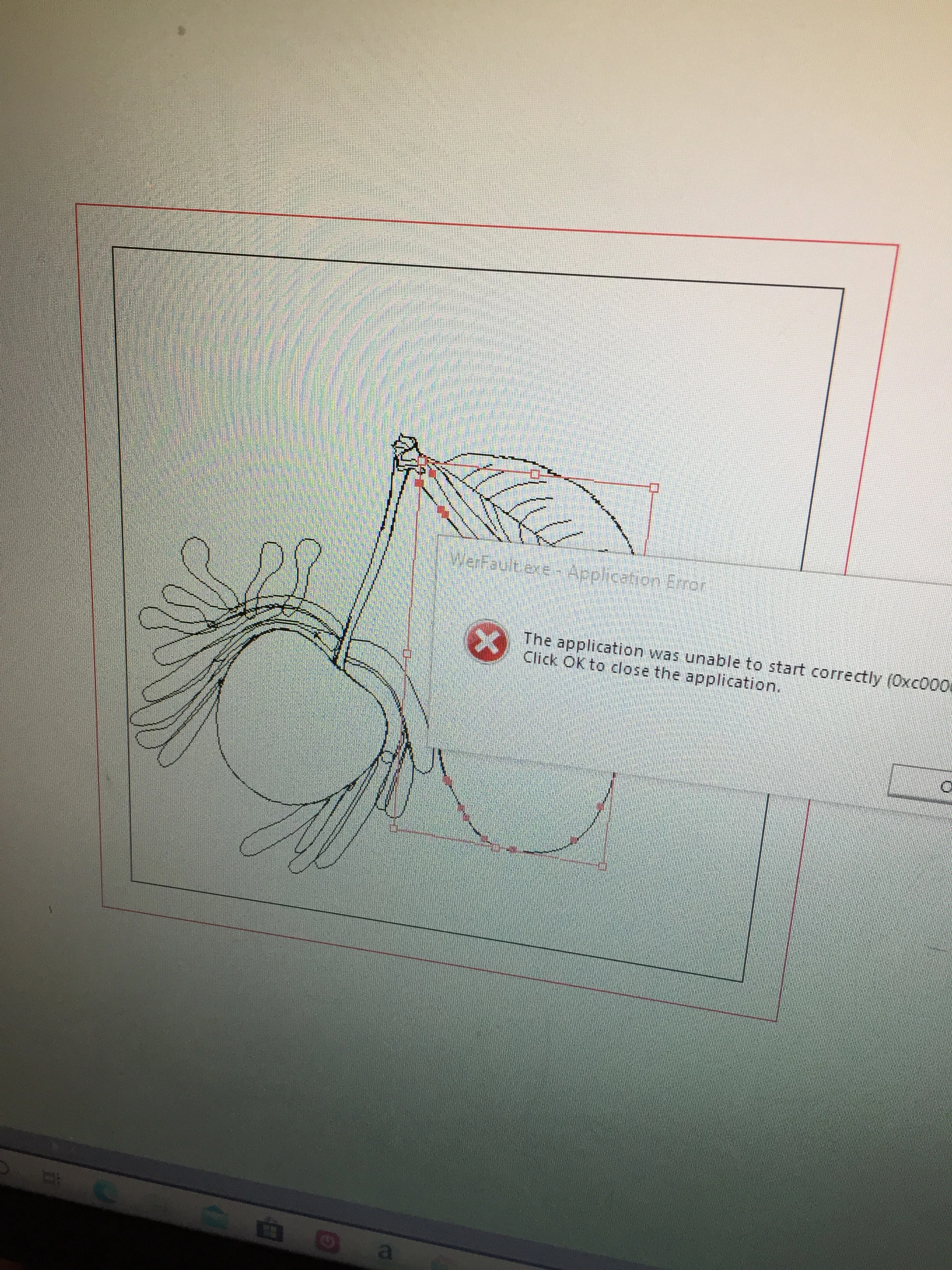
Sorry to hear about this error. This looks like a Windows error and can be fixed by following the steps shared here (https://answers.microsoft.com/en-us/windows/forum/windows_7/error-code-werfaultexe-application-error/1dada681-2d89-492f-92c0-2eae4c5a6d20).
If that doesn't help, please try repairing Microsoft Visual C++ Redistributables by following these steps:
- Close all the applications.
- Press Windows+R on your keyboard, it will open Run pop-up.
- Type Control and click OK
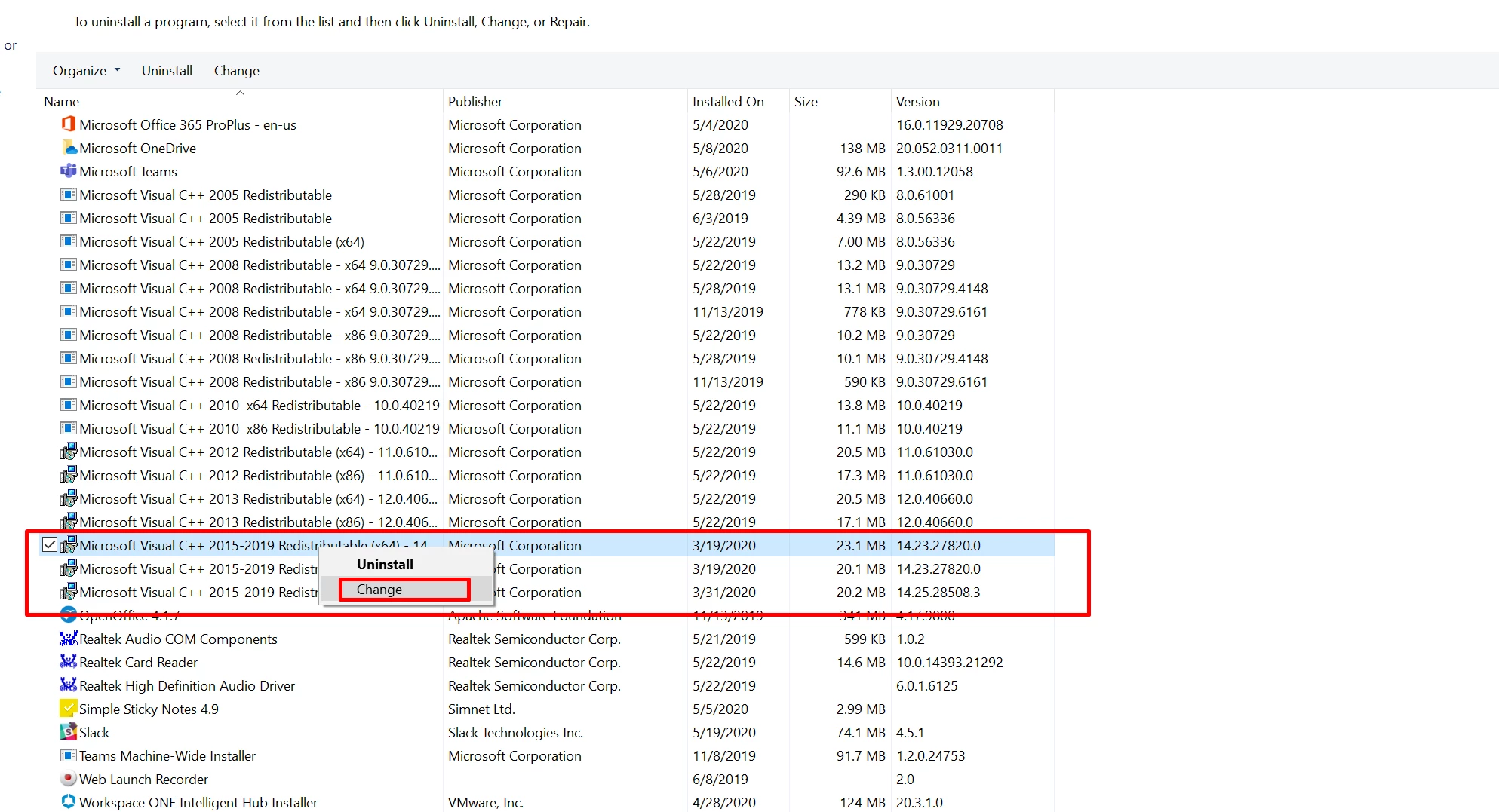
- Now Click "Uninstall a Program".
- Right click Microsoft Visual C++ 2015-2019 (x64)/ 2017-2019 (x64).
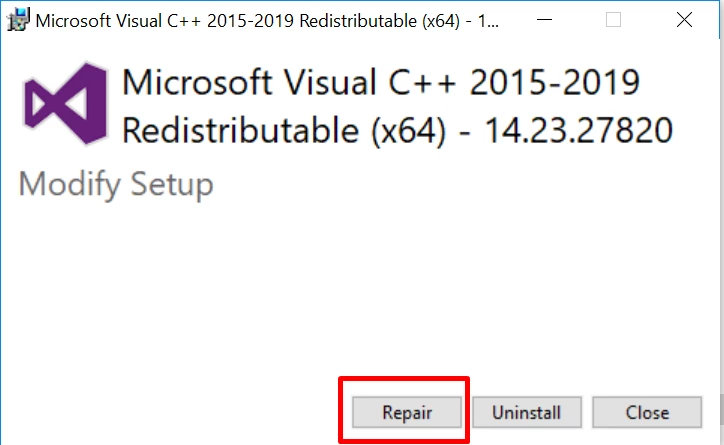
- Click Change > Repair.
- Restart the system.
- Now press Windows + R again and type C:\Users\Username\AppData\Roaming\Adobe this time.
- Rename Adobe Illustrator and Adobe Illustrator 24 Settings folders to Adobe Illustrator.old and Adobe Illustrator 24 Settings.old
- Launch Illustrator from Creative Cloud.
Let us know if this helps or if you have any further query. We'd be happy to help.
Regards,
Srishti

 AdChoices