
jjjefferies
Participant
August 14, 2019
Question

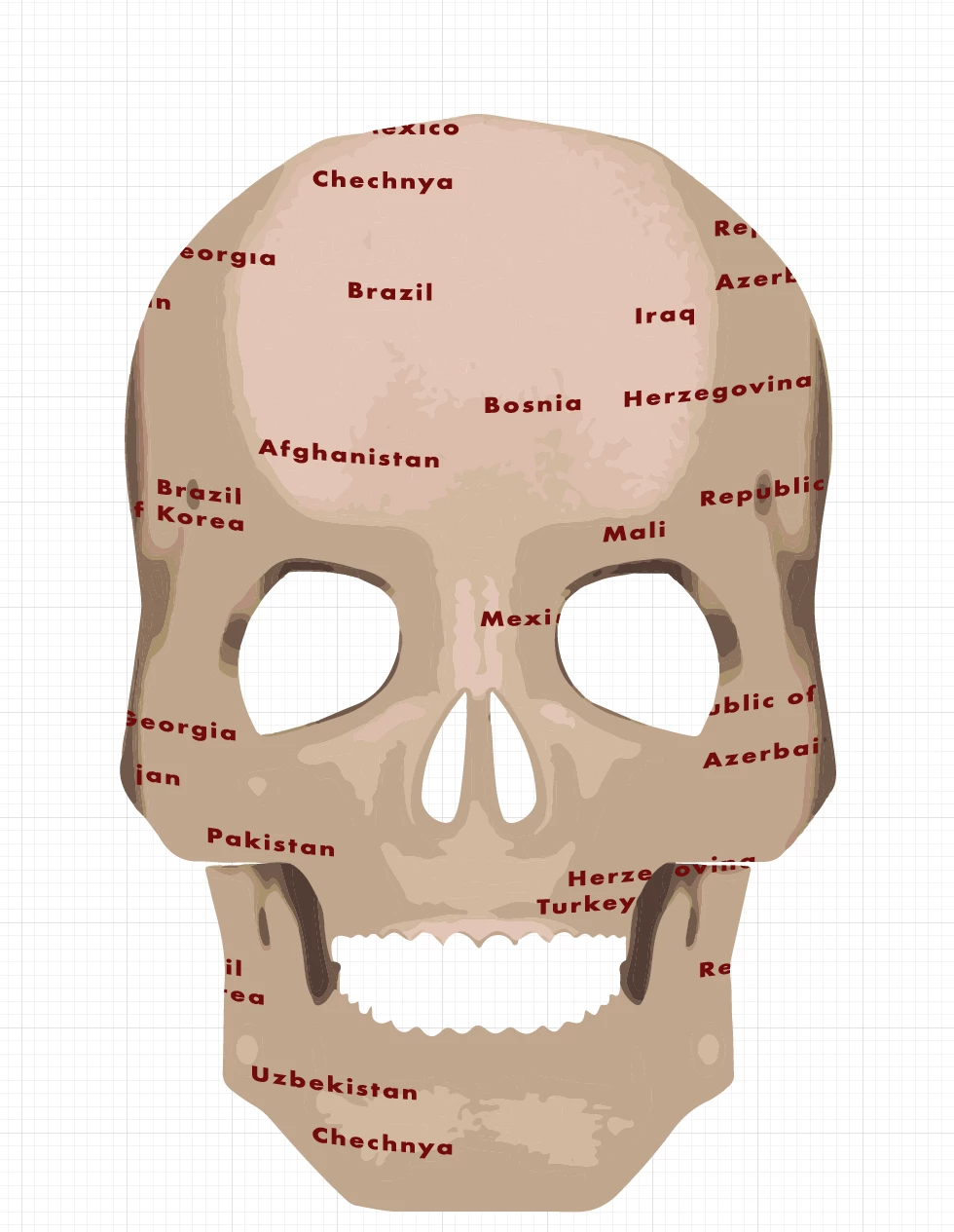
Illustrator cut holes into layers using multiple paths

  • August 14, 2019
  • 2 replies
  • 603 views

I have created an image with multiple layers and a top layer with text that isn't a text layer but instead a path. I have been trying to get this red text to cut through all bottom layers so I can make it transparent and it will show the text as the transparent back layer. What do I need to do to complete this? Nothing I have looked up and tried has worked.

Another thing I should mention is that each letter is its own patch. I believe I was able to group them all but that doesn't seem to help at all.
    This topic has been closed for replies.

    2 replies

    tromboniator
    Community Expert
    Community Expert
    August 14, 2019

    Bear in mind that creating an Opacity Mask all the selected items will be grouped in a single layer.

    Hi, Jacob.

    Peter

    Jacob Bugge
    Community Expert
    Community Expert
    August 14, 2019

    Hi Peter,

    All 31 acres of organic spring barley harvested today, between showers passing eastwards both to the north and to the south, and between many rainy days until yesterday with only little rain and from tomorrow.

    Jacob Bugge
    Community Expert
    Community Expert
    August 14, 2019

    jjjefferies,

    A simple way would be to:

    1) Select and Group all the names, then change the fill to black,

    2) Select everything and in the Transparency palette (flyout) click Make (Opacity) Mask with both Clip and Invert Mask unticked.

    .