
Piter1288
Inspiring
April 6, 2023
Question

Illustrator detects shortcuts file but shows empty

  • April 6, 2023
  • 1 reply
  • 498 views

Hello,


I'm trying to import my shortcuts file from version 26 to another computer with version 24 and even though Illustrator lists the file, it shows empty:
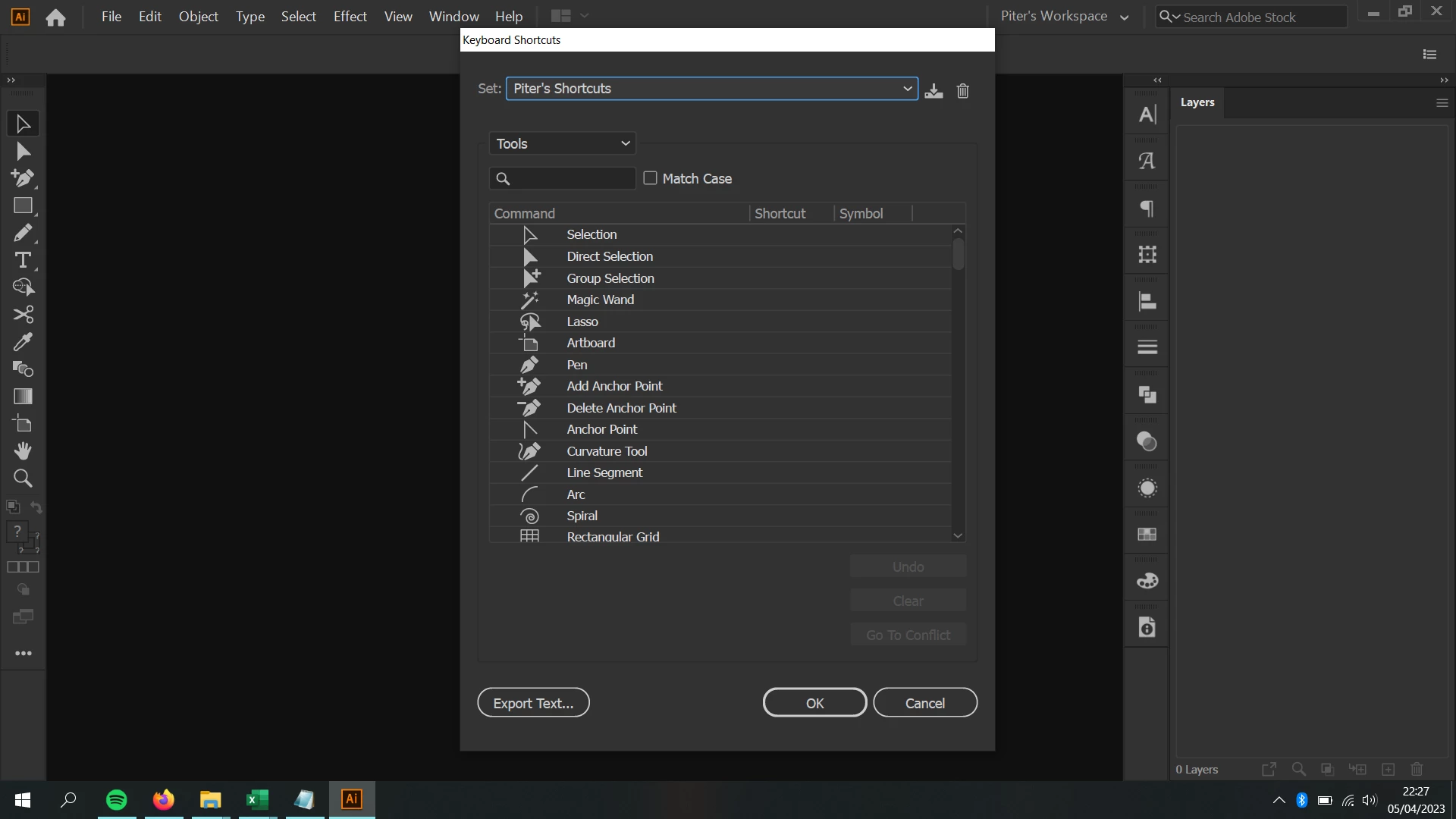
 

If I open the file in notepad, it does have my shortcuts:
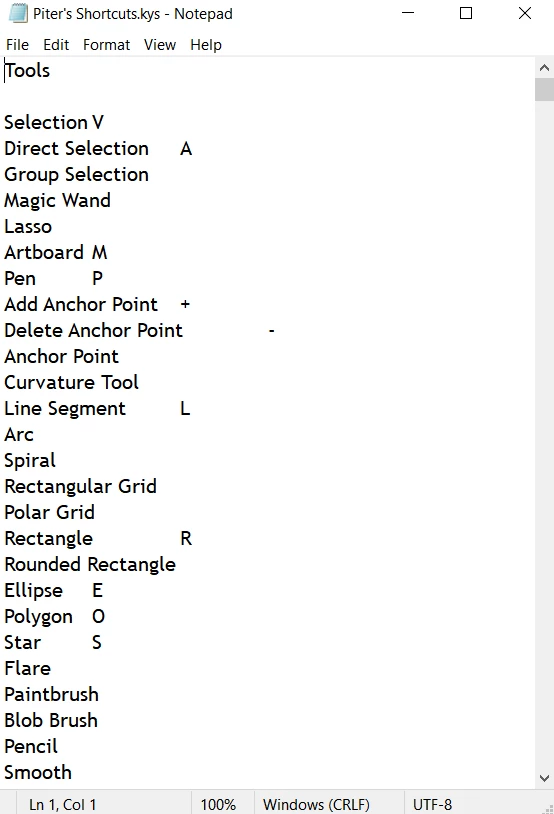
 

I tried pasting the file into the AppData\Roaming folder and also into the Keyboard Shortcuts one, but they show as Illustrator Defaults first and then empty when I close and open the program again as you can see here: https://recordit.co/Xrn9Qijafs 

This topic has been closed for replies.

1 reply

Anubhav M
Community Manager
Community Manager
April 14, 2023

Hello @Piter1288,


Thanks for reaching out. It might be possible that the shortcuts in Illustrator 26 might not be backward-compatible with Illustrator 24. In such cases, you might need to redo the shortcuts manually on the other computer.


Feel free to reach out if you have more questions or need assistance. We'd be happy to help.


Thanks,

Anubhav

Piter1288
Piter1288Author
Inspiring
April 20, 2023

Well, that is a problem. Things are NEVER compatible between version, I've using AI for 9 years now and the times I've been able to import settings, shortcuts files or workspaces it's 0. It's never a charm to change versions cause you it will always fail.