Participant
March 4, 2021
Question

illustrator - display problem - afterimage

  • March 4, 2021
  • 1 reply
  • 398 views

Hi all,


I have a problem on illustrator preview.

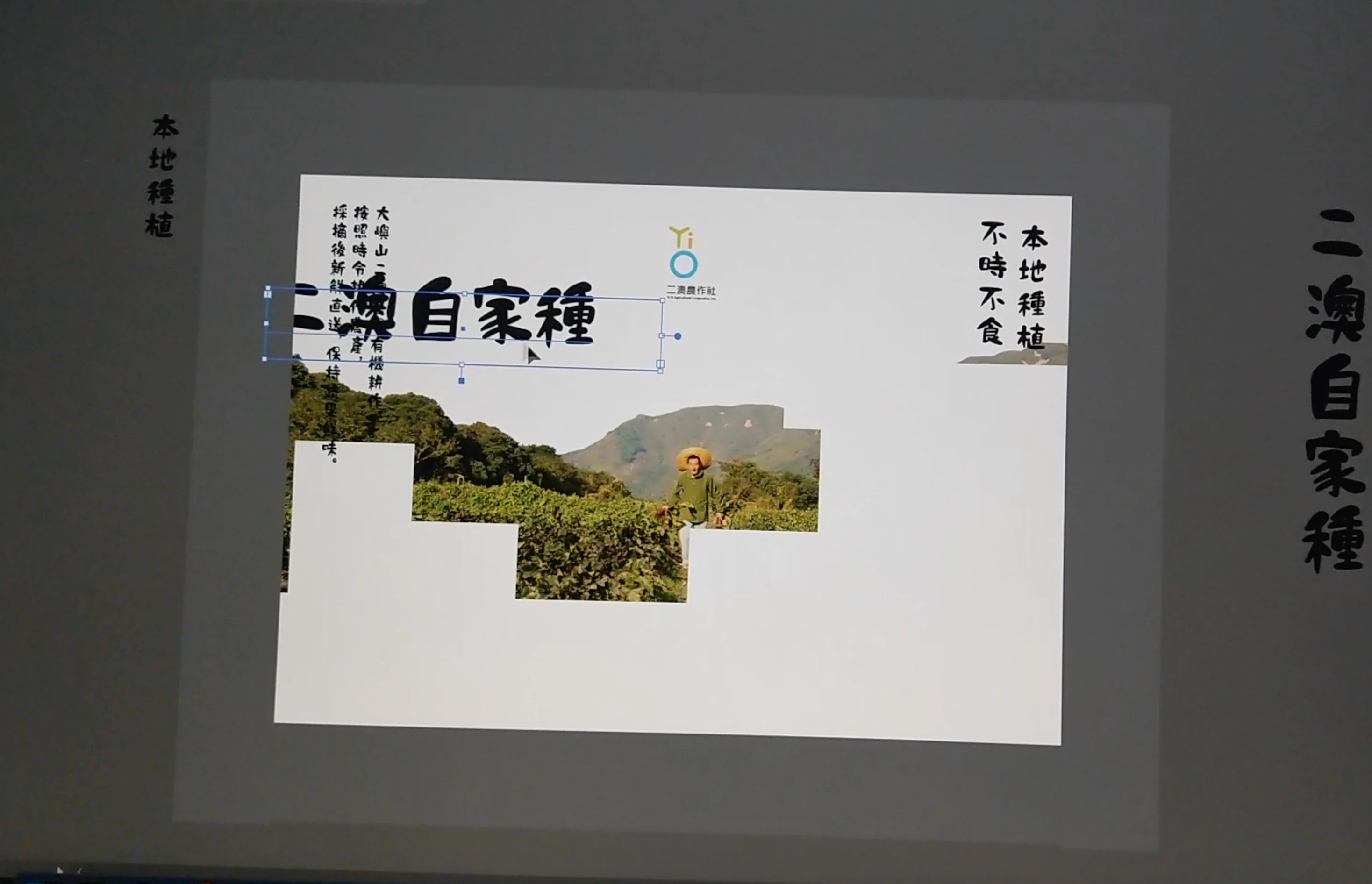
When I move text box in and out over an image (linked jpg), the image will be "broken", only display white space, or textbox displays afterimage (it displays two textbox but actually only one object in the artboard) , etc. 


I am using a 2020 imac with AMD Tadeon Pro 5300 4GB, and illustrator is up to date (v25.2 Feb 2021) GPU is on. The situation happens whether GPU is on or not. 


Please anyone knows how to solve this issue?


Screen Capture and video link:
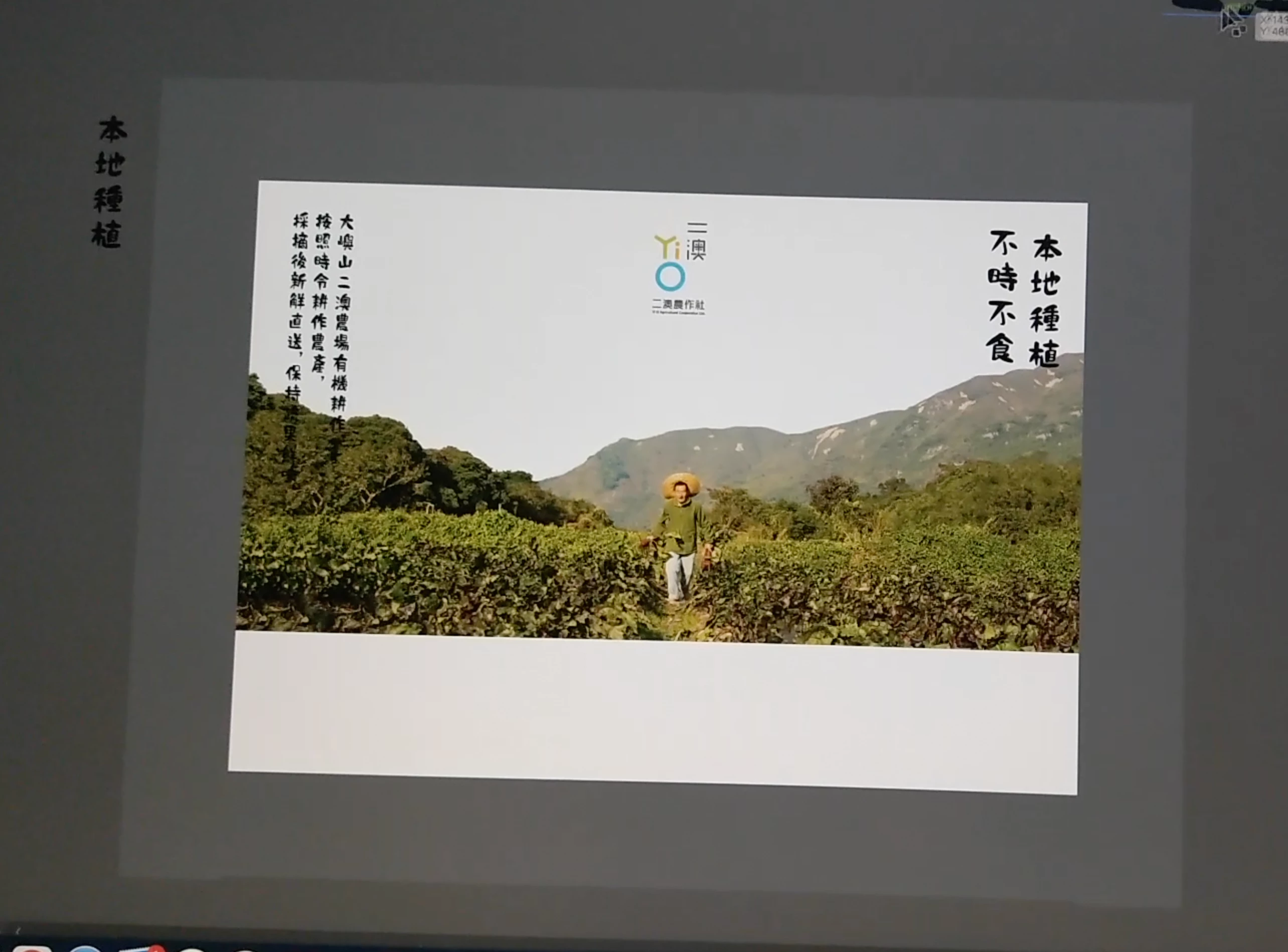
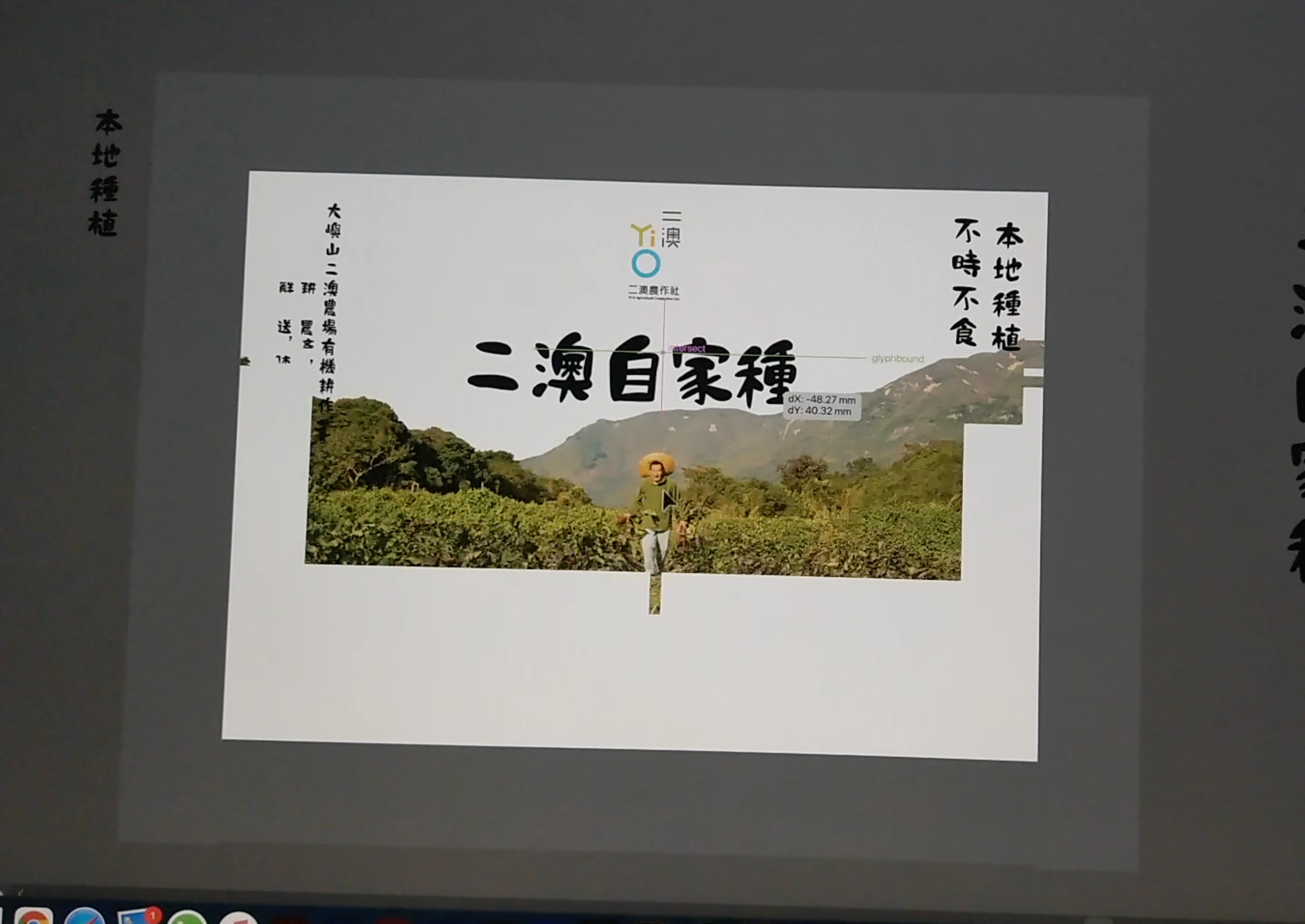
 

https://drive.google.com/file/d/1XD1zPaCAGx0_05ilnT-9qgf_9moBMlNR/view?usp=sharing 

This topic has been closed for replies.

1 reply

ceyhun_akgun
Legend
March 5, 2021

I am sharing a link on this topic. Can you check your CPU Performance settings?

https://helpx.adobe.com/illustrator/kb/gpu-performance-preview-improvements.html#


Graphic Designer Educator / PrePress Consultant
Participant
March 6, 2021

hi akgun,

thank for replying. I just tried and check your link,

in addition I read "GPU performance features troubleshooting" but i can't find the path or the solution 2. 


However the graphics looks smoother than before when I untick "Real-Time Drawing and Editing". Don't know if it's relevant. I have to test for few days for feature result...