

Question
Illustrator displays RGB colors as CMYK
I've got an RGB Illustrator document with an RGB colour applied to an object. (I've applied the colour from my creative cloud library – it's displayed correctly in the 'libraries' window).
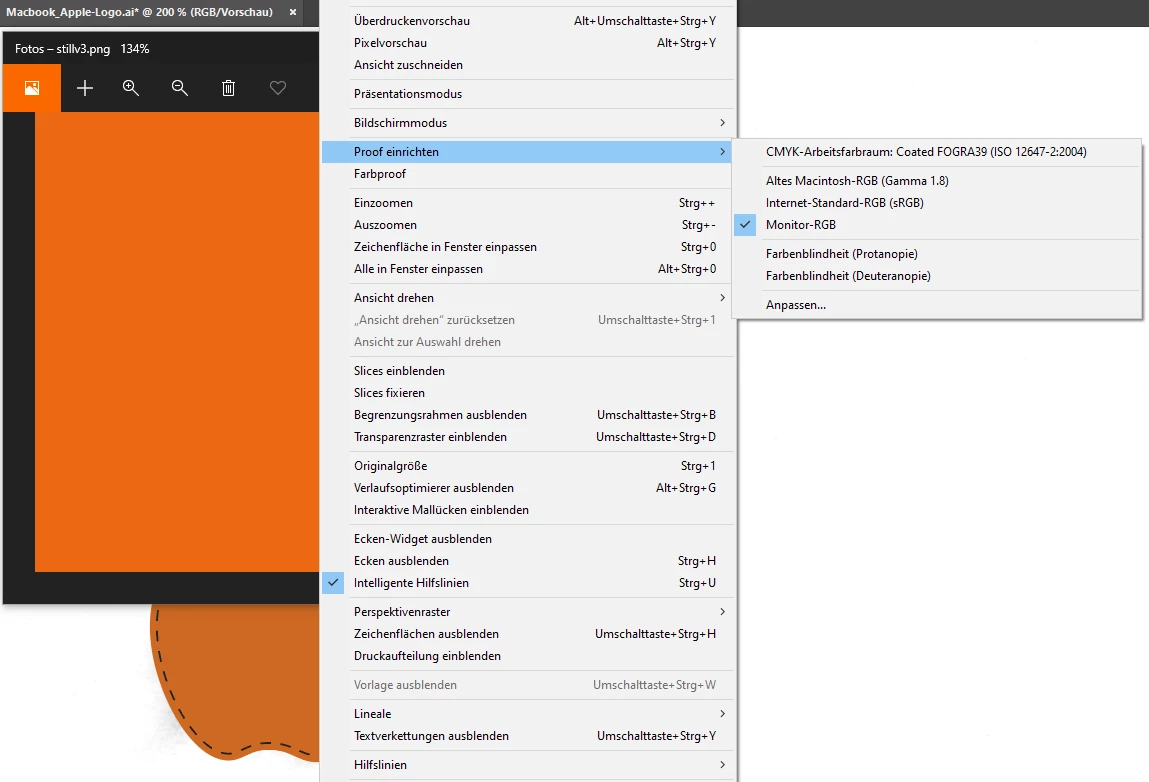
For whatever reason, the colour is displayed as if I had my document set to CMYK/set the colour proof settings to 'Coated FOGRA39'. But my document is set to RGB, the colour is in RGB, and I've disabled colour proofing.
The colour looks correct when I set the proof to 'Monitor RGB', but why does Illustrator display RGB documents as if they were CMYK?
 AdChoices