


Participating Frequently
March 12, 2025
Question

Illustrator does't save the file with text on the document

  • March 12, 2025
  • 1 reply
  • 1957 views

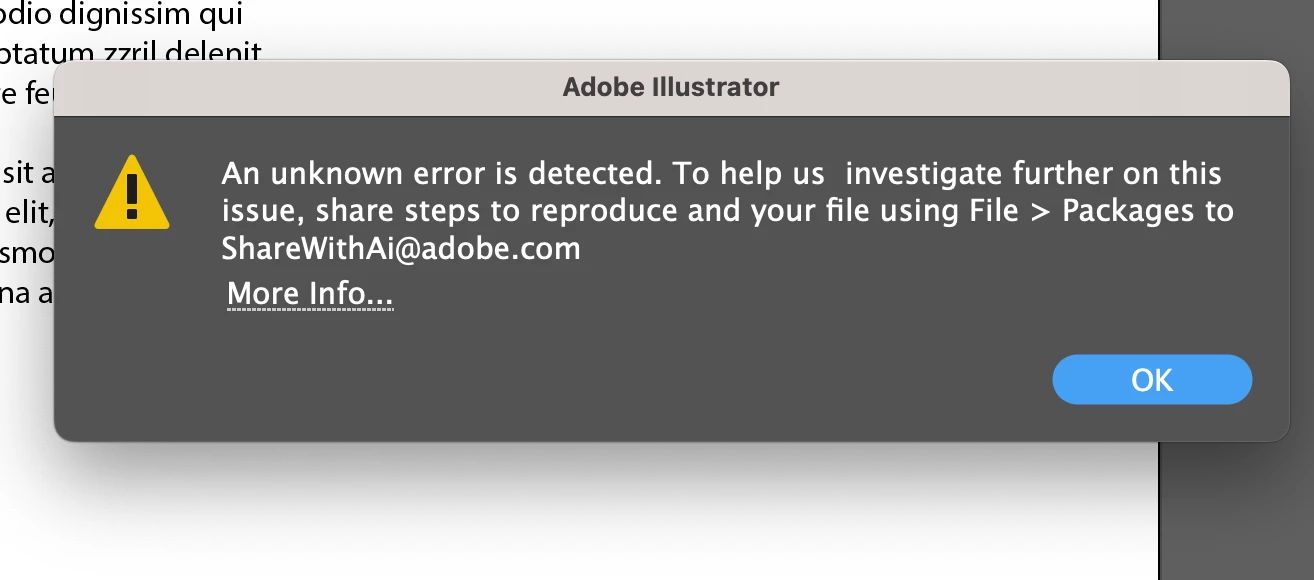
I’ve followed all the steps suggested on the Adobe help page, but it’s frustrating that I can't save the Illustrator file I’ve been working on. It saves fine without the text, but when I include text, it won’t save. I don’t have any corrupted fonts, but I noticed that by default, the text tool selects Myriad Pro. I’ve installed the font on my Intel Mac, and everything seems fine with the font. However, I urgently need to find a way to save the Illustrator document with editable text.
1 reply

Anubhav M
Community Manager
Community Manager
March 12, 2025

Hello @Samir Patra,

Would you mind copying the layers/objects from the file to a new one to check if it helps?

Looking forward to hearing from you.


Anubhav

Participating Frequently
March 12, 2025
Hi Anubhav,

I tried doing what you suggested, however without much luck. I still get the same error. I tried installing InDesign as well and that doesn’t open too. It comes up with an error saying there are missing system fonts or CMap files. I can’t figure out what’s the issue. I’m attaching the screenshot. Please help.

Thanks
Samir Patra
+91-8897667890
Participating Frequently
March 12, 2025

Hello @Samir Patra,

Would you mind confirming if this happens only with specific file(s)? If yes, please share a link to a sample file here after uploading it to a file-sharing service, so I can check it on my end.

Looking forward to hearing from you.


Anubhav


This is occurring with all files that contain text. I can save them if I convert the text to outlines, but it’s frustrating because that means I won’t be able to edit the text later.