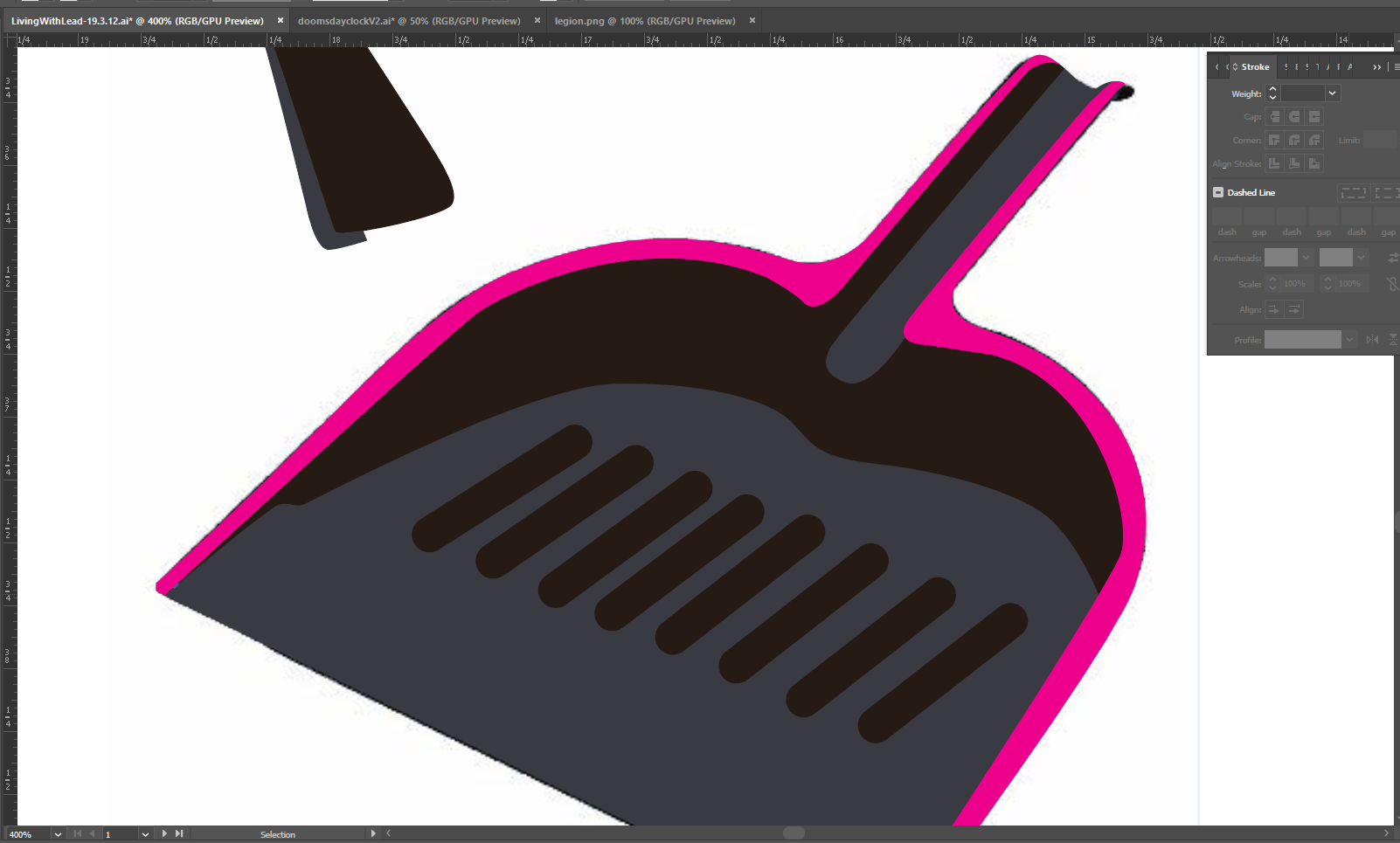
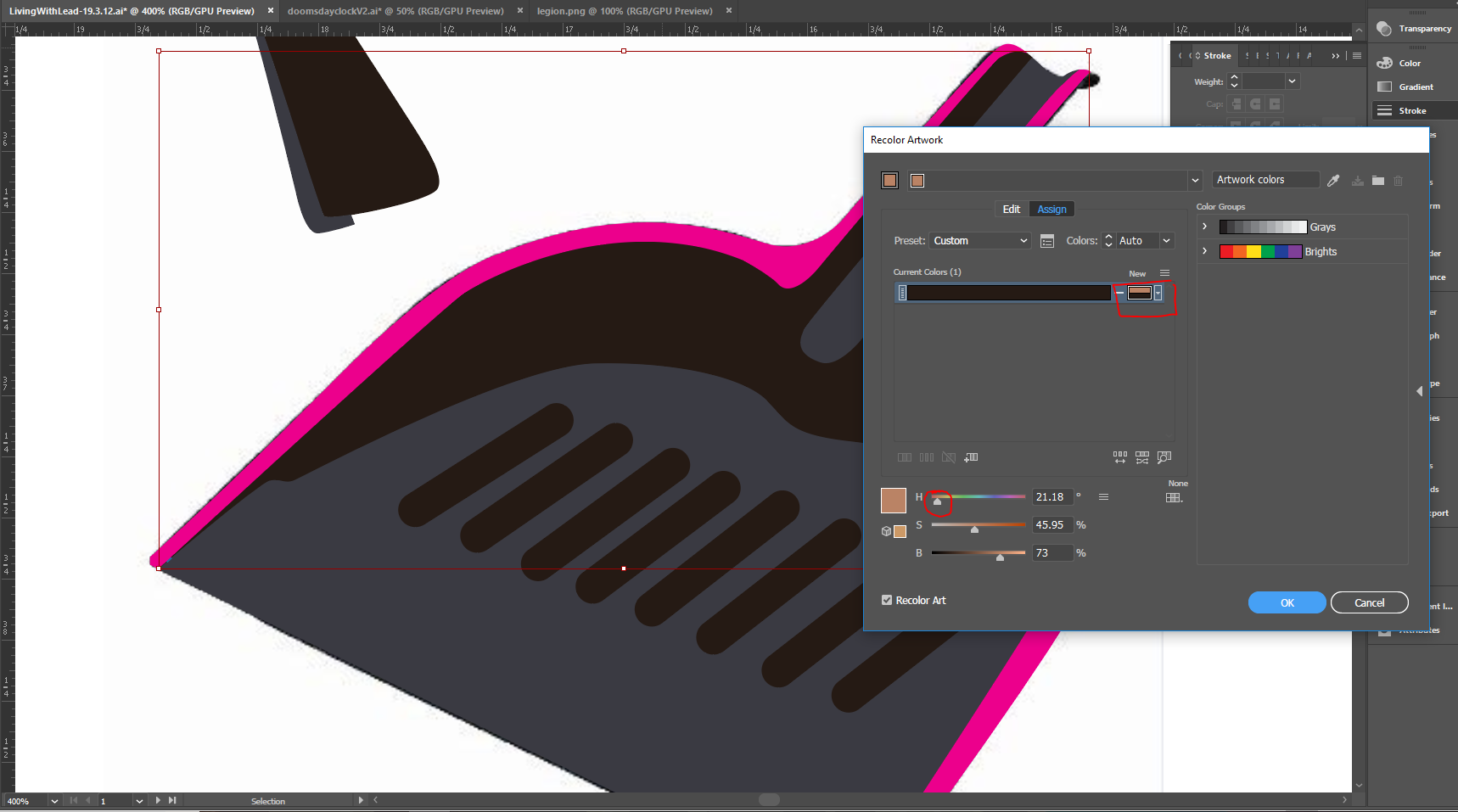
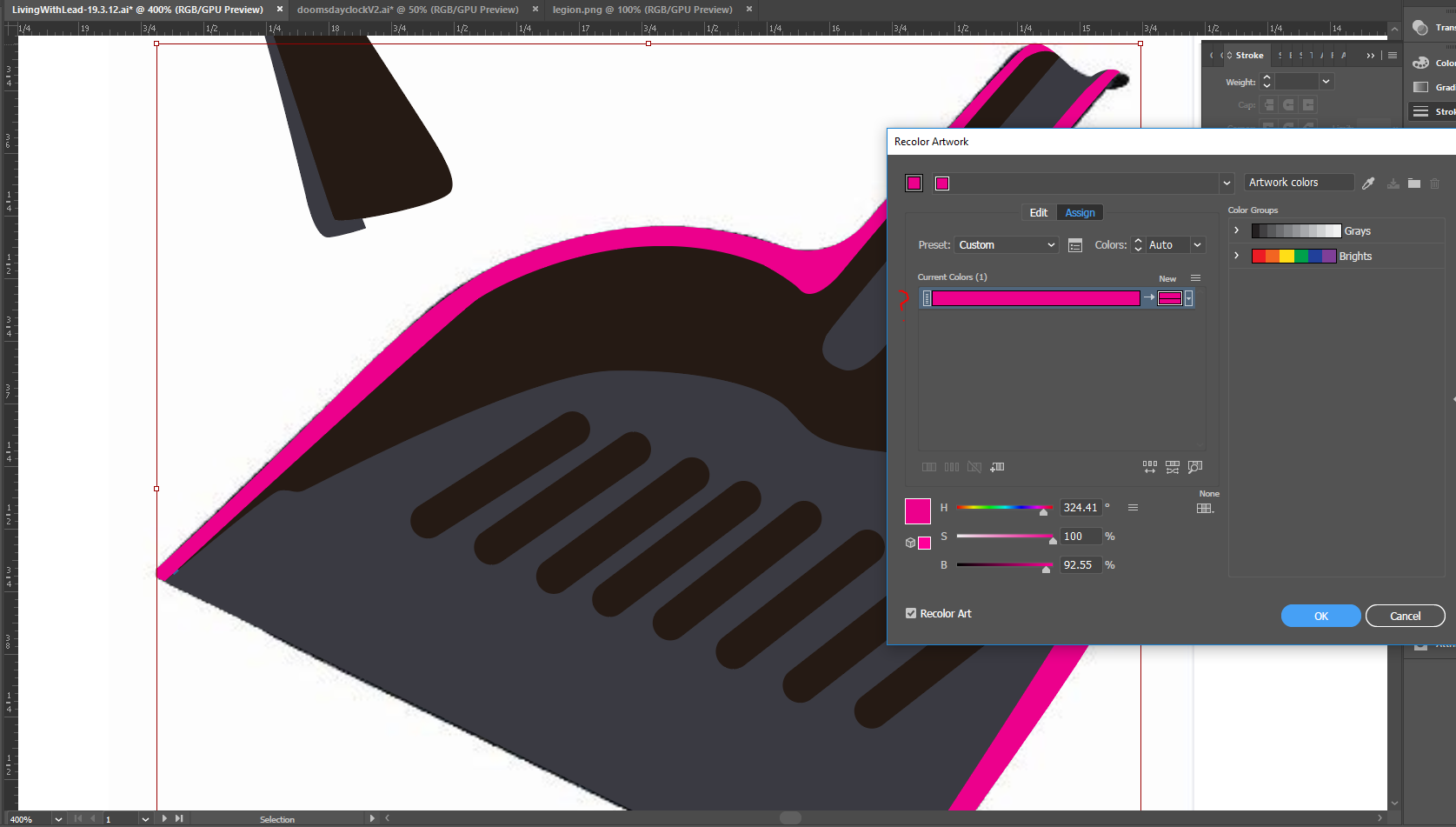
I've encountered this thing with the Edit Colors dialogue box for the past few years and seriously can't find the answer. Sometimes when I have an object and I select a shape to use in the Edit Colors, the edits I make on the color wheel simply don't make the change. It definitely registers that I'm trying to edit the colors because it splits the "New Color" output in two.( see second image) I have NEVER understood why it happens and would love some advice. It does NOT happen for every shape or color. In this example, the only shape experiencing this is the darkest shape. The magenta and gray-blue can be edited.





 4
Replies
4
Replies








 AdChoices