
Participant
February 8, 2022
Question

Illustrator exporting other unselected layers

  • February 8, 2022
  • 3 replies
  • 391 views

Hello everyone! I have a weird issue going on, and I would love some help. 


Normally, I'm able to export each layer into .png files but for some reason, when I try to do it today, I keep getting elements of other layers export as well even though it's not selected.


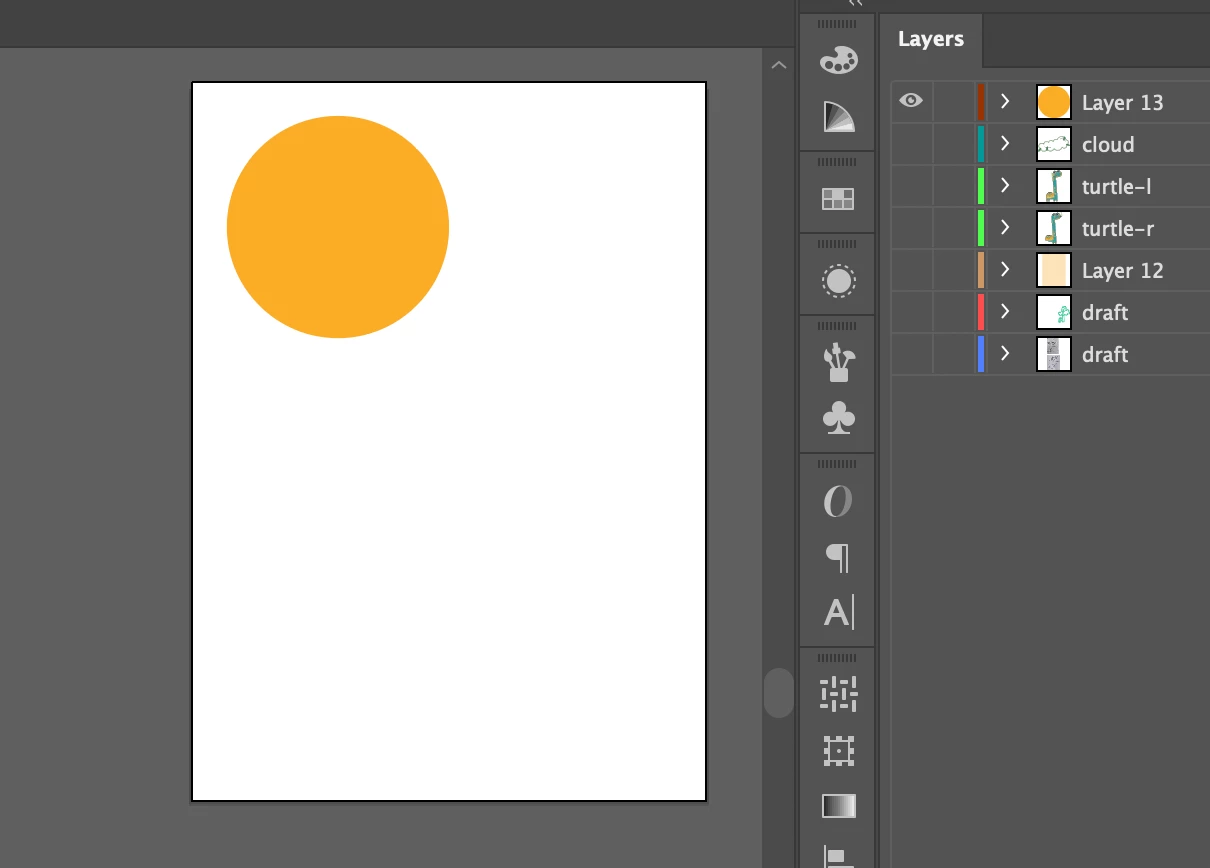
Below, I only have 'Layer 13' with the yellow round circle selected. Everything else is unselected.
 

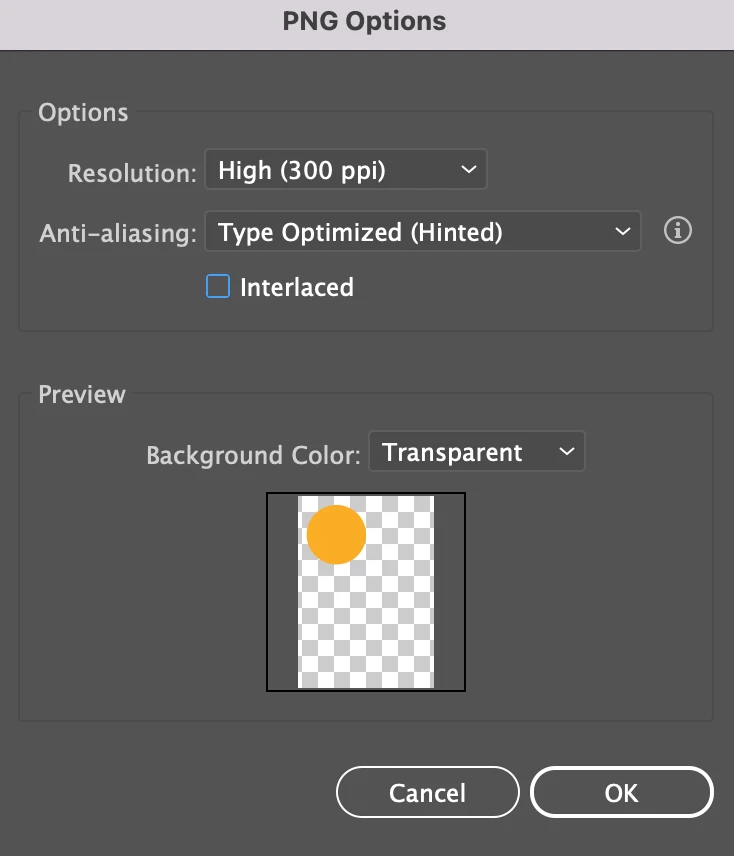
Then I go to File > Export > Export As and select PNG options. The preview shows only the yellow circle.
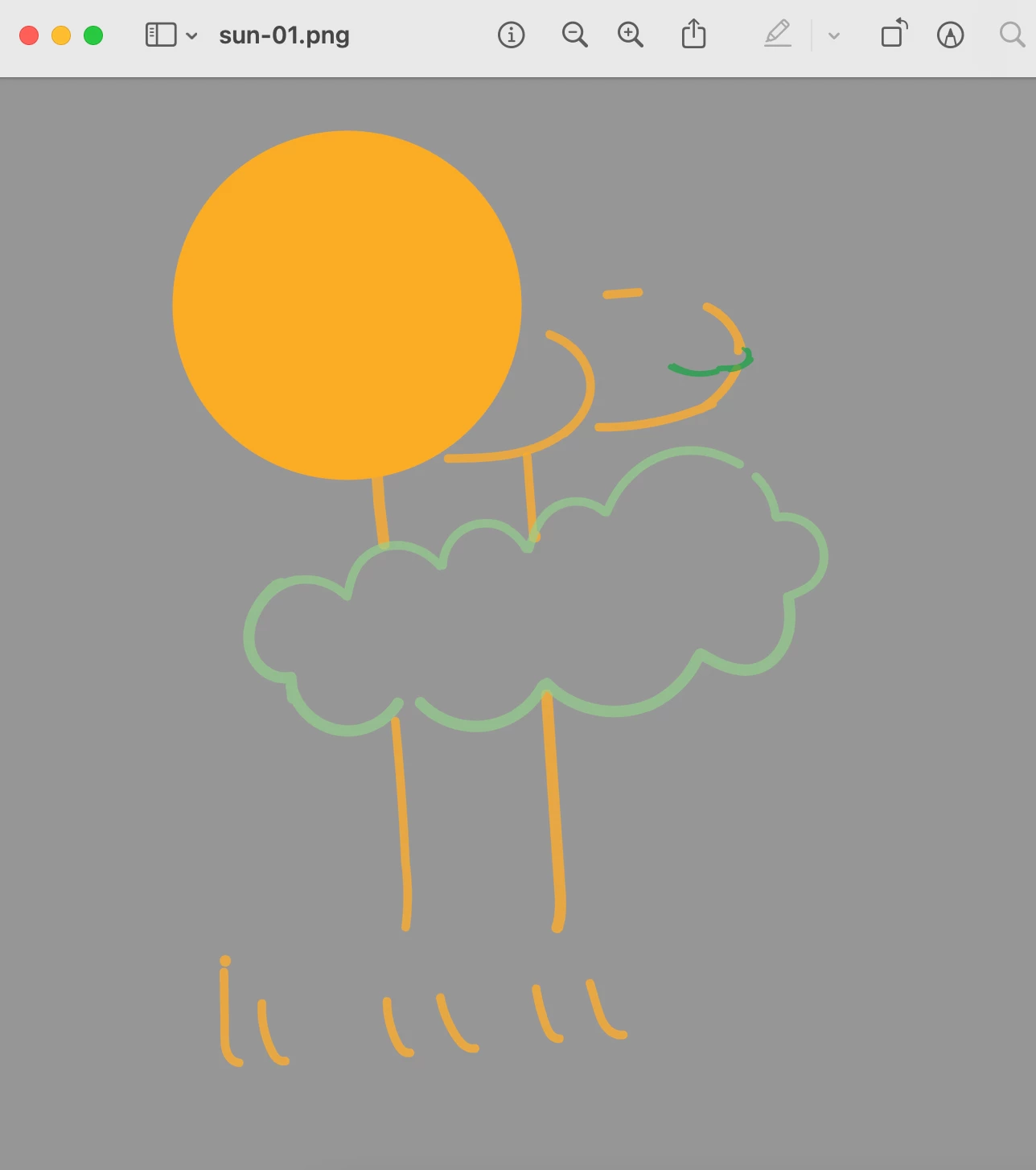
The exported .png file though keeps showing elements from the other layers that I have unselected. 
 

I've never had this happen so it's super weird. Does anyone know how I can prevent this from happening? Any help would be much appreciated! 

This topic has been closed for replies.

3 replies

Participant
February 9, 2022

@Laura Coyle. @Ton Frederiks  thank you both for replying! I ended up recreating a new file and copied over all the layers. That seems to have fixed the issue but it was quite weird. I updated my application also so hopefully this doesn't happen again. 

Ton Frederiks
Community Expert
Community Expert
February 9, 2022

Good to hear you solved it.

Ton Frederiks
Community Expert
Community Expert
February 9, 2022

If something like this happens, I first check if it also happens in other documents.

If so I reset the Preferences:

https://helpx.adobe.com/illustrator/using/setting-preferences.html


Laura Coyle.
Community Expert
Community Expert
February 8, 2022

That is really weird! Is this happening with the other File > Export options like Export > Save for Web or if you click the asset export button at the bottom of the layers panel? Also, what version are you using?