Participant
May 31, 2023
Question

Illustrator eyedropper picking inaccurate, lighter color

  • May 31, 2023
  • 3 replies
  • 670 views

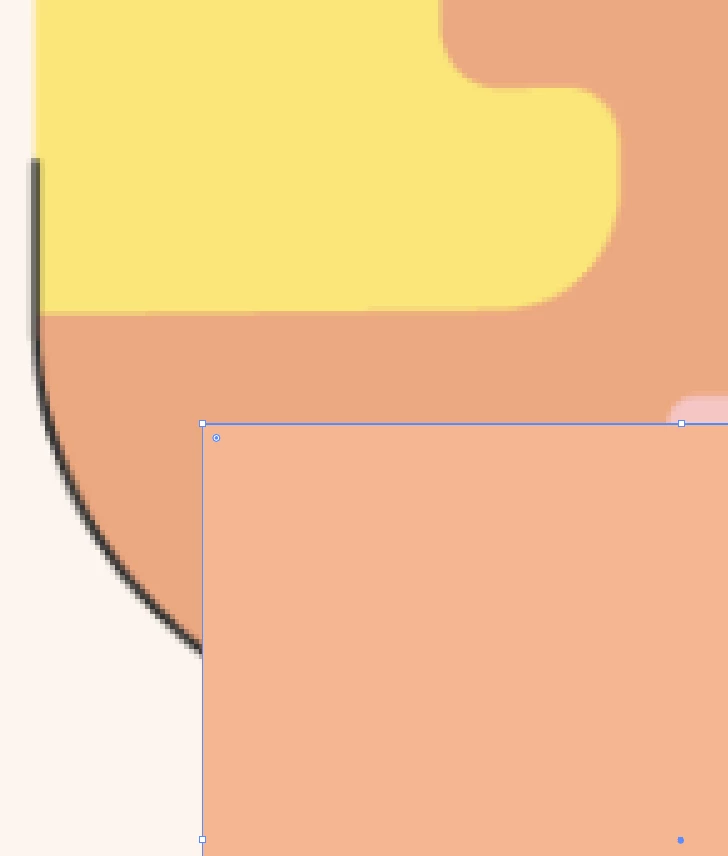
Whenever I use the the eyedropper tool, it won't pick the exact color I selected, but a shade lighter.  I've tried this on a veriety of files and it's always the same.  I played around with all the color profiles to see if anything worked, but it hasn't.  This used to not be a problem, I could get exact matches of the color I selected (years ago), but not any more.  


Please help!


This topic has been closed for replies.

3 replies

Anubhav M
Community Manager
Community Manager
June 29, 2023

Hello @Kdesign29,


Sorry for the delayed response. I hope the suggestions shared by Ton and Ares helped resolve the problem. If not, kindly try recalibrating your display monitor(s) for sRGB (Windows / macOS), rebooting your computer, and then relaunching Illustrator to check if it helps.


Looking forward to hearing from you.


Thanks,

Anubhav

Ton Frederiks
Community Expert
Community Expert
May 31, 2023

Is the file embedded? And RGB > RGB or CMYK to CMYK?

Kdesign29Author
Participant
May 31, 2023

When I copied and pasted a screen shot of this screen, it actually miraculously worked just now.  But hadn't a few seconds earlier.  Then in tried to import a file that I had that had a different profile and got this warning...  but both options didn't work perfectly.  The preserve color numbers worked better.  Is there anything else I can do to get it to be perfect?

Kdesign29Author
Participant
May 31, 2023

Where do I find my Monitor color profile Settings?

Ares Hovhannesyan
Community Expert
Community Expert
May 31, 2023

Do I understand correct that source is bitmap(rgb) and target is a vector? Thx

Kdesign29Author
Participant
May 31, 2023

Yes