
Question
Illustrator Files and Directories
There is a problem with updating Illustrator using the Creative Cloud Desktop - the update fails with no diagnostics. So I tried to uninstall Illustrator completely. This appears to work, except that the folder C:\Program Files\Adobe\Adobe Illustrator 2020\Support Files\Contents\Windows does not get deleted. When I try to delete it manually, even when I sign on with administrative privilege, the attempt fails with a dialog box which says that I need permission to make changes to this folder (see screenshot below):
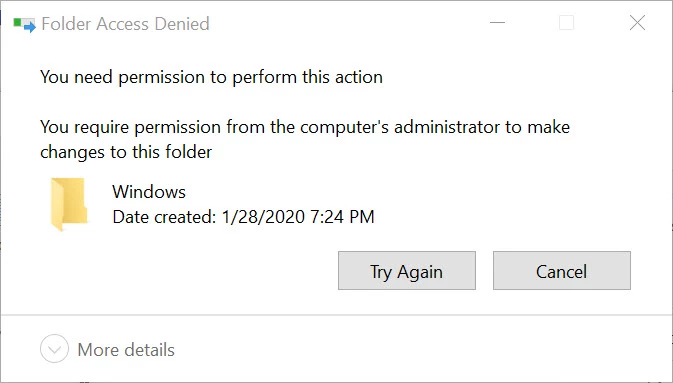
Having "uninstalled" Illustrator, how can I delete this folder left behind so that I can re-install Illustrator?
Thanks in advance for your help.
 AdChoices