
Participant
November 7, 2023
Answered

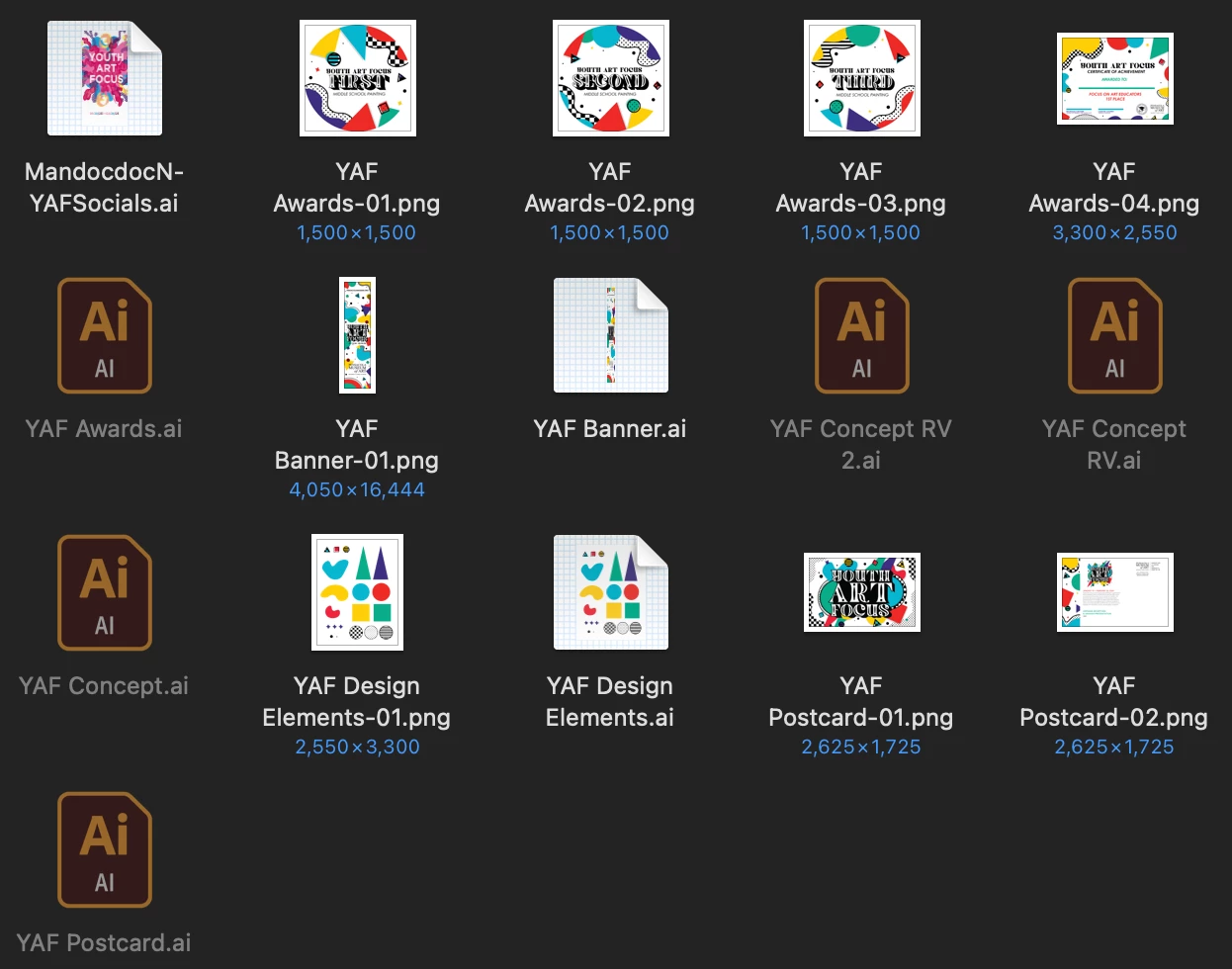
Illustrator Files are greyed out-- CANNOT import or Open

  • November 7, 2023
  • 2 replies
  • 252 views

Hello, 


I've been trying to open my illustrator files but every time I try import or opening them, nothing happens. I even tried accessing through the Creative Cloud Application and that still will not even work. I've tried restarting the computer and Finder itself but the files still will not open at all. Is there any solution to this problem?
 

This topic has been closed for replies.
Correct answer nicolepmnd29

UPDATE: Solved


Problem was the fact that Creative Cloud had trashed my files so I had to go to:
Creative Cloud > Files > Deleted > Select Deleted Files > Click Recover


From there I had to manually click one by one to grab my files.

2 replies

nicolepmnd29AuthorCorrect answer
Participant
November 7, 2023

UPDATE: Solved


Problem was the fact that Creative Cloud had trashed my files so I had to go to:
Creative Cloud > Files > Deleted > Select Deleted Files > Click Recover


From there I had to manually click one by one to grab my files.

Ton Frederiks
Community Expert
Community Expert
November 7, 2023

Are they saved to your local hard disk, not to a cloud sunc folder or a server ?

Participant
November 7, 2023

They're saved to the cloud sync folder.