Participant
May 28, 2020
Answered

Illustrator: Fill shape made of lines?
  • May 28, 2020
  • 2 replies
  • 13283 views

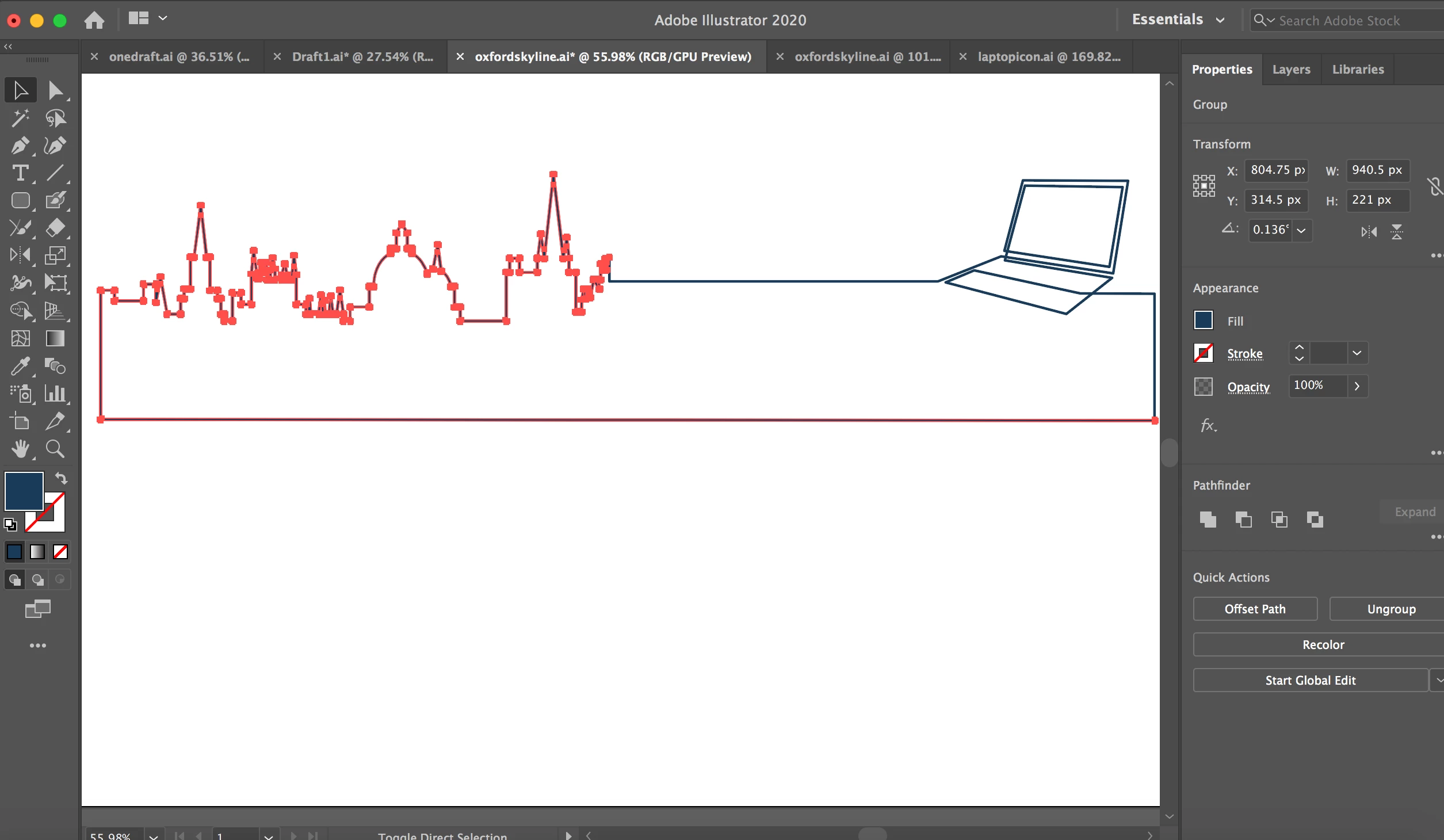
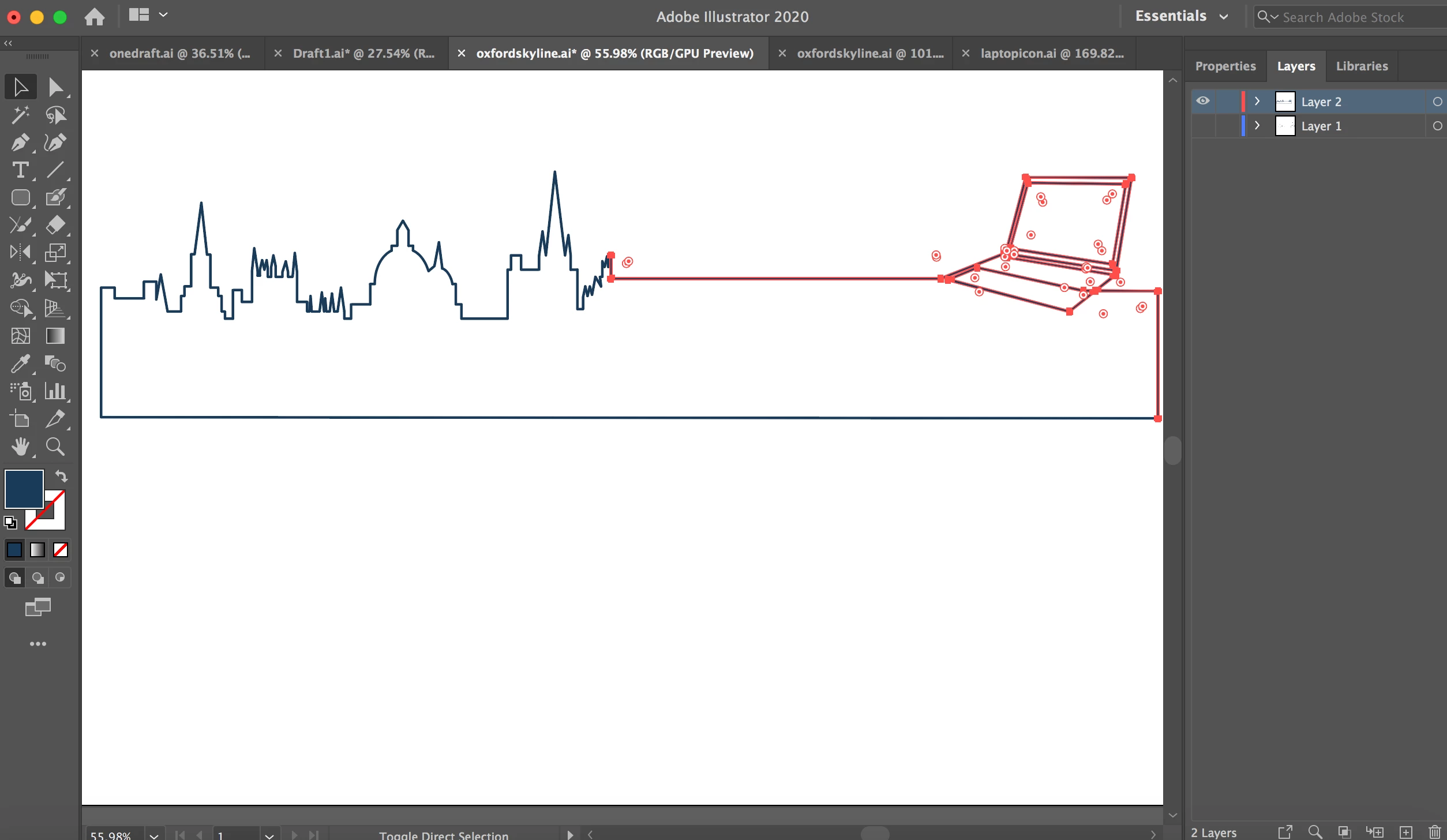
Hi, I'm very new to Illustrator and am using online tutorials to help me. I have made this shape using individual lines, however all I want to do is fill the centre of it, but I cannot for the life of me work out how to do it. I have tried the paint tool and fill. As you can see I have expanded it to make into outlined paths (sorry my vocabulary is very basic). Please may someone advise on how I might be able to fill this shape I have made, or advise a better way to design this if I shouldn't have made this via individual lines!

This topic has been closed for replies.
Correct answer Jeff Witchel, ACI

Select the separate shapes and go to Object > Live Paint > Make. Use the Live Paint bucket tool (K) to fill the shapes. Here's more informarion about the Live Paint feature: https://helpx.adobe.com/in/illustrator/using/live-paint-groups.html


2 replies

Jeff Witchel, ACI
Community Expert
Jeff Witchel, ACICommunity ExpertCorrect answer
Community Expert
May 28, 2020

Select the separate shapes and go to Object > Live Paint > Make. Use the Live Paint bucket tool (K) to fill the shapes. Here's more informarion about the Live Paint feature: https://helpx.adobe.com/in/illustrator/using/live-paint-groups.html


Ton Frederiks
Community Expert
Community Expert
May 28, 2020