
Illustrator graphic problems
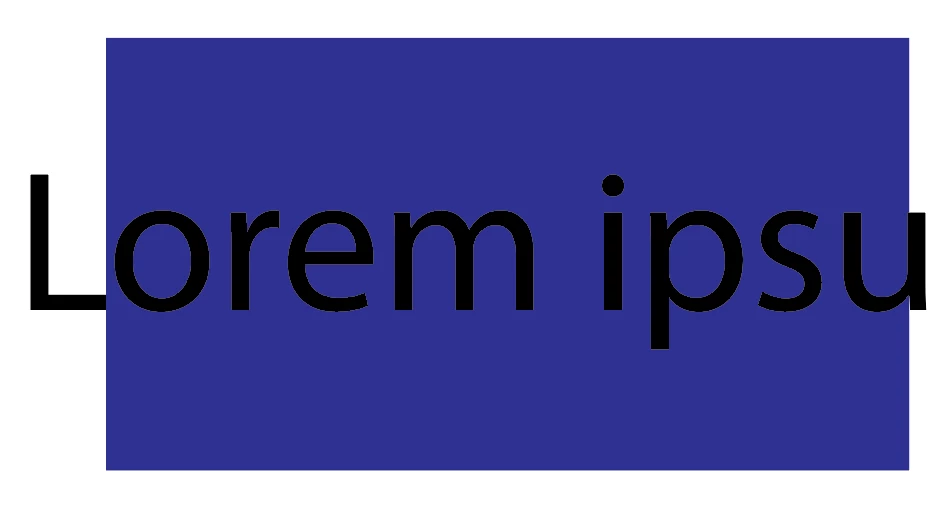
I posted a question on here before, but I was only able to find a partial fix. I’ve been having what looks like resolution issues with Illustrator. I’ll create a file with a high resolution, but the text edges are ragged and if I check the resolution while the file is open it’s on medium resolution. After trying everything I could, I got someone from Adobe Support to get on my computer to try to fix it. On my computer recommended Display Resolution of 1366 x 768 is where the jagged edge around the text appears (examples 1 and 2) so he put the Display Resolution on 2560 x 1440 which looks much better. I could leave it like this is I necessary, but I’d rather try to fix the issue if possible. I used Illustrator for a semester and a half before this problem suddenly appeared and it has an annoying habit of following me around on some other computers I use. I checked my GPU settings, but it doesn’t seem to fix the problem if I turn them off or on. Someone suggested it was an anti-aliasing issue and that if exporting select Art Optimized. I did this and it looked fine so many it is anti-aliasing but I’m unsure how to fix this problem. 
 AdChoices