
Participating Frequently
January 19, 2025
Answered

Illustrator Issues with the artboard (gray) turned completely white.

  • January 19, 2025
  • 3 replies
  • 1751 views

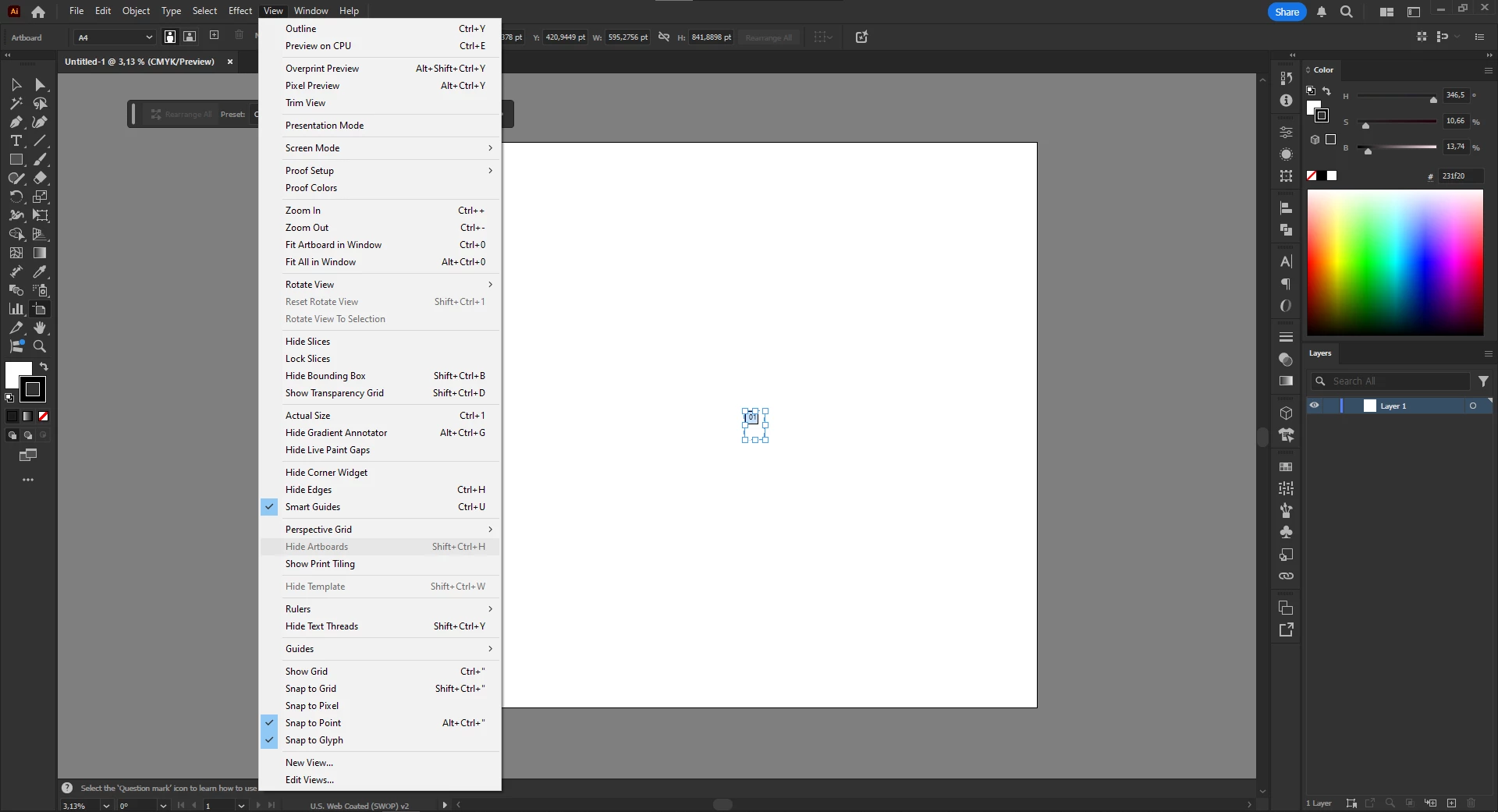
I've been trying to find a solution to the problem for a while, but I can't figure it out. I've tried several things I found, like turning Overprint Preview on and off, as well as Trim View and Show Transparency Grid. I also tried switching to and from dark mode in Preferences, but nothing works. The strange thing is that it only happens when I want to modify the artboard (Shift+O), and in the View menu, "Hide Artboard" appears but cannot be used.


I aprecciate your help.
 

Correct answer Ton Frederiks

Like this:

3 replies

cocomatsing
Participant
October 6, 2025

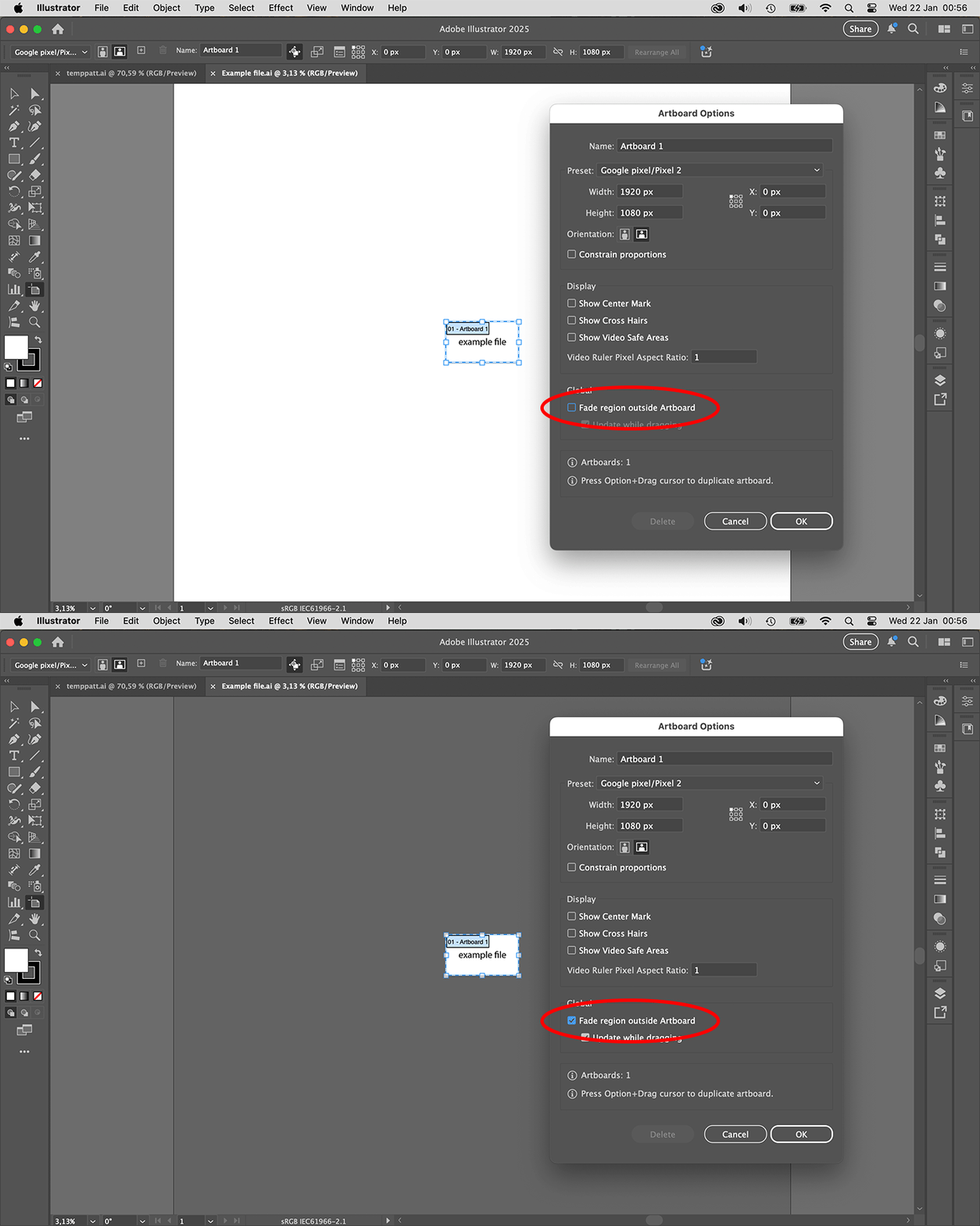
I have the same problem now. But only when I open a PDF file in Illustrator. The answer by Ton Frederiks to toggle the "Fade region outside Artboard" doesn't work for me. It works when I'm in the Artboard Options, but when I hit OK, I will go back to the completely white work area. No Artboard boundaries.

Monika Gause
Community Expert
Community Expert
October 6, 2025

Can you please answer all the questions in all the posts?

The artboard is not hidden in the View menu?

Ton Frederiks
Community Expert
Community Expert
January 20, 2025

Can you share an example file? Save as PDF to attach it to a message on this forum.

YawnDrawAuthor
Participating Frequently
January 20, 2025

Sure, Of course


tranks

Ton Frederiks
Community Expert
Community Expert
January 20, 2025

Thanks, If you edit the Artboard do you have the "Fade region outside Artboard" unchecked?

Monika Gause
Community Expert
Community Expert
January 20, 2025

When you are in artboard editing mode (have the artboard tool selected), of course you need the artboard visible and cannot turn it off.


But I do not think I understand the general problem - your artboard is not showing at all when you are outside of artboard editing mode?

THe color of the canvas can be selected in the preferences.

YawnDrawAuthor
Participating Frequently
January 20, 2025

Apologies if my question wasn’t clear. The issue is that the background (the large rectangle) that is usually gray or dark gray has turned completely white, the same as the artboard, and I don’t know how to fix it.

Brad @ Roaring Mouse
Community Expert
Community Expert
January 20, 2025

Perhaps you acidentally created a Large Canvas document? This would create a white artboard 10 timest the size of previous. What is your artboard size currently?