muhammads95455708
Participating Frequently
March 20, 2017
Question

Illustrator keeps crashing

  • March 20, 2017
  • 2 replies
  • 6129 views

Hi There,

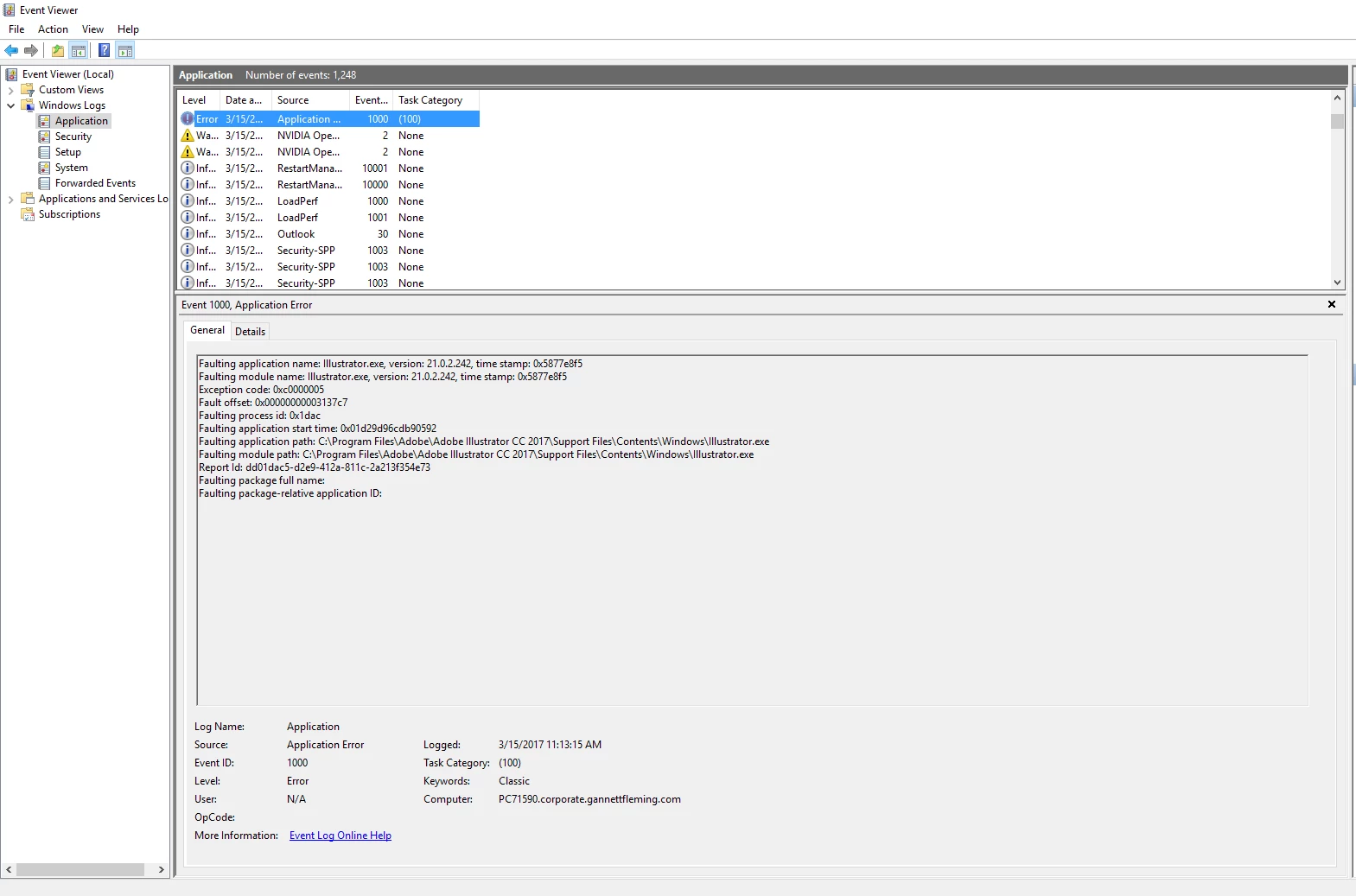
I have adobe Illustrator 2017 and It keeps crashing randomly in the middle of the work. I got following error message. So far I did the following to troubleshoot the issue;

  1. Reinstalled software
  2. Updated windows and graphic driver
  3. Updated the system BIOS
  4. Changed default printer to PDF one

But it did not resolve the problem.

Would appreciate any help.

[Moderator: Moved from non-technical forum Lounge to Illustrator.]

    This topic has been closed for replies.

    2 replies

    Participant
    January 22, 2018

    Have you tried turning off the anti-aliasing in the general system? That worked for me. Requires a ridiculous amount of performance that one.

    Om Nath Jha
    Legend
    March 20, 2017

    Hi Muhammad,

    If I get the issue, your Illustrator is crashing randomly? Thanks, you shared the Event Viewer log, unfortunately this one does not suggest a specific cause of the crash. Would need few details so that we can try to diagnose the cause. Where are the files saved that you are working with, local or on network? Do you recall a specific workflow that initiate the crash? Is it a Windows 7 machine? What is the exact model of GPU you are using?

    Regards,

    Om

    muhammads95455708
    Participating Frequently
    March 20, 2017

    Hi Om,

    Thank you very much for your quick response. Please find the answer below;

    1.    The files are saved on local hard drive.

    2.    It is happening with all the files not any specific one

    3.    The GPU performance is set to Animated Zoom and model is attached.

    4.    Windows 10 Enterprise

    Let me know if you have any other question.

    muhammads95455708
    Participating Frequently
    March 20, 2017