Participant
October 2, 2022
Question

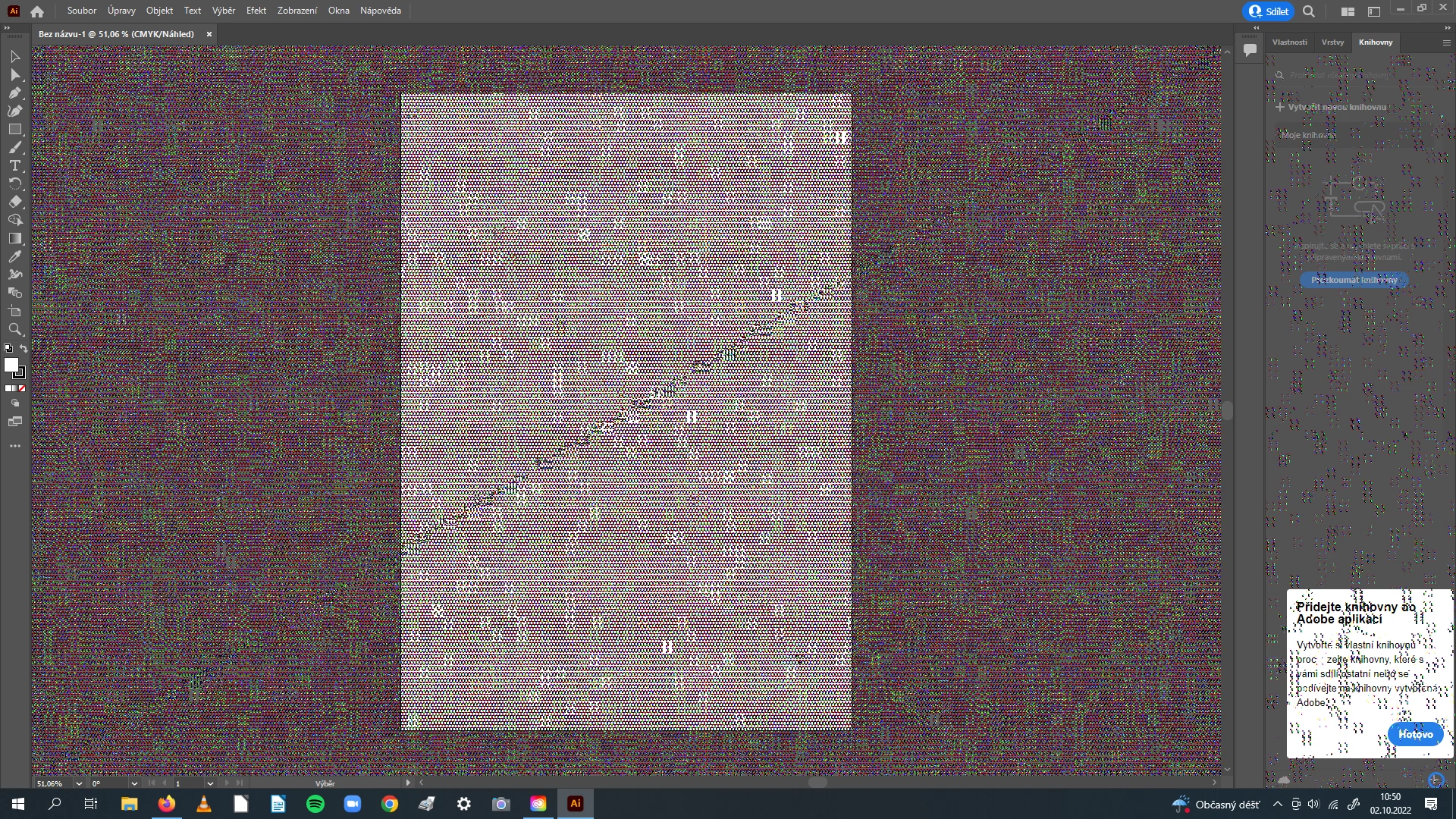
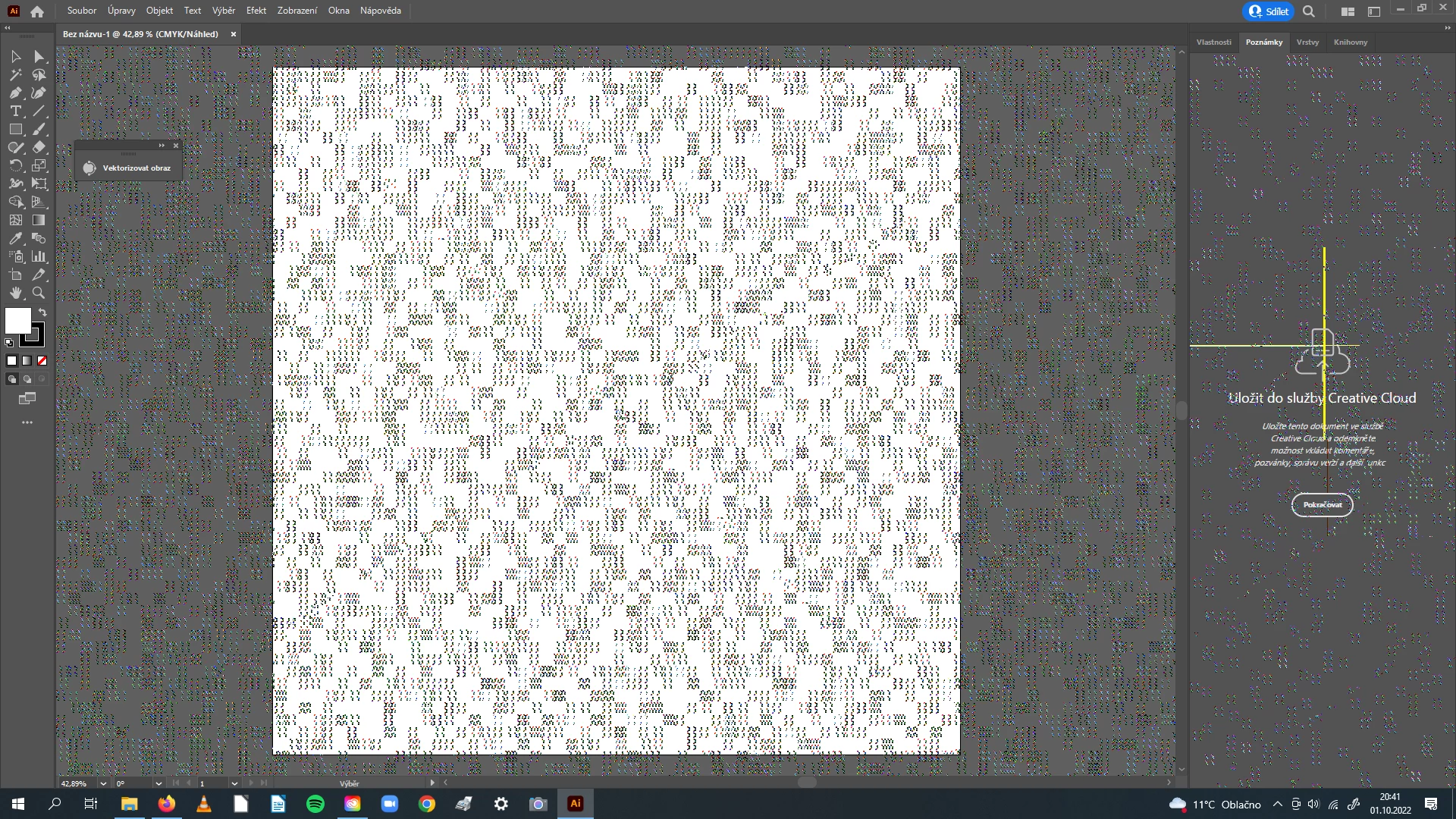
Illustrator keeps showing pixels(?) and crashing seconds later

  • October 2, 2022
  • 3 replies
  • 170 views

Hi

Illustrator keeps doing this

and I have no idea how to fix it. I've reinstallled whole Cloud, deleted some apps I didn't need, scanned my system for viruses - nothing helped.


Acer Aspire A515-51G

Intel Core i5-8250U

RAM 8 GB

Windows 10 64-bit


Please!

This topic has been closed for replies.

3 replies

Anubhav M
Community Manager
Community Manager
October 3, 2022

Hello @Daniel2638549098g2,


Sorry to hear about this experience. As suggested by Kevin, it seems to be a problem with the GPU on your computer. Would you mind removing and reinstalling the drivers for the NVIDIA and Intel GPUs on your computer and then relaunching Illustrator to check if it helps?


Looking forward to your response.


Thanks,

Anubhav

Mike_Gondek10189183
Community Expert
Community Expert
October 3, 2022

Are you using other apps, does this happen there? Do you have any Illustrator plug ins? Update your graphics card  driver. Restart your computer, does this happen with no other apps open?

Kevin Stohlmeyer
Community Expert
Community Expert
October 3, 2022

The fact that the entire screen goes wonky and not just the artboard leads me to believe you have a graphics card corruption.

Have you checked for driver updates?

The Acer Aspire you listed has a pretty low-end GeForceMX 150 from 2017 as the installed graphics card which only allows 2 GB of VRAM (1 is the minimum and recommended is 4 GB) and clocks in at 1,400 ops/sec. (Photoshop has a minimum requirement of 2,000)

That and the fact that you only have 8 GB RAM installed - that is total RAM, not available (recommended 16) will cause issues when running newer software.