
Illustrator layer getting cut off when rotated in After Effects
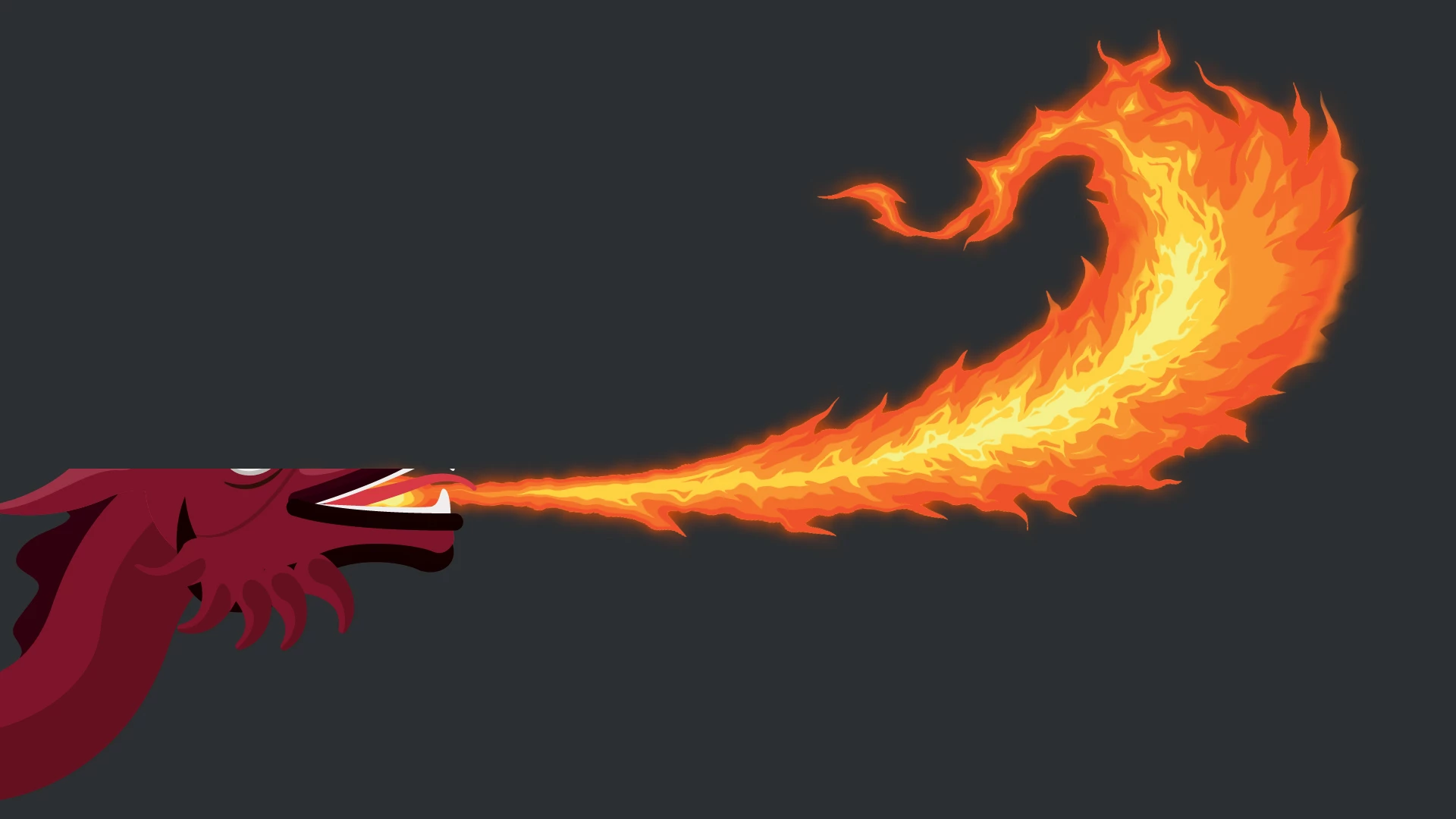
This started happening to me a couple of weeks ago, when working with an Illustrator file provided by a client inside of After Effects: some assets/layers from the AI file, when rotated in AE, get "cut off" at certain points along the rotation. So I've got a layer, static. I rotate it. At some point in the rotation part--not all--of the layer "vanishes", like it's been matted/masked, then comes back. I thought this was maybe an anomaly/glitch associated with the AI file that came from the client--but it's just happened again with another file, from a different client; and it's happening on two different computers.
A workaround I discovered was to make the "offending" layer 3D. The vanishing stopped. But why? Why is this happening???? Never had it before, now suddenly happening in two separate instances...
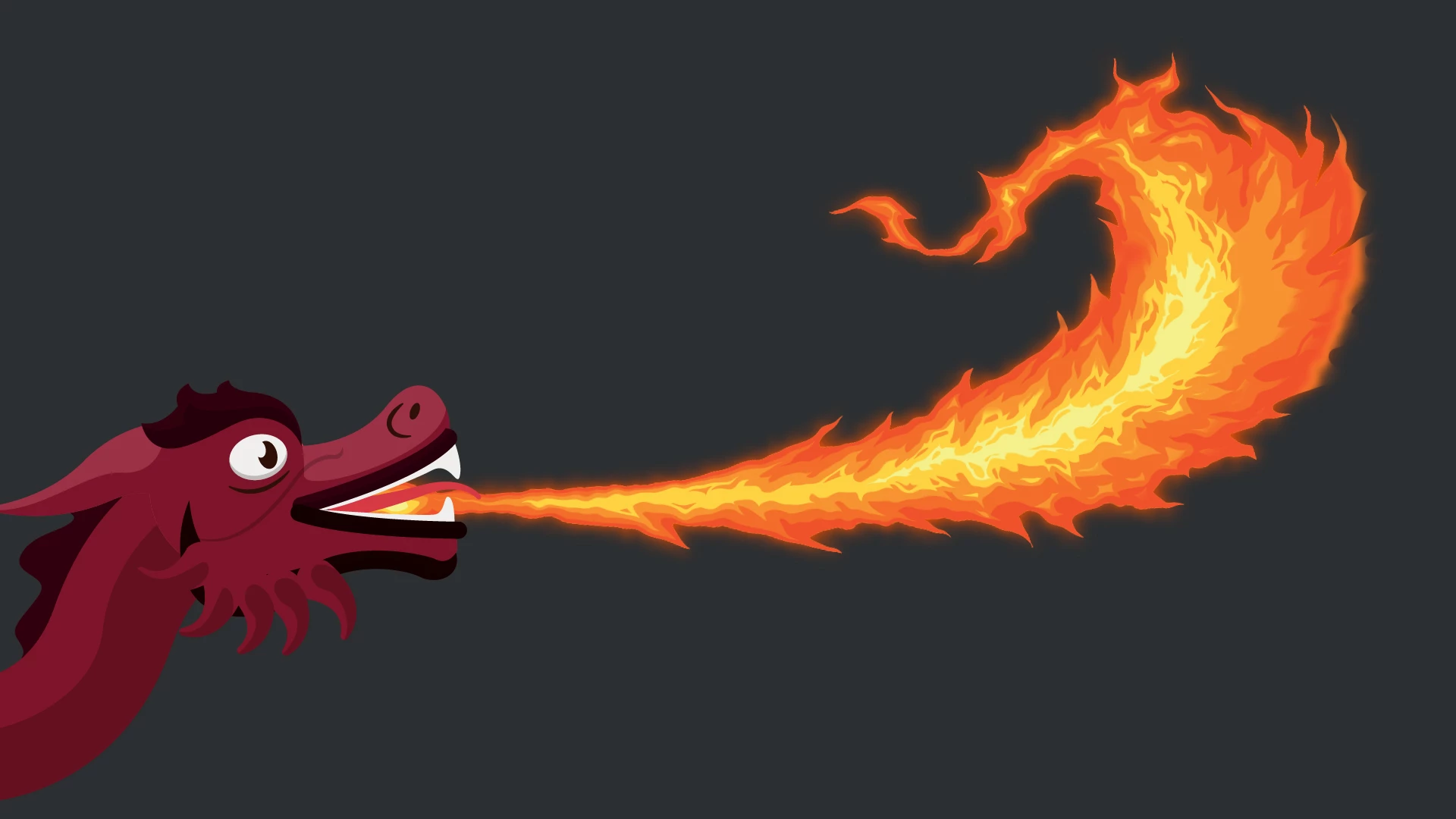
Sample images attached of most recent occurrence, showing what happens to the layer going from a rotation of -4 to -5. The dragon is the layer that's being rotated--and part of its head is being cut off at -5 rotation, but then comes back at -6. As far as I can tell, the -5 is completely arbitrary: it's happening at different rotation values with different layers.
Really strange and really frustrating!
 AdChoices