

Illustrator Leading & Kerning Inconsistency between computers
Hi everyone!
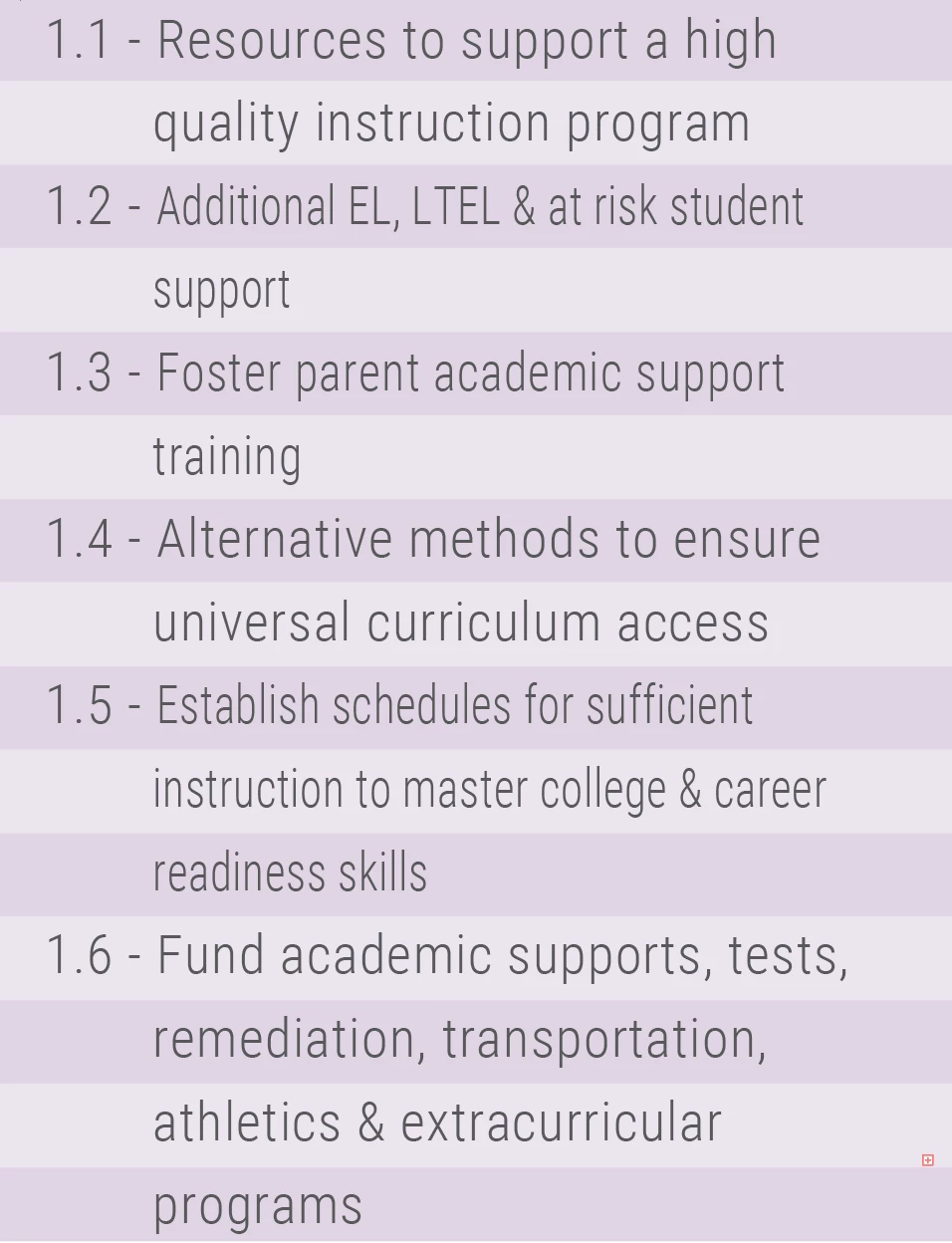
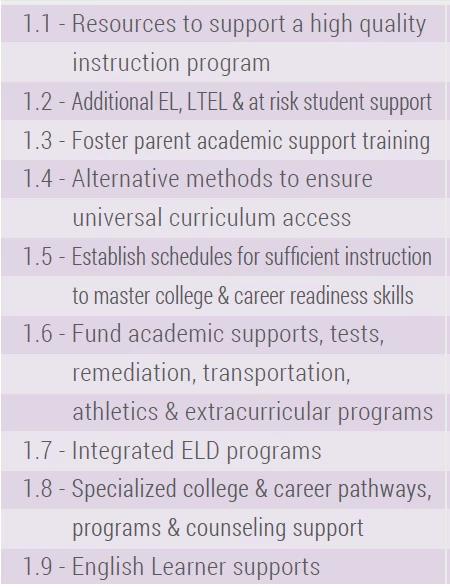
I am experiencing major inconsistencies with leading & kerning between computers. When text is formatted on one computer the kerning changes when viewed in AI on another, either not fitting within the text box, changing the size of the text box, aligning the text box along the page margin or creating inconsistent leading between lines.
I have double checked Preferences, Type Settings & have uninstalled & reinstalled Illustrator & fonts on the problematic computer, but they all are the same version and have the same preference settings.
Any suggestions on how to fix this issue?
Here are some screenshots for reference:
However this is the same exact text exported PDF from a different computer:
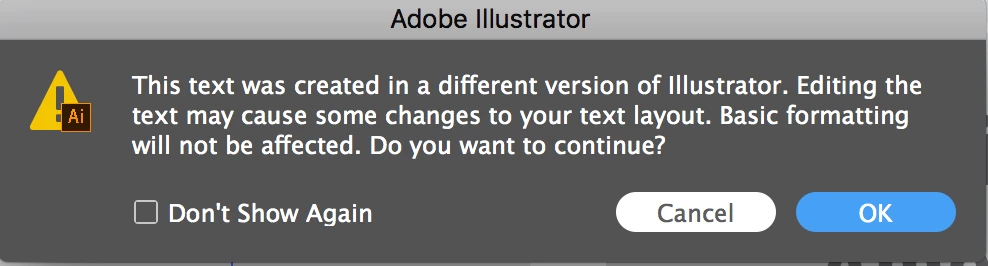
& I did recently received this popup:
 AdChoices