
Answered
Illustrator library thumbnails don't show anymore
Hello,
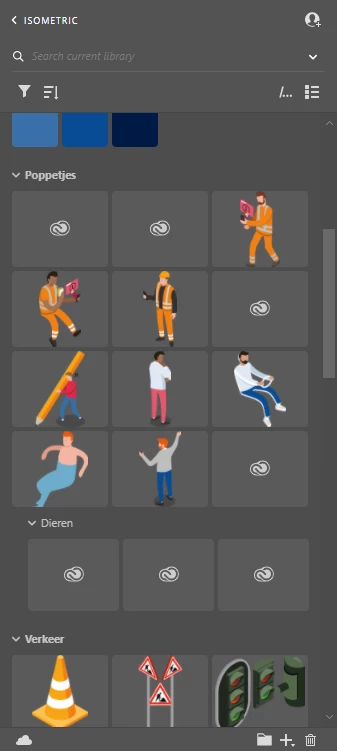
I have been working on some isometric designs in illustrator and am trying to keep my library up to date so i can easily use my designs in future projects. Recently i ran into a problem. The thumbnails in the library don't show the artwork anymore wich makes it harder to find the right file. Instead it shows the Creative Cloud icon. It is extra weird beceause it didn't always do this. My older artwork still shows. Is there anyway i can refresh these images so i have a better overview of my library?
In the image below you can see an example of my library in illustrator. As you can see most of the artworks are visible, but the most recent ones are not.
 AdChoices