- Home
- Illustrator
- Discussions
- Illustrator Mac 2024 freezes on launch, won't star...
- Illustrator Mac 2024 freezes on launch, won't star...

Copy link to clipboard
Copied
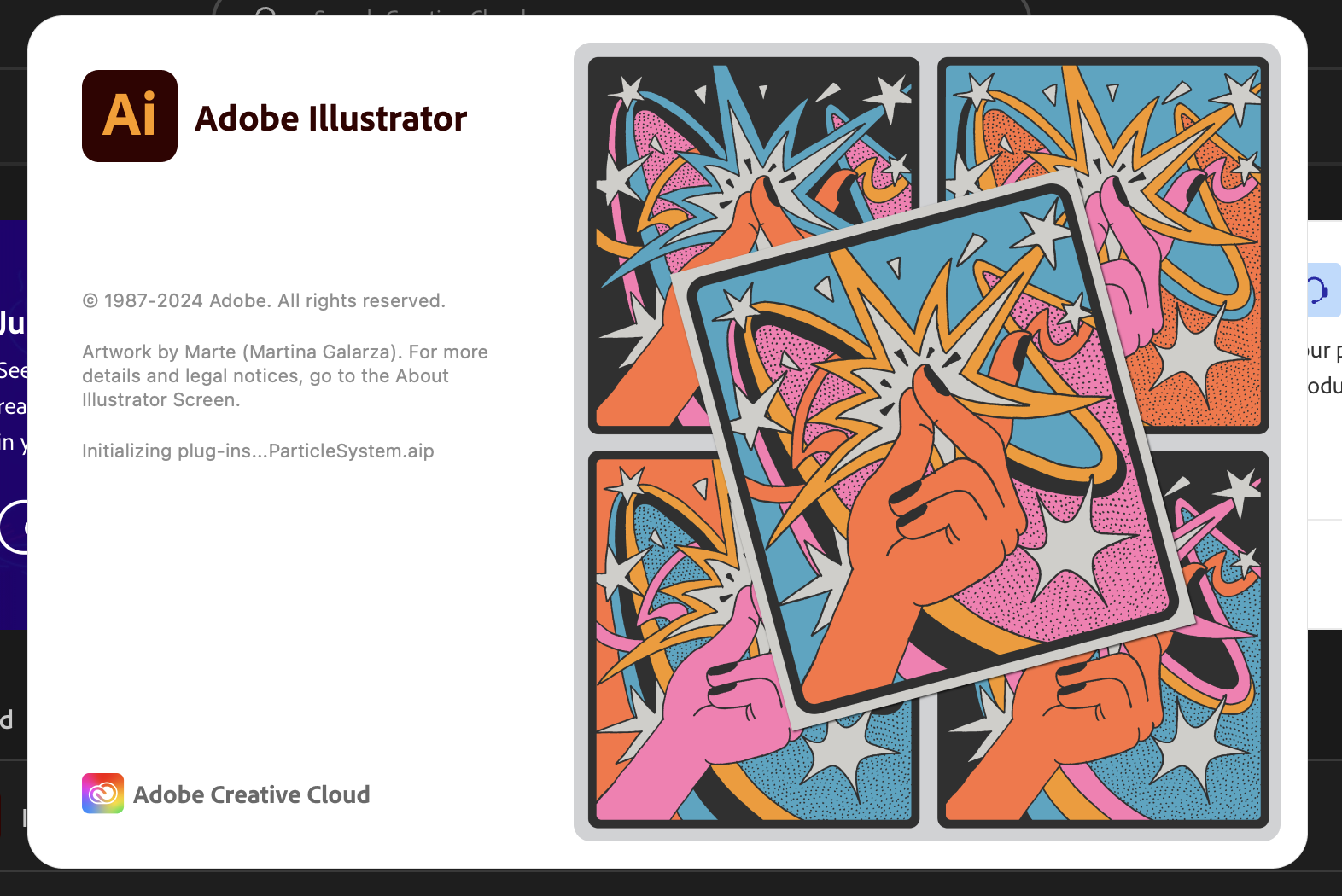
It was running fine, then randomly stopped launching. When I try, it gets to the point of checking and initializing, then freezes. Always a different item that it's initializing when it freezes. What I have tried:
- Uninstalled from CC desktop and from Finder, reinstalled over and over and over.
- Used the Cleanup tool to remove Illustrator and CC desktop
- Deleted font cache using Terminal
- No 3rd party plugins or anything else to remove, no scripts to launch
- Removed Illustrator caches
- Removed beta version
- Rebooted several times
System info:
- M2 with 16 gb
- Sonoma 14.4.1
- System Monitor shows 9 gb free before trying to launch
- Monitor shows 12 gb used when launch attempt is in progress
- 95 gb disk available, trash is empty, iCloud is nearly full
- Other CC apps are installed but not running
Searching here shows this has been an issue for years. Any suggestions before I give up and start using something else?


 4 Correct answers


Hello everyone,
We have received several reports of apps crashing or becoming unresponsive after launch, particularly following the release of version 28.6. Unlike generic crashes, this issue specifically causes all Adobe apps to get stuck at the splash screen or enter a “not responding” state, preventing them from launching. The problem has been traced to certain Beta Adobe applications related to video composition and editing. We recommend updating all Beta and released versions of video-specif

Hello @qwishunas4549300,
We understand that encountering technical issues can be frustrating. Would you mind confirming if you have any beta Adobe apps installed on your computer? If yes, kindly try the following steps to check if they help:
- Close all Adobe applications
- Uninstall any installed Beta apps from Creative Cloud (https://adobe.ly/46LMOWv)
- Relaunch Illustrator
If the problem persists, try removing Illustrator using the Creative Cloud Cleaner Tool (https://adobe.ly/4drjbfk) and then

Thank you this worked but ONLY after uninstalling and cleaning ALL my creative cloud apps, including the creative cloud desktop. Lost all morning with this! Uninstalling and cleaning illustrator was not enough. ugh!

Can confirm I looked through this thread for solutions and the one that worked for me was removing all BETA apps. My MacOS was completely up to date, I had uninstalled and reinstalled Illustrator, but for some reason the BETA apps were causing the problem. For me, the hickup was happening with the plugins. After uninstalling all BETA apps, Illustrator opened in 2 seconds.

Explore related tutorials & articles
 392
Replies
392
392
Replies
392


Copy link to clipboard
Copied
Checked Illustrator again after some time, splash screen has gone, but now stuck on a blank screen.

Copy link to clipboard
Copied
Same issue here, any agent free til monday I thing. the only app that is working now for me is Lightroom Classic, but i dont need to use that app now.


Copy link to clipboard
Copied
Log out of Adobe.com and log back into adobe.com with the correct account that the apps are installed with. I have two accounts, and if I am using the wrong account, my apps don't play nicely! This is what I have to do!
Also, I noticed that the screen said Illustrator Beta.....don't use the Beta version. Try to use the Illustrator 2024 version. Or if you truly need to go back to Adobe Illustrator 2023 v27.0 to 27.9 ... I am on a MacBook Pro, late 2013, i7 with 16gigs of RAM with 1TB...maybe it's the OS, but, I am humming along quite nicely!

Copy link to clipboard
Copied
I am definitely logged in with the correct account.
Last night I did a full check of all the Creative Cloud Apps. Most work fine, but Photoshop, Illustrator, and InCopy seem to have the same issue: getting stuck on the splash screen.
Overnight I left Illustrator loading... these screenshots are 7 hours apart, showing it's stuck on initializing plug-ins


Copy link to clipboard
Copied
There are a couple of people in this thread ...
Which system is it?
Do you have any third party plugins?
How many fonts?
Do you have any custom materials installed?
Did you all already reset the preferences?
Can you also try and reset the OOBE folder? As Mike describes here: https://community.adobe.com/t5/illustrator-discussions/illustrator-27-7-won-t-open-stuck-on-initiali...
And try what Anubhav describes here: https://community.adobe.com/t5/illustrator-discussions/illustrator-opens-with-blank-window/m-p/14352...
Copy link to clipboard
Copied
I'm on a iMac 4.2 GHz Quad-Core Intel Core 7 48 GB 2400 MHz DDR4 running Ventura and Adobe CC all latest releases.
Only Photoshop, Photoshop Beta, Illustrator, Illustrator Beta, and InCopy were affected.
My only one third party plugin was WebPshop on Photoshop
1700 fonts (633 active)
No custom materials.
Thanks for responding with those suggestions. I tried them all with no success, including
Manually reset preferences
Reset the OOBE folder
Checked for large presets: none
Since I have too much work and deadlines to meet, I decided to go nuclear: I made copies of my essential preset files, downloaded and ran the Adobe Creative Cloud Cleaner tool to Uninstall/clean everything, and manually uninstalled/trashed anything that remained. Not a trace of Adobe was left on my computer. Then I downloaded Creative Cloud and started over. Unsurprisingly, everything seems back to normal now. Sorry, I can't give any better advice than that, but I was running out of time and needed a solution.
Copy link to clipboard
Copied
Gla dyou could get it to work.
If anyone else wants to do the same:
https://helpx.adobe.com/creative-cloud/kb/cc-cleaner-tool-installation-problems.html
Copy link to clipboard
Copied
- I have the same problem since the last update 😕

Copy link to clipboard
Copied
- This is driving me nuts.
Copy link to clipboard
Copied
Some people could solve it by uninstalling, running the Adobe Cleaner tool and then reinstalling. https://helpx.adobe.com/creative-cloud/kb/cc-cleaner-tool-installation-problems.html

Copy link to clipboard
Copied
The Adobe Cleaner tool worked for me!
Copy link to clipboard
Copied
Hello everyone,
We understand that encountering technical issues can be frustrating. Our product team is currently investigating this problem. Would you mind sharing some more details, like the exact version of the OS/Illustrator, screenshots of the error message / problem, and Spindump (https://adobe.ly/3SwQ41Y) so we can check this with the team?
Looking forward to hearing from you.
Thanks,
Anubhav

Copy link to clipboard
Copied
has any solution been found?
It's only happened to me when trying to open Photoshop and Illustrator and all my apps and MacOs are up to date.
this happens after I update my Adobe applications...
I tried all the solutions on the internet and they don't work.
( Macbook Pro M2 )
Copy link to clipboard
Copied
Copy link to clipboard
Copied
Hello @Pedram26472326zx1i,
We understand that encountering technical issues can be frustrating. Would you mind confirming if you have any beta Adobe apps installed on your computer? If yes, kindly try the following steps to check if they help:
- Close all Adobe applications
- Uninstall any installed Beta apps from Creative Cloud (https://helpx.adobe.com/creative-cloud/help/uninstall-remove-app.html)
- Relaunch Illustrator
If the problem persists, try removing Illustrator using the Creative Cloud Cleaner Tool (https://helpx.adobe.com/creative-cloud/kb/cc-cleaner-tool-installation-problems.html) and then reinstalling and share your observations.
Looking forward to hearing from you.
Thanks,
Anubhav

Copy link to clipboard
Copied
Hi
One of my users is facing same problem with Illustrator and Photoshop. After upgrading Illustrator to Ver. 28.6 and Photoshop to Ver. 25.11 the apps stopped opening.
The user has MAC OS Sonoma 14.6, on Mac Studio M1 Max,
I have tried the mentiond remedy but did not solve the problem.
Copy link to clipboard
Copied
Are any Adobe beta apps installed? If so, uninstall them.
Copy link to clipboard
Copied
Resolved now with same tips, have to uninstall all Beta Apps, strangely some of the beta apps were not showing in CC, had to manually uninstall it from the app folder, then it worked.
Thanks
Copy link to clipboard
Copied
Hello,
I delete completely all my Adobe applications, then delete Creative Cloud, reinstall everything, and problem-solve.

Copy link to clipboard
Copied
Hi there Anubhav,
This unfortunately has not worked for me. I´m running a Mac studio Apple M1 Ultra, 128GB. And it´s still not loading.
What would you advise at this point?
Thanks,
António

Copy link to clipboard
Copied
This is really horrible, Adobe. I just started trying to restart work on a project this morning after vacation, only to discover that I can't launch any of my Adobe apps other than Acrobat, Lightroom, and Lightroom Classic. All the rest hang at the splash screen. I really don't have time for this "fix," which will take a long time to do and should never have been necessary. Instead, I'm just going to try to muddle through using non-Adobe apps and consider either greatly paring down my Creative Cloud subscription to the bare minimum or even canceling it altogether.
Copy link to clipboard
Copied
@Gorskon schrieb:
This is really horrible, Adobe. I just started trying to restart work on a project this morning after vacation, only to discover that I can't launch any of my Adobe apps other than Acrobat, Lightroom, and Lightroom Classic. All the rest hang at the splash screen. I really don't have time for this "fix," which will take a long time to do and should never have been necessary. Instead, I'm just going to try to muddle through using non-Adobe apps and consider either greatly paring down my Creative Cloud subscription to the bare minimum or even canceling it altogether.
Do you have any Adobe beta app installed? If so, uninstall it, reboot and try again .

Copy link to clipboard
Copied
This method didn't resolve in any change, the applications still freezes in the same splash screen
Copy link to clipboard
Copied
verything worked only after I reinstalled illustrater. Photoshop and indesign kept crashing untill I did the reinstall, thank you for your time 🙂
Copy link to clipboard
Copied
- Problem with Illustrator and Photoshop. After upgrading Illustrator to Ver. 28.6 and Photoshop to Ver. 25.11 the apps stopped opening.
- MAC OS Sonoma 14.6, on Mac Studio M1 Max.
- Attached are Spindump files for Photoshop & Illustrator along with other screen shots.


Find more inspiration, events, and resources on the new Adobe Community
Explore Now
 AdChoices