natashakline1
Participant
July 24, 2017
Answered

Illustrator Masking Help

  • July 24, 2017
  • 2 replies
  • 460 views

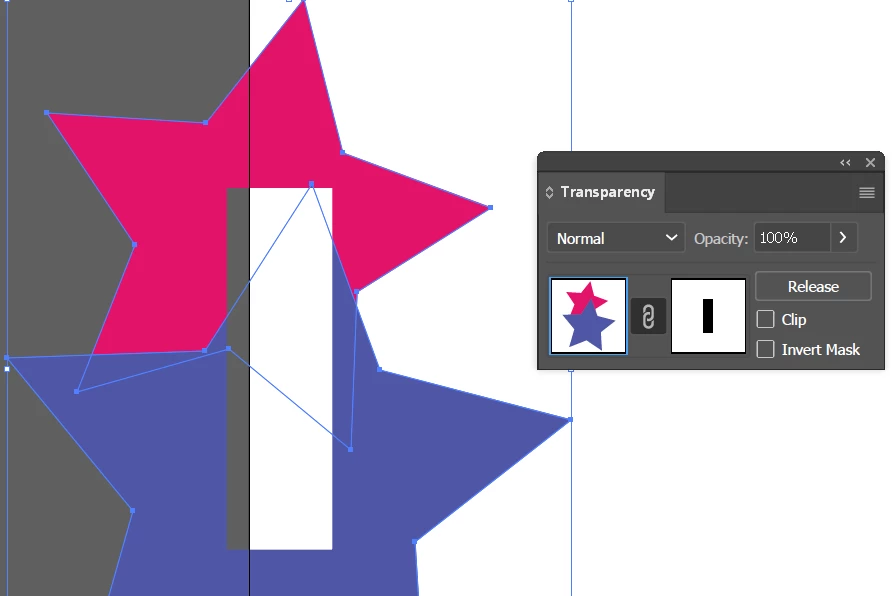
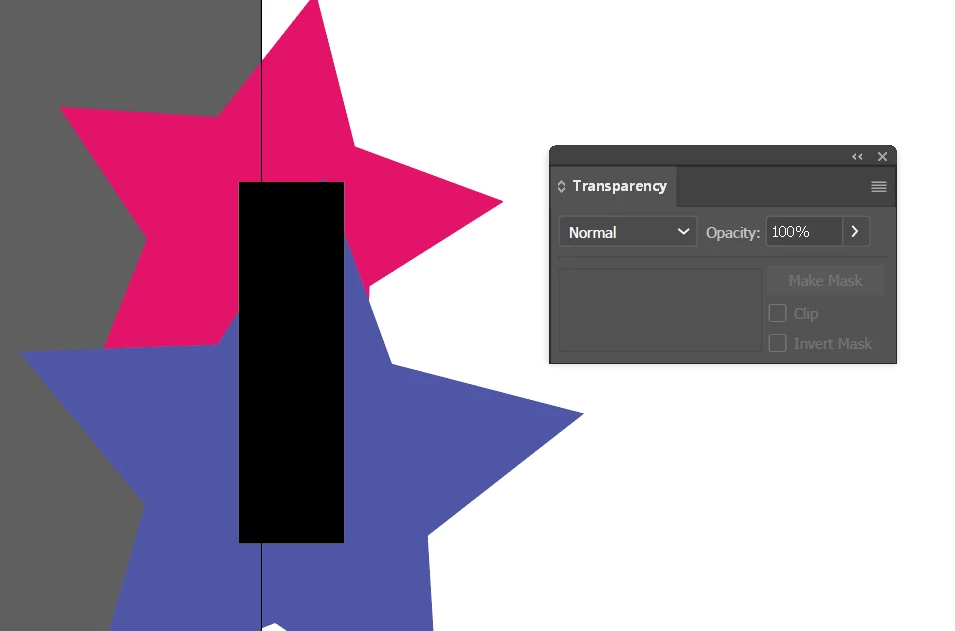
I am looking to see how to make this. I have setup the triangles and have grouped them and then tried to clip them with the outlined H, but it keeps clipping to a specific triangle or to the H. I can get it to just clip around the H as it is shown here. What am I doing wrong? We want to keep the integrity of the vector and not make the triangles into an image in photoshop to do this, but i'm not sure of another way at this point.

    This topic has been closed for replies.
    Correct answer Ray Yorkshire

    give the H a black fill

    select all and open panel

    window > Transparency

    click Make Mask

    2 replies

    Ray Yorkshire
    Ray YorkshireCorrect answer
    Participating Frequently
    July 24, 2017

    give the H a black fill

    select all and open panel

    window > Transparency

    click Make Mask

    natashakline1
    Participant
    July 24, 2017

    I finally got it after playing with that just a bit. THANK YOU SO MUCH!

    Bill Silbert
    Community Expert
    Community Expert
    July 24, 2017

    Select all of the triangles and make them a compound path. Then select the H and the triangles and make a clipping mask.

    natashakline1
    Participant
    July 24, 2017

    Making a compound path makes them all the same color, and then the clipping mask still didn't work correctly.

    Bill Silbert
    Community Expert
    Community Expert
    July 24, 2017

    Sorry. I guess I'm really not clear about what you actually are trying to do here other than what you've shown.