
Answered
Illustrator not working. Stuck on start up gray screen??
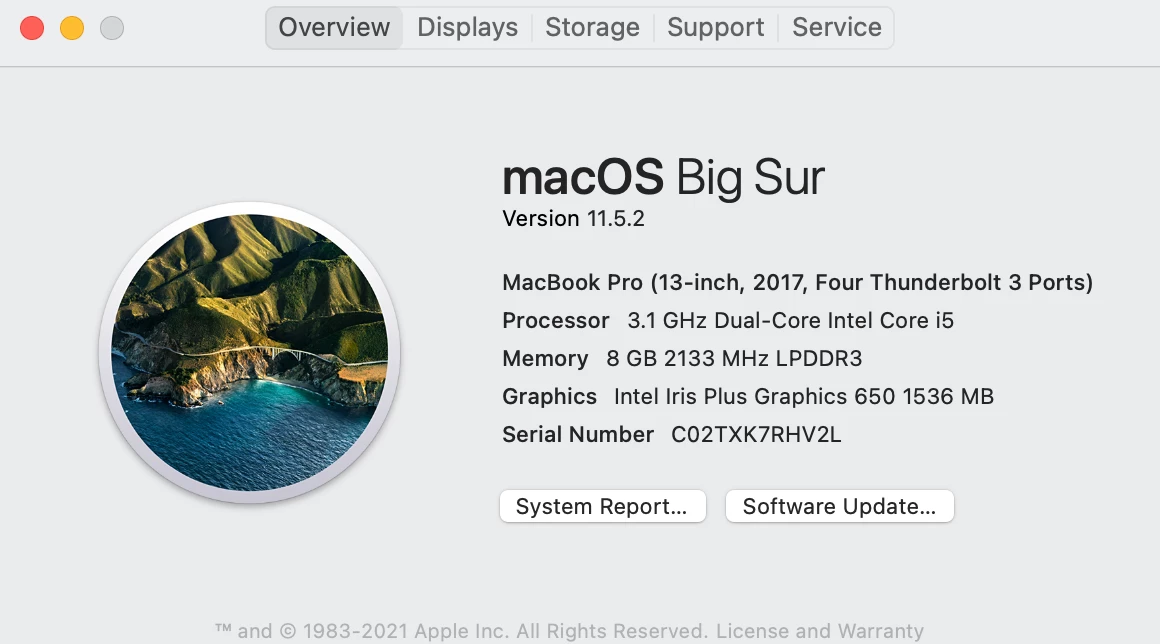
Ever since I updated my Macbook pro to Big Sur, Illustrator 25.4.1 will not work. All I see when I open up the app is a gray screen. I can't open up any templates, files, or anything. It won't allow me to do anything at all. I've tried unistalling the app, reinstalling the app, restarting my macbook, force closing and reopening the app, my illustrator and macbook are both up to date but nothing has worked. Does anyone have any suggestions on what I can do to get my illustrator working on my mac book pro again?


 AdChoices