
Participant
August 20, 2023
Question

Illustrator Not working

  • August 20, 2023
  • 2 replies
  • 475 views

Hey, I have a problem when I open Adobe Illustrator, it’s not working. I tried to delete it and upload it again and it’s still the same. I even tried to shut down my laptop and it’s not working ! Just showing this and I can’t even press anything ! Please help 🙏
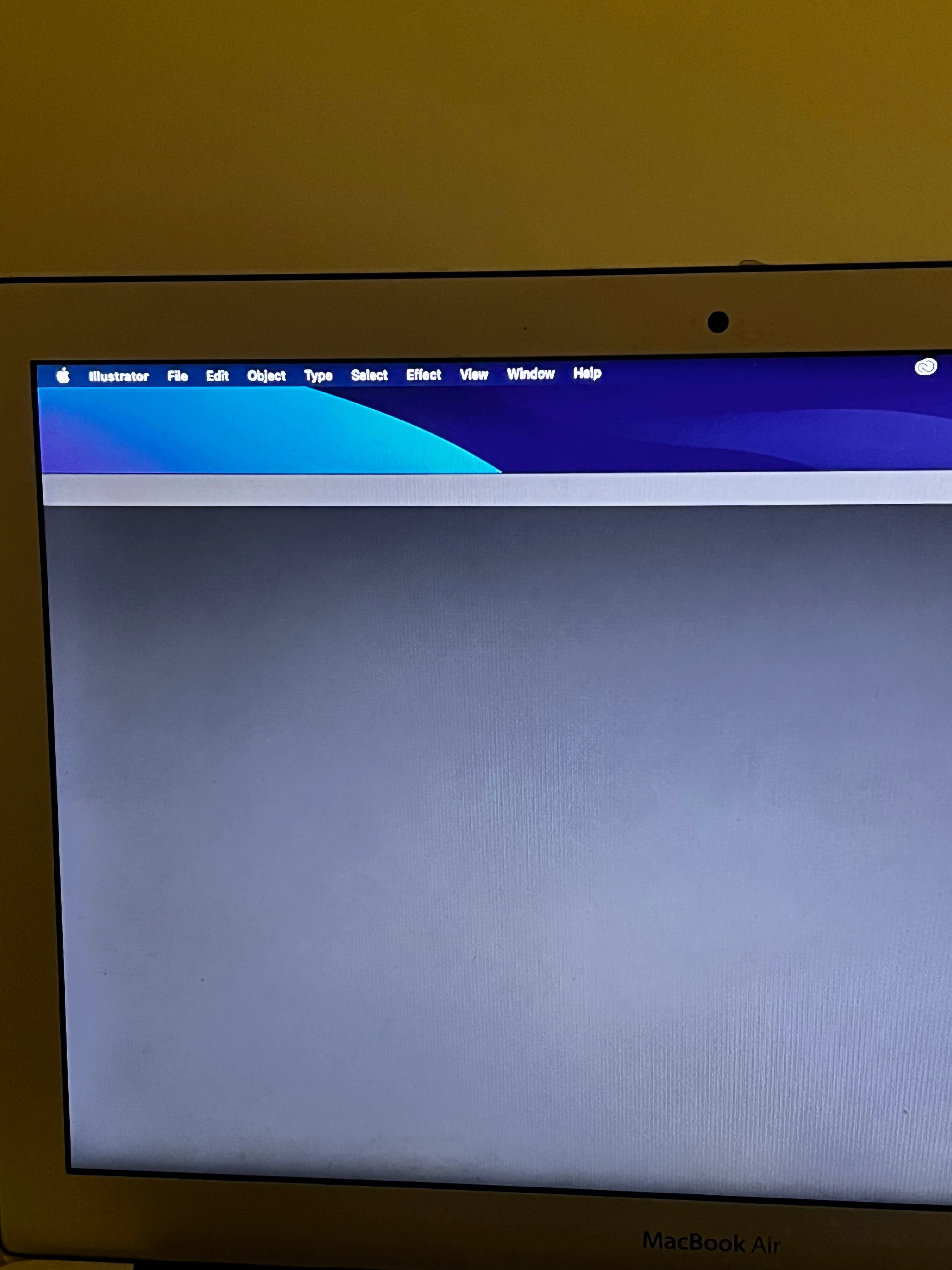
This topic has been closed for replies.

2 replies

Anshul_Saini
Community Manager
Community Manager
August 23, 2023

Hello @Rae317784293ogc,


I'm sorry to hear that you're experiencing issues with Adobe Illustrator. When the software doesn't respond or open properly, it can be frustrating. Here are a few steps you can try to troubleshoot the problem:

  • Corrupted preferences can cause software issues. You can try resetting Illustrator preferences
  • Sometimes, third-party plugins can cause compatibility issues. Try disabling any plugins and see if the problem persists.
  • If none of the above steps work, you might consider uninstalling Illustrator, restarting your computer, and then reinstalling it.


I hope one of these steps helps resolve the issue. Let us know how it goes.


Best regards,

Anshul Saini

Monika Gause
Community Expert
Community Expert
August 20, 2023

Which system are you running on it? If it's the beta of Sonoma, then you need to downgrade

Participant
August 20, 2023

I did not understand what you mean, but I updated my laptop and formatted it, and downloaded just Illustrator again, and its the same problem

Monika Gause
Community Expert
Community Expert
August 20, 2023

Which system is on your computer?

Just open About this Mac and tell us what it says.