

Answered
Illustrator object color problem
Hello,
I have a problem with Illustrator. I made a wrong manipulation and I can't solve it. I created a project with rectagles and they all became "transparent". In the tools panel on the right, where you can change the color of shapes etc., my rectangles are black when I select them. But on my work surface, they're not. You can see this in the screenshot I took.
Thanks in advance!!!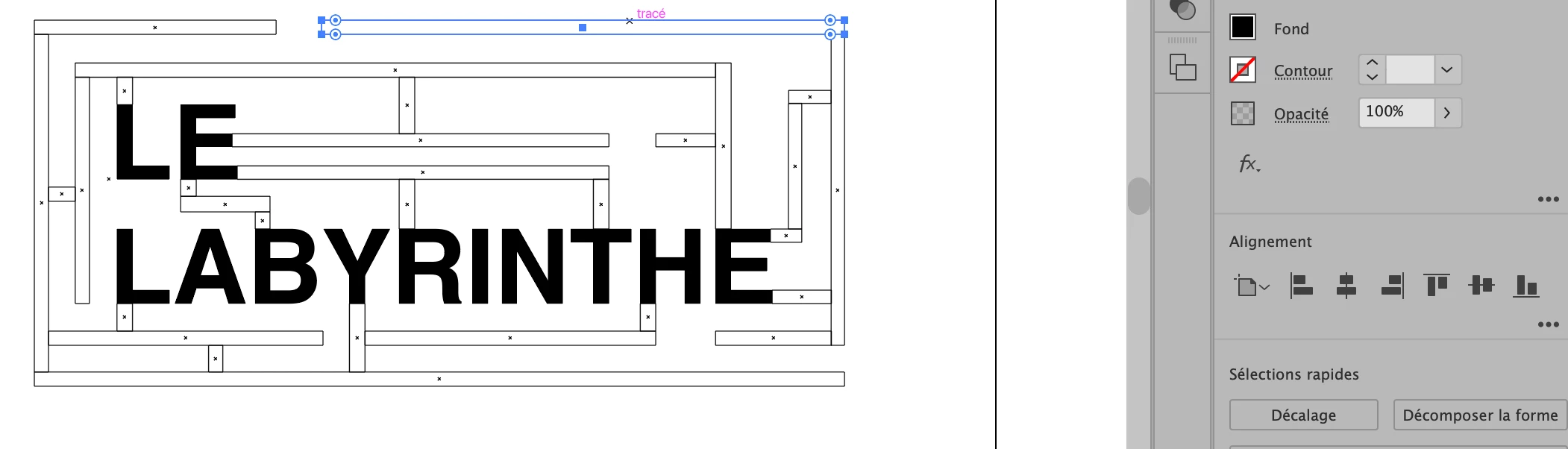
 AdChoices