
Answered
illustrator object using 3D and Materials looks shows an outline when placed in Photoshop
I'm certain there is some setting I'm getting wrong here. I have created an image using Illustrator. I've applied materials and 3D effects. It looks great in Illustrator (see image below)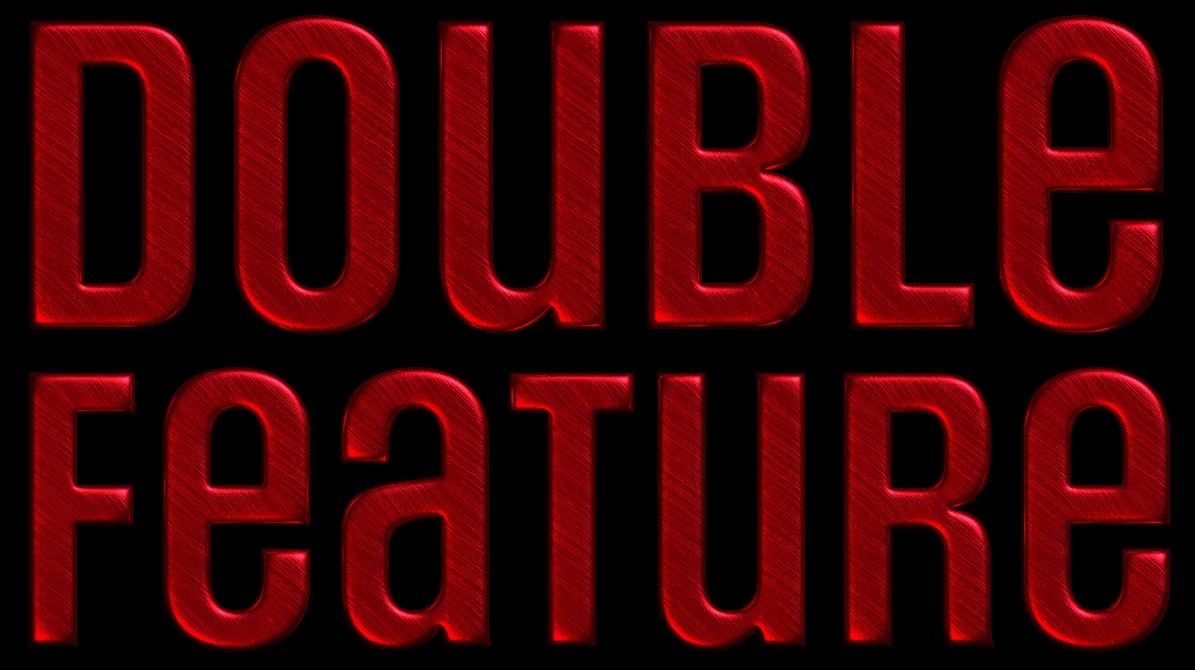
If I paste it into Photoshop as a smart object, or place it as a linked or embedded file, I see an outline around the object. 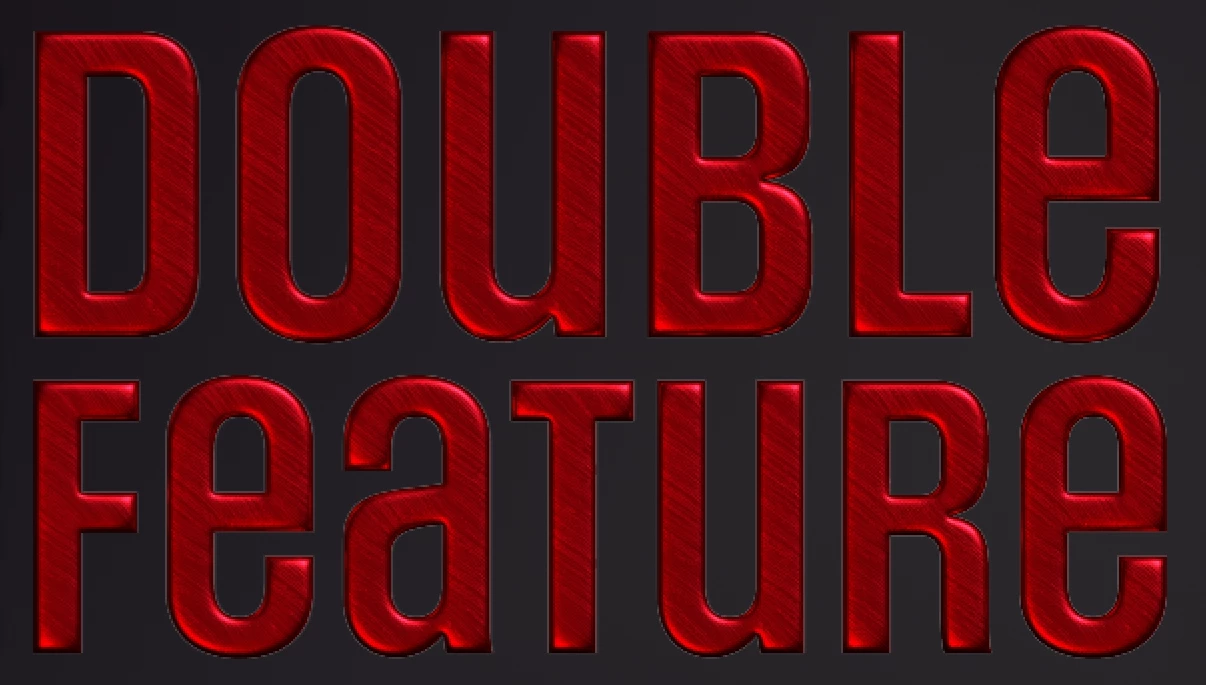
Both the illustrator file and the photoshop file are RGB, Illustrator document raster settings are 300dpi, anti-aliased. I've tried various render settings in the 3D pane, but can't really see any difference each time.
I would be grateful for any suggestions to fix this issue.
 AdChoices