
Participant
November 19, 2023
Answered

Illustrator ouvre une ancienne version du document

  • November 19, 2023
  • 2 replies
  • 457 views

Bonjour à tous, je travaille pour une amie sur Illustrator 2019 (pas les moyens de passer en CC...). Depuis 3 jours, je travaille et enregistre mon pdf mais quand je ferme (j'efface toujours le presse papier) et que je le rouvre il est "bloqué" sur une vieille version de mon document pourtant Adobe Acrobat DC l'affiche dans sa dernière version, la vignette de démarrage d'Illustrator aussi...

Ancienne version date de vendredi :

Ma dernière version hier au soir avant fermeture de l'appli :
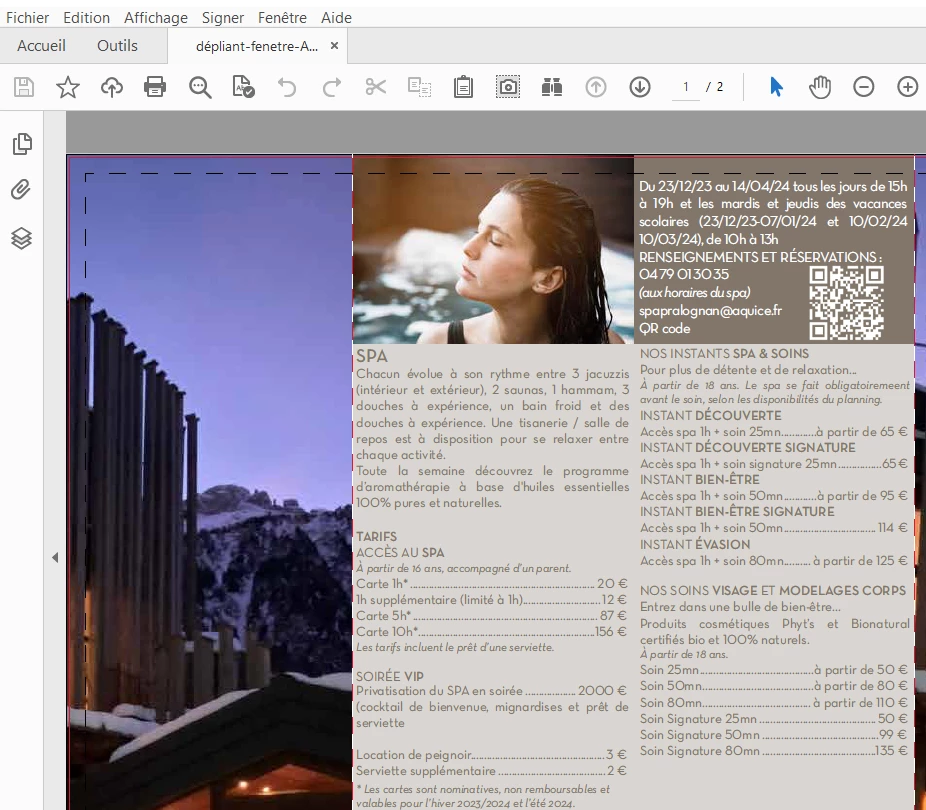
L'affichage de la vignette, d'ailleurs il affiche une dernière ouvertuyre il y a une heure or je veisn de l'ouvrir...
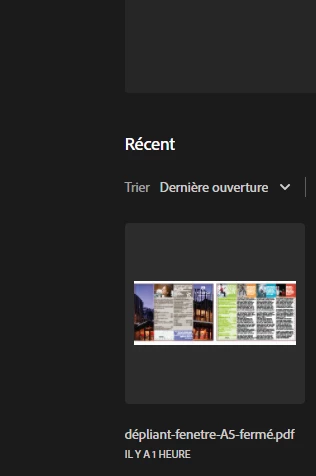
 

Je vais devenir folle, je suis désespérée. Chaque jour je perds tout mon travail, sauf si je ne ferme pas l'appli. Quelqu'un peut m'aider ? 

J'ai tout essayé, nettoyage disque, défragmenté, enregistrer sous dans reader pour rouvrir dans illustrator, redémarrer l'ordinateur... Rien en marche...

Merci

This topic has been closed for replies.
Correct answer VanessaF

I thought it took less place on my drive and easier to share... I have started a brand new one without using an imported model and saved it as .ai. I have closed and opened it is ok. I just have to do again 1 day job !

2 replies

Bill Silbert
Community Expert
Community Expert
November 19, 2023

Are you saving on your local drive or to a server? If on the local drive are you certain that the location you are saving to is the same location that you are later trying to open the document from?

VanessaFAuthor
Participant
November 19, 2023

@Bill Silbert  a écrit :

Are you saving on your local drive or to a server? If on the local drive are you certain that the location you are saving to is the same location that you are later trying to open the document from?


Yes I save on local drive and open the  good one each time. I have started a brand new .ai and pasted everything I could and do again the changes. I wonder if the problem was not coming from the "gabarit" of the printer...

Ton Frederiks
Community Expert
Community Expert
November 19, 2023

Why do you save as PDF?

Try .ai (with Create PDF Compatible File checked).

Do you save local, Desktop?

VanessaFAuthorCorrect answer
Participant
November 19, 2023

I thought it took less place on my drive and easier to share... I have started a brand new one without using an imported model and saved it as .ai. I have closed and opened it is ok. I just have to do again 1 day job !

Ton Frederiks
Community Expert
Community Expert
November 19, 2023

Good to hear you've got it working again.